After Effects Skill Test: Are You (actually) Good?
 Jordy Vandeput
142K views
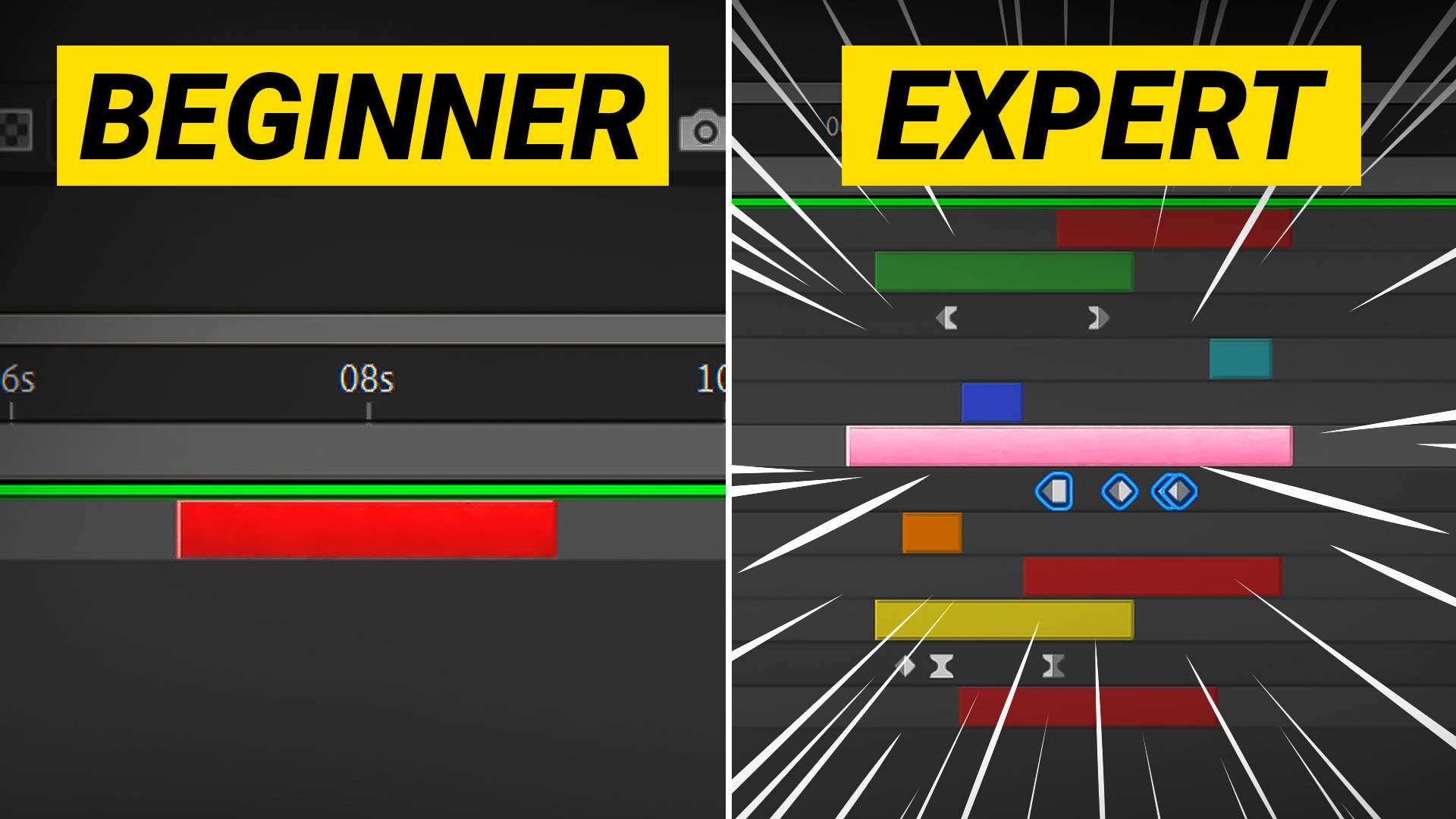
Test your After Effects Skill Level with 15 tips from beginner to professional in this Adobe After Effects tutorial. Are you good enough?
Working in After Effects
If you are a video editor or filmmaker, then chances are you use Adobe After Effects to create your videos. After Effects is a powerful software that allows you to manipulate footage, create graphics and animations, and more. Whether you are using AE for the first time, or if you have years of experience, there is always something new to learn!
Below are two bonus tips that I have picked up over the years that have helped me become a better AE user. Some of these tips are general tips, while others are more specific. Hopefully they can help you too!
bonus Tips
There's a function in After Effects that lets you pre-render things automatically. But with bigger projects, that can cause problems. Like caching mistakes or strange glitches. I've started purging my cache lately. It removes all the pre-rendered stuff, so I use a keyboard shortcut to do it. Because shortcuts are the best.
There are two motion blur effects you can use in After Effects. The Force Motion Blur and Pixel Motion Blur. But what are they? If you want to add motion blur to a moving object in your animation, Force Motion Blur is the best choice. It creates motion blur based on the movement of the layers in your composition.
While the Pixel Motion Blur effect creates motion blur based on the movement of the pixels in your animation. It is best used when you want to add motion blur to a fast-moving object or when you want to add a more natural look to your animation.
lickd
Big thanks to Lickd for sponsoring this video and providing us with licensed popular music for us to use in our video. Get yourself your first song and improve your video quality with popular music.
Jordy Vandeput
Founder of Cinecom · 2.75M+ subscribers on YouTube
Jordy Vandeput is a Belgian filmmaker who has taught practical filmmaking to millions through Cinecom. He breaks professional techniques down into clear, repeatable steps you can use on your very next project.
Related tutorials
 179K
6:18
This New After Effects Update is Insane!
Learn how to use the newest 3D Beta feature from Adobe After Effects in this tutorial. Creating realistic renders has never been easier.
 61K
10:14

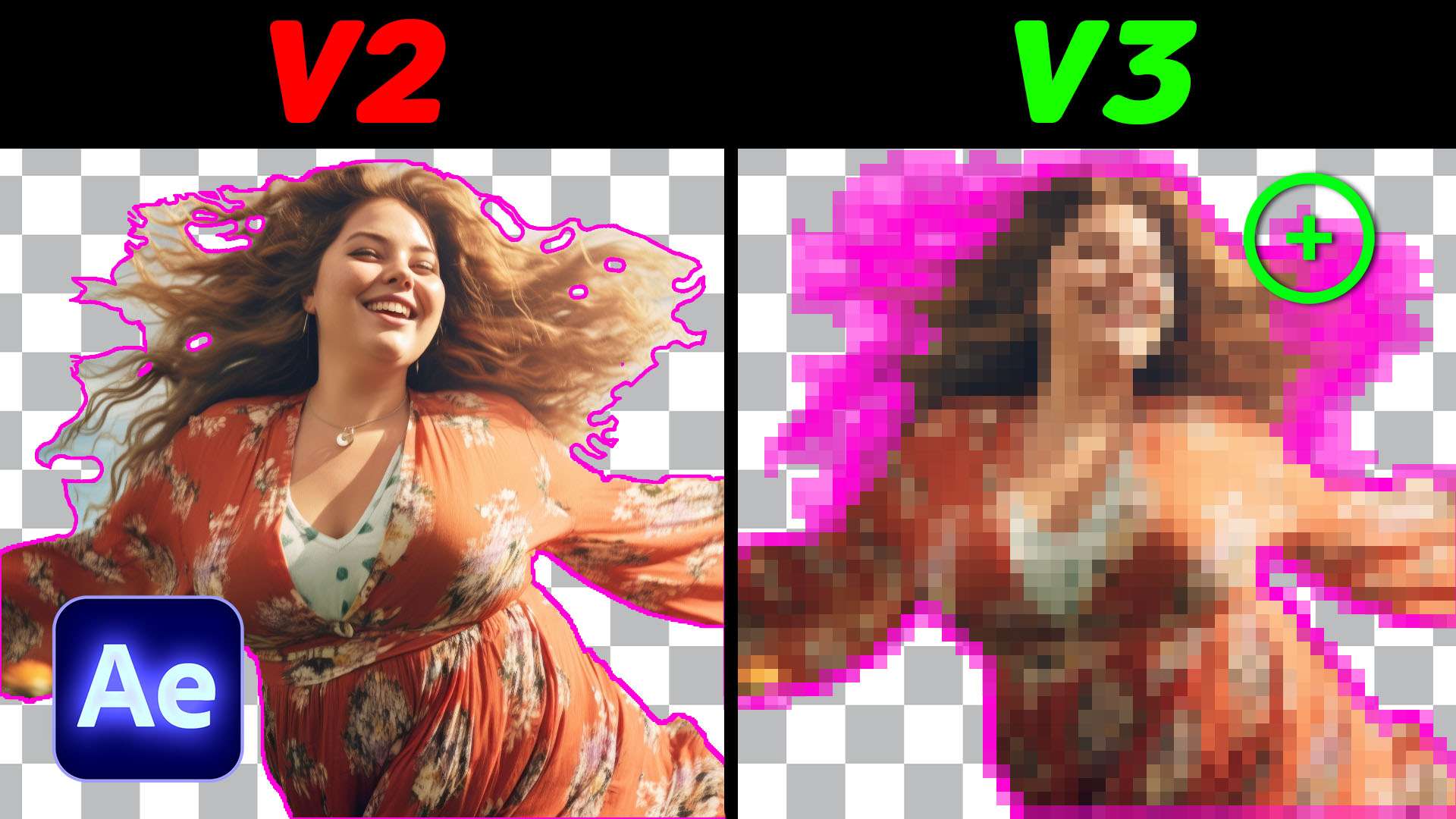
Is the NEW Rotobrush 3.0 Actually Better?
I tried out the new Rotobrush 3.0 In Adobe After Effects. Find out together with me if this new tool is worth it.
 46K
5:29
This Easy VFX Trick Will Blow Your Mind!
Learn how to create a realistic gun shot wound effect in this tutorial with the help of some practical tools and Adobe After Effects.

0 comments