3 Mindblowing Effects with the New Insta360 X3 (under 5 Minutes)
 Jordy Vandeput
50K views
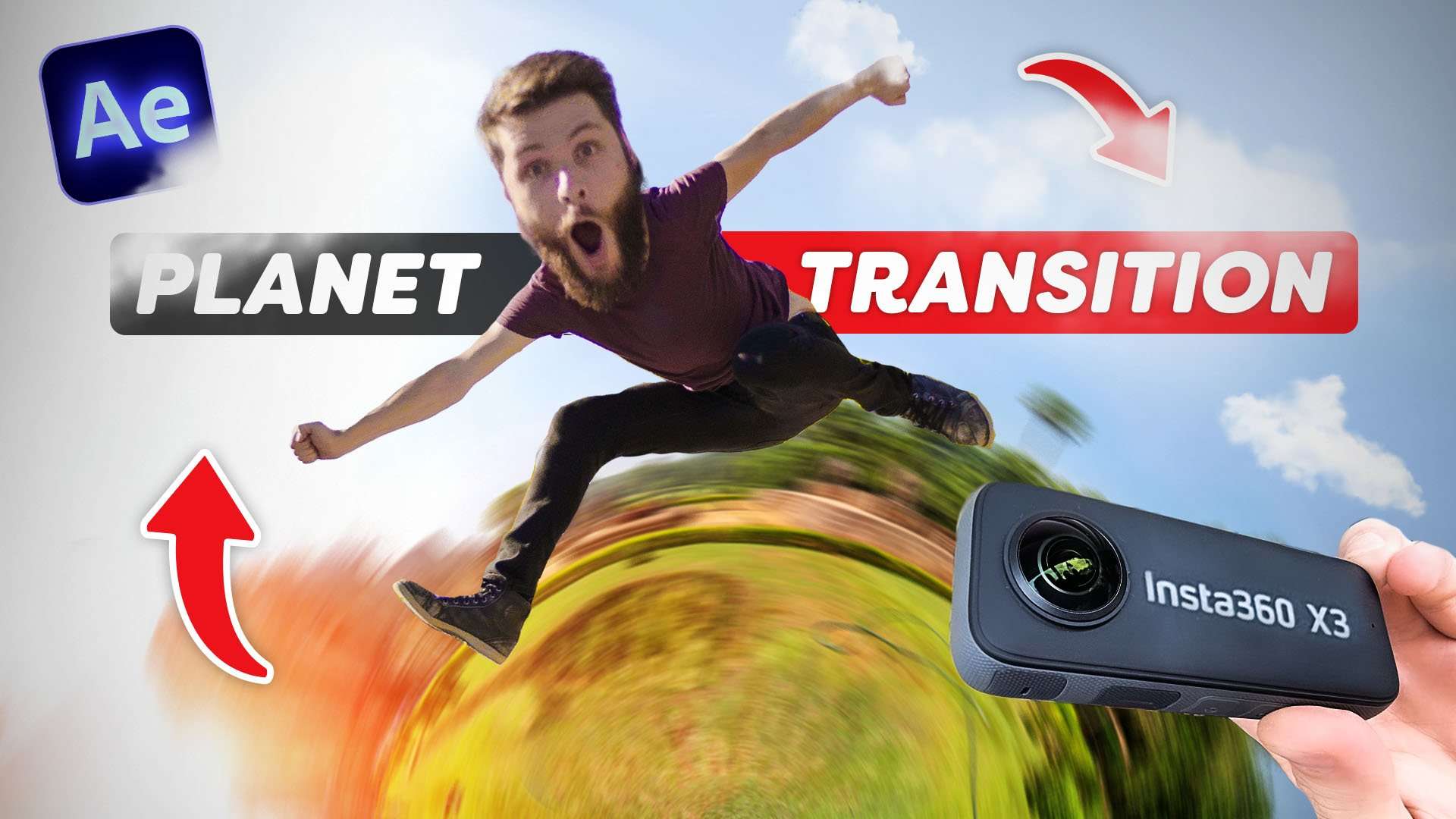
Learn how to create 3 simple but amazing visual effects in Adobe After Effects using the new 360 camera from Insta360, the X3.
insta360 did it again!
Today Insta360 released their brand new action cam, the Insta360 X3. The successor of the Insta360 ONE X2. They upgraded the outside with a bigger screen and made sure the inside wasn't left out. One thing you'll notice quickly is the quality improvement because of their new 1/2” sensor.
These innovations open up a whole new world for content creators and challenges us to be creative.
Creative filmmaking
Having affordable 360 cameras on the market for mass consumers is great. It allows everybody to play around with them and look for new and creative ways to use them. We all inspire each other and build new ideas from the old on of others. For example, we found this video on the insta360 instagram by bez.coffee.
After seeing this it inspired us to come up with a transition where you would switch from location while you yourself are sitting still. A fun way to switch it up if you ask me!
Insta360 X3
So that brings us back to the Insta360 X3. For a very affordable price, you can start shooting 360 video from your pocket. Being so compact and giving you all of its post-production features on your phone, it’s pretty awesome! For cinematographer/3D artists It’s a handy tool so definitely check it out!
Jordy Vandeput
Founder of Cinecom · 2.75M+ subscribers on YouTube
Jordy Vandeput is a Belgian filmmaker who has taught practical filmmaking to millions through Cinecom. He breaks professional techniques down into clear, repeatable steps you can use on your very next project.
Related tutorials
 46K
4:43
After Effects 27 New Features: AI Assistant, Contour Paint and More
The After Effects 27 new features, tested hands-on in the beta: the AI Assistant builds a wiggle with its own sliders and organizes your project, Contour Paint turns footage into a painting, and five smaller updates save you clicks every day.
 179K
6:18
This New After Effects Update is Insane!
Learn how to use the newest 3D Beta feature from Adobe After Effects in this tutorial. Creating realistic renders has never been easier.
 61K
10:14
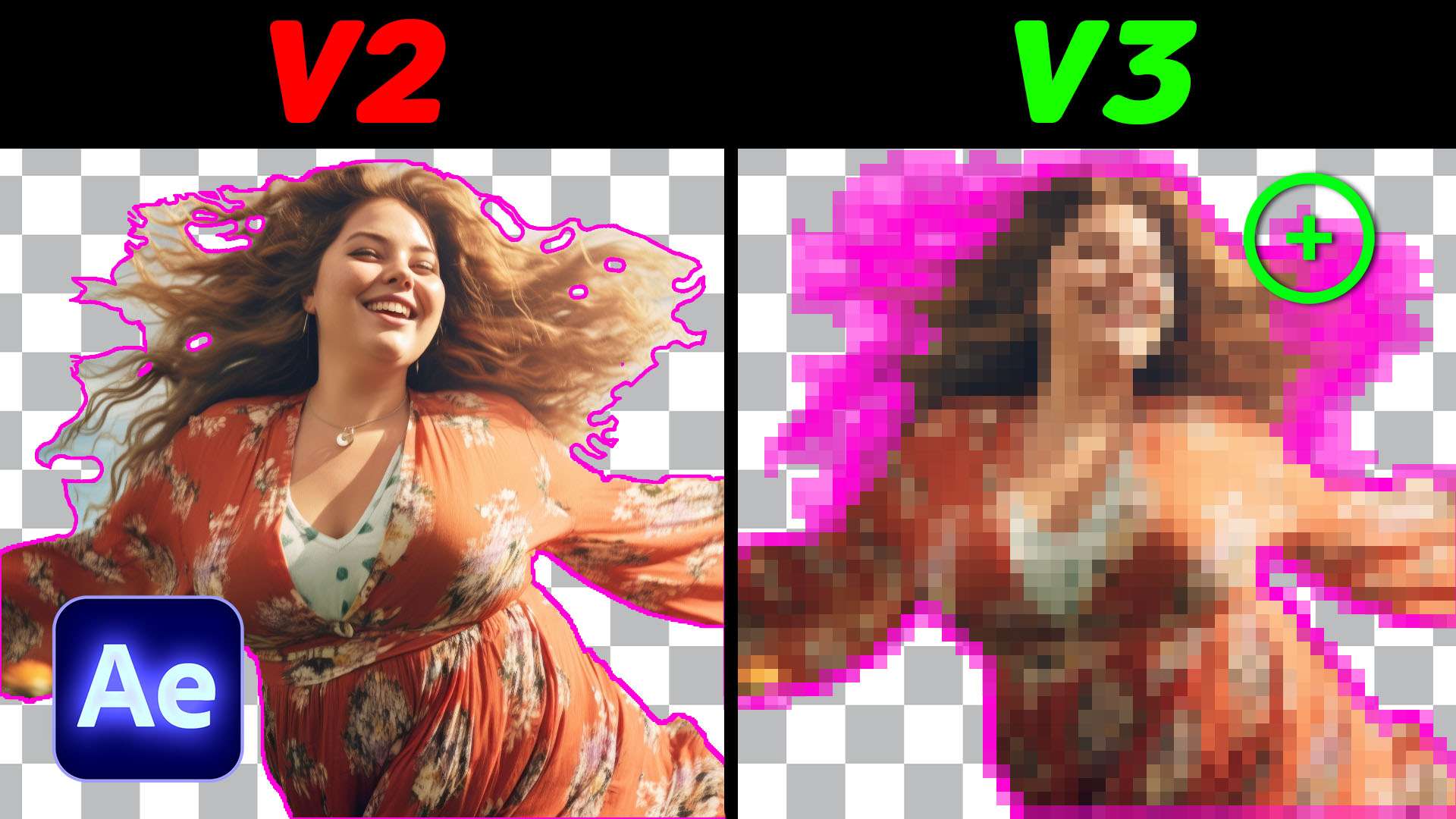
Is the NEW Rotobrush 3.0 Actually Better?
I tried out the new Rotobrush 3.0 In Adobe After Effects. Find out together with me if this new tool is worth it.


0 comments