Pop Bubble Gum From Your Eyes in After Effects
 Jordy Vandeput
36K views
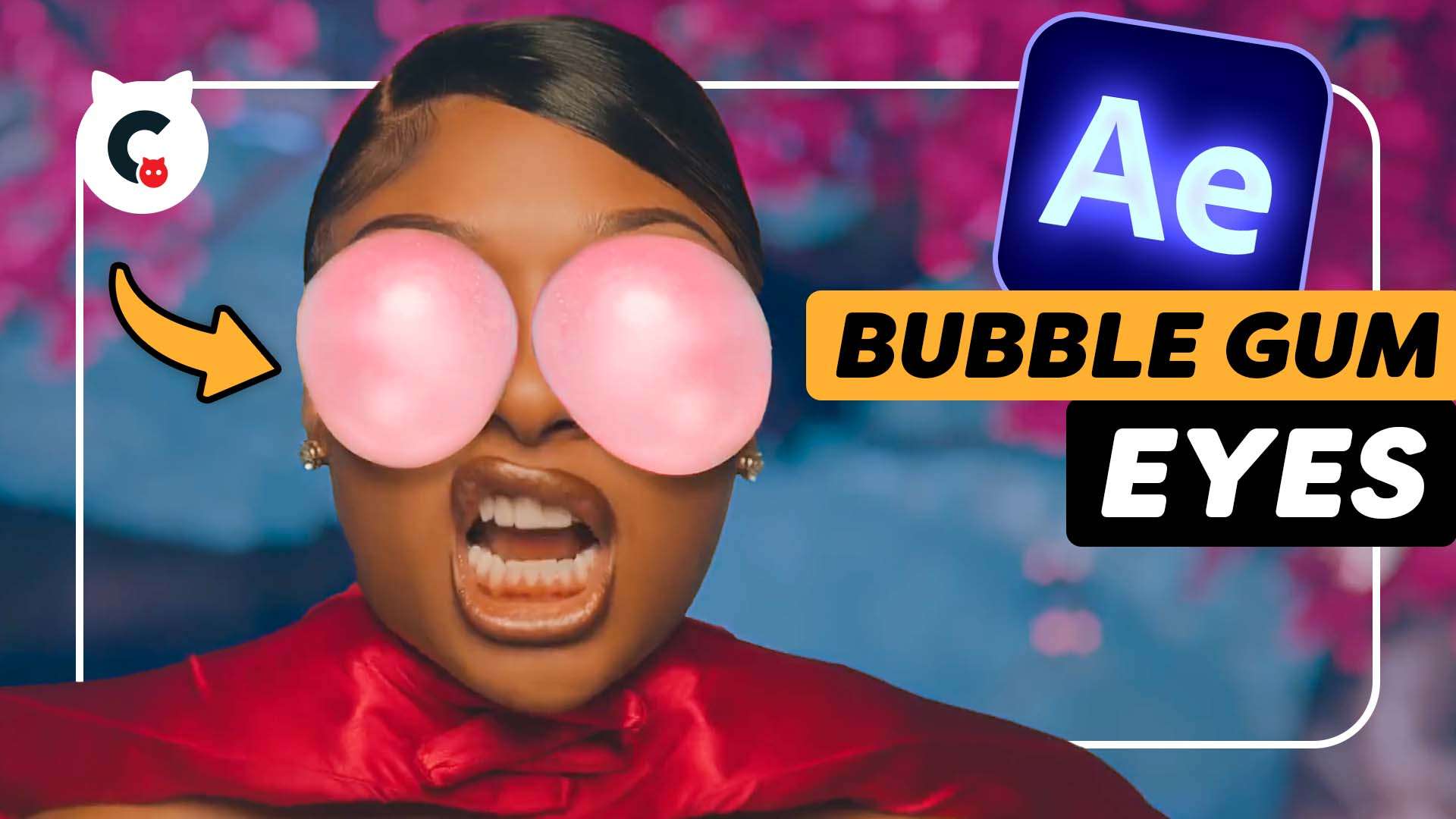
Learn how to create the bubble gum blowing eyes effect like in Megan Thee Stallion and Dua Lipa's music video Sweetest Pie. In this tutorial you will use motion tracking and some rotoscoping in After Effects.
Eye Effects are Everywhere
One of the most common music video effect you'll see is probably something with the eyes. It's an extremely easy effect to execute and will always evoke some kind of reaction from the viewer. This week for example Megan Thee Stallion and Dua Lipa released their latest music video Sweetest Pie. In here we can see such an eye effect.
They were not the only ones that did this recently. Just one week before Machine Gun Kelly and Lil Wayne also released a music video for "ay!" Where they used a eye effect.
Breakdown
For 99% of these eyes effects you have the same process. You always start with tracking the movement of the eye. Then It's time to grab the other clip you want to blend in and rotoscope that object out. After that you can attach the tracking data to it. With masks you can fine tune the edges depending on the movement of the eye. And to finish it off you can use the clone stamp tool to paint away the eye where it's still visible.
Storyblocks
Big thanks to Storyblocks for the support on this video. Their community driven library always help us to find something perfect for that particular VFX shot. They really help us to bring our Visual effects to life, without compromising on anything.
Jordy Vandeput
Founder of Cinecom · 2.75M+ subscribers on YouTube
Jordy Vandeput is a Belgian filmmaker who has taught practical filmmaking to millions through Cinecom. He breaks professional techniques down into clear, repeatable steps you can use on your very next project.
Related tutorials
 46K
4:43
After Effects 27 New Features: AI Assistant, Contour Paint and More
The After Effects 27 new features, tested hands-on in the beta: the AI Assistant builds a wiggle with its own sliders and organizes your project, Contour Paint turns footage into a painting, and five smaller updates save you clicks every day.
 179K
6:18
This New After Effects Update is Insane!
Learn how to use the newest 3D Beta feature from Adobe After Effects in this tutorial. Creating realistic renders has never been easier.
 61K
10:14
Is the NEW Rotobrush 3.0 Actually Better?
I tried out the new Rotobrush 3.0 In Adobe After Effects. Find out together with me if this new tool is worth it.


1 comment
Amazing . thanks