How I recreated the VFX from The Viral Makeba TikTok Song
 Jordy Vandeput
146K views
Learn how to recreate 5 Visual effects from the Viral Music Video 'Makeba' by Jain. Use After Effects in this tutorial to create Stunning VFX.
Makeba Visual effects
Now it's been a while since we did a real copy cat friday. And there couldn't be a better topic then Jain's "Makeba" music video which is full with VFX plus it's a trending song on TikTok. The first effect that really caught our eyes is the Endless Travel Effect. You can seamlessly transition between shots to create the illusion of infinite travel. And it actually quite easy. So we thought! After doing all the shooting we noticed it was a little bit more work then expected.
Next, the Dancing Buildings effect, which is a fun visual extra to bring your boring city shots to live. With some clever masking and expression, we can make those buildings groove to the beat. And for the next effect, the exploding Balloon Cloning, you get a heavy Zach King feeling. But that's a good thing of course.
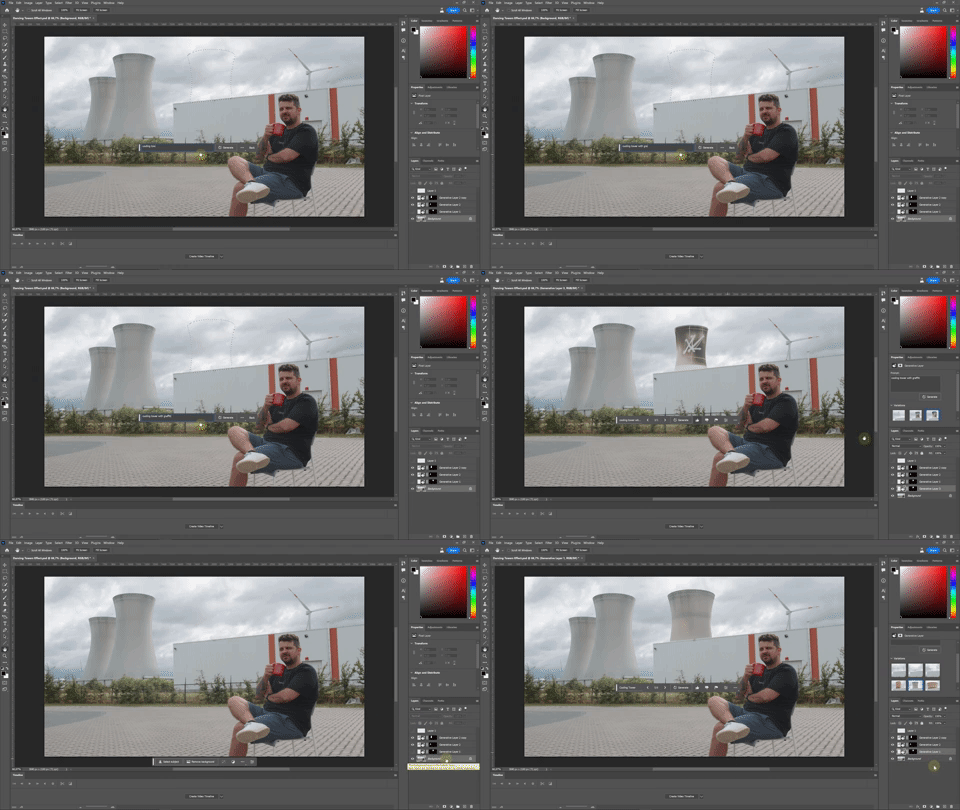
Now for some effects, we also use A.I. to help us. We already can't live without it, but it really makes your workflow easier. Like we needed a shot of cooling towers, but where we live there aren't any. Yeah, Storyblocks has multiple beautiful shots of cooling towers. But not really what we were looking for. So Firefly, Adobe's Ai, helped us with creating that. Live couldn't be easier.
Storyblocks
Don’t get over-charged with expensive pay-per-clip pricing. Embrace the freedom of an unlimited library with Storyblocks for the support on this video. Their community driven library always help us to find something perfect every VFX shot. Take back creative control with Storyblocks’ unlimited royalty-free stock library and tools today.
Jordy Vandeput
Founder of Cinecom · 2.75M+ subscribers on YouTube
Jordy Vandeput is a Belgian filmmaker who has taught practical filmmaking to millions through Cinecom. He breaks professional techniques down into clear, repeatable steps you can use on your very next project.
Related tutorials
 46K
4:43
After Effects 27 New Features: AI Assistant, Contour Paint and More
The After Effects 27 new features, tested hands-on in the beta: the AI Assistant builds a wiggle with its own sliders and organizes your project, Contour Paint turns footage into a painting, and five smaller updates save you clicks every day.
 179K
6:18
This New After Effects Update is Insane!
Learn how to use the newest 3D Beta feature from Adobe After Effects in this tutorial. Creating realistic renders has never been easier.
 61K
10:14

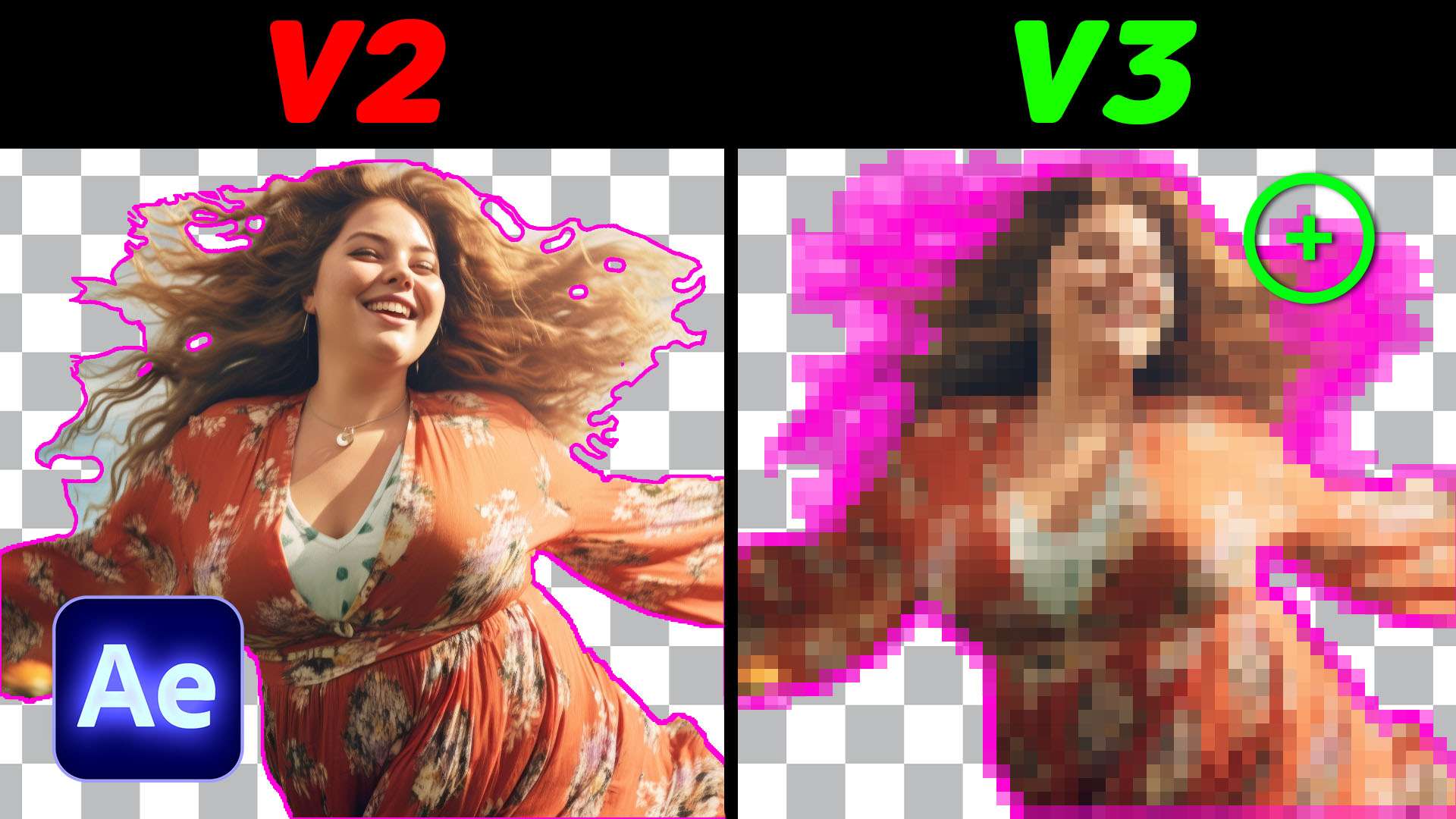
Is the NEW Rotobrush 3.0 Actually Better?
I tried out the new Rotobrush 3.0 In Adobe After Effects. Find out together with me if this new tool is worth it.


0 comments