SOUL Leaving Body VFX inspired by THE WEEKND (After Effects Tutorial)
 Jordy Vandeput
104K views
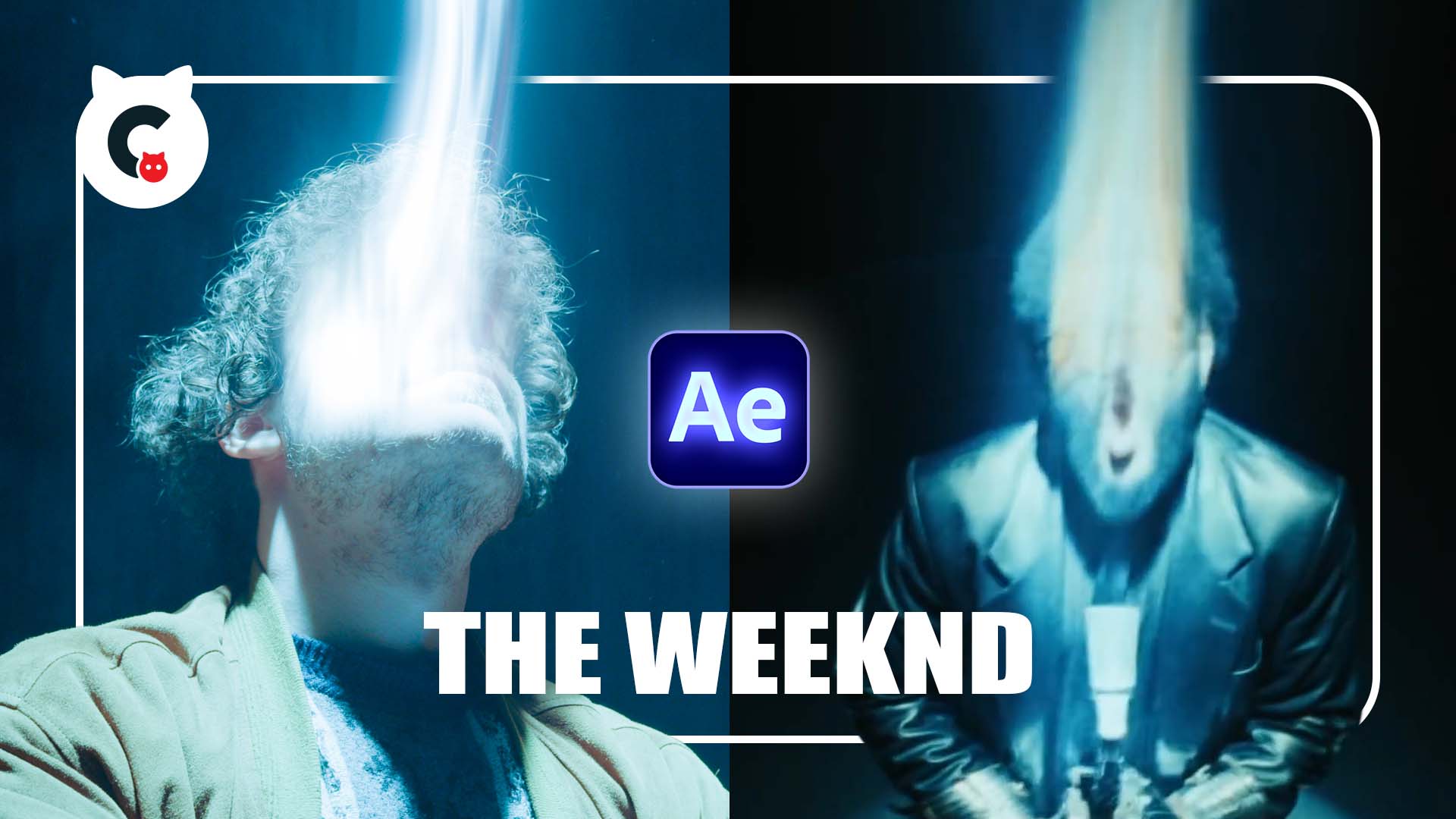
Learn how to recreate the Soul Leaving body effect from the music video Sacrifice by 'The Weeknd' in this Adobe After Effects tutorial video.
Keep it simple
Music videos don't always need elaborate set design or tons of VFX shot. The Weeknd proves this once again with his latest music video Sacrifice. The whole video takes place in 1 dark location but the use of lights makes it feel like we are always getting a new set.
Next to this they also made a clever choice of only using 2 effect throughout the whole video.
Trippy effect
Creating effects like these don't need to be perfect. You can mess around with different effects until you get that "trippy" feeling. What they did here is mainly using a lot of flashing overlays to get these random shaped colors going all over the screen. Next to this they also animated the face being distorted while fading in and out a stylized filter.
D Soul leaving body Effect
This effect is similar to the dementor's kiss from Harry Potter. Where they suck the soul from a persons body. But here they make the effect more prominent than in the Harry Potter movies. In this video we used After Effects and combined cc Smear, Directional blur, Displacement maps and Glows to achieve this effect.
Storyblocks
Big thank to Storyblocks for sponsoring this video! In their ever growing community driver library we can find millions of royalty free stock assets. They really help us to bring our Visual effects to life, without compromising on anything.
Storyblocks is very affordable and there’s a download plan for everyone.
Jordy Vandeput
Founder of Cinecom · 2.75M+ subscribers on YouTube
Jordy Vandeput is a Belgian filmmaker who has taught practical filmmaking to millions through Cinecom. He breaks professional techniques down into clear, repeatable steps you can use on your very next project.
Related tutorials
 46K
4:43
After Effects 27 New Features: AI Assistant, Contour Paint and More
The After Effects 27 new features, tested hands-on in the beta: the AI Assistant builds a wiggle with its own sliders and organizes your project, Contour Paint turns footage into a painting, and five smaller updates save you clicks every day.
 179K
6:18
This New After Effects Update is Insane!
Learn how to use the newest 3D Beta feature from Adobe After Effects in this tutorial. Creating realistic renders has never been easier.
 61K
10:14
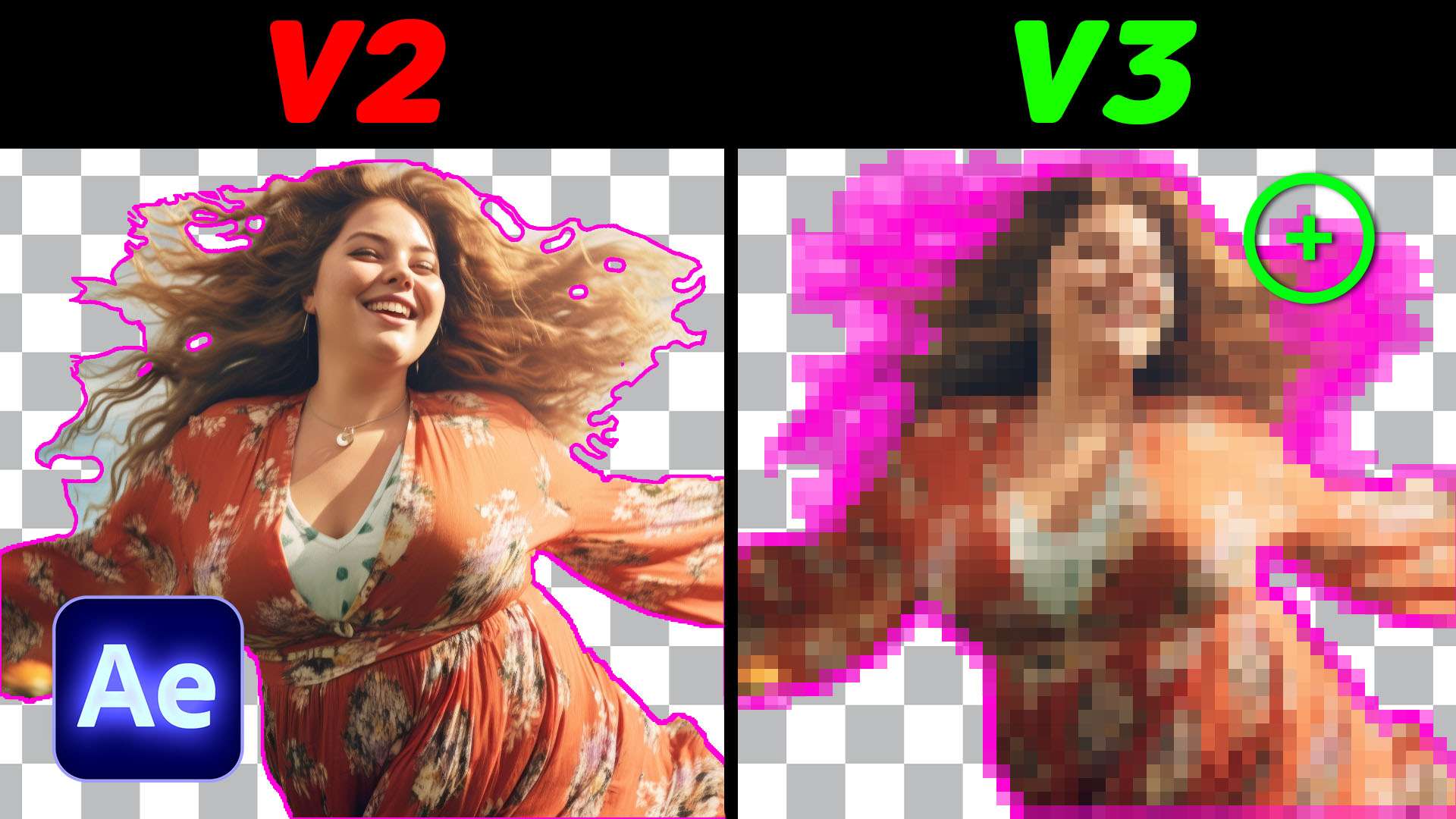
Is the NEW Rotobrush 3.0 Actually Better?
I tried out the new Rotobrush 3.0 In Adobe After Effects. Find out together with me if this new tool is worth it.


1 comment
nice job cinecom thanks