This Update Makes Premiere KING! (Insane Features)
 Jordy Vandeput
197K views
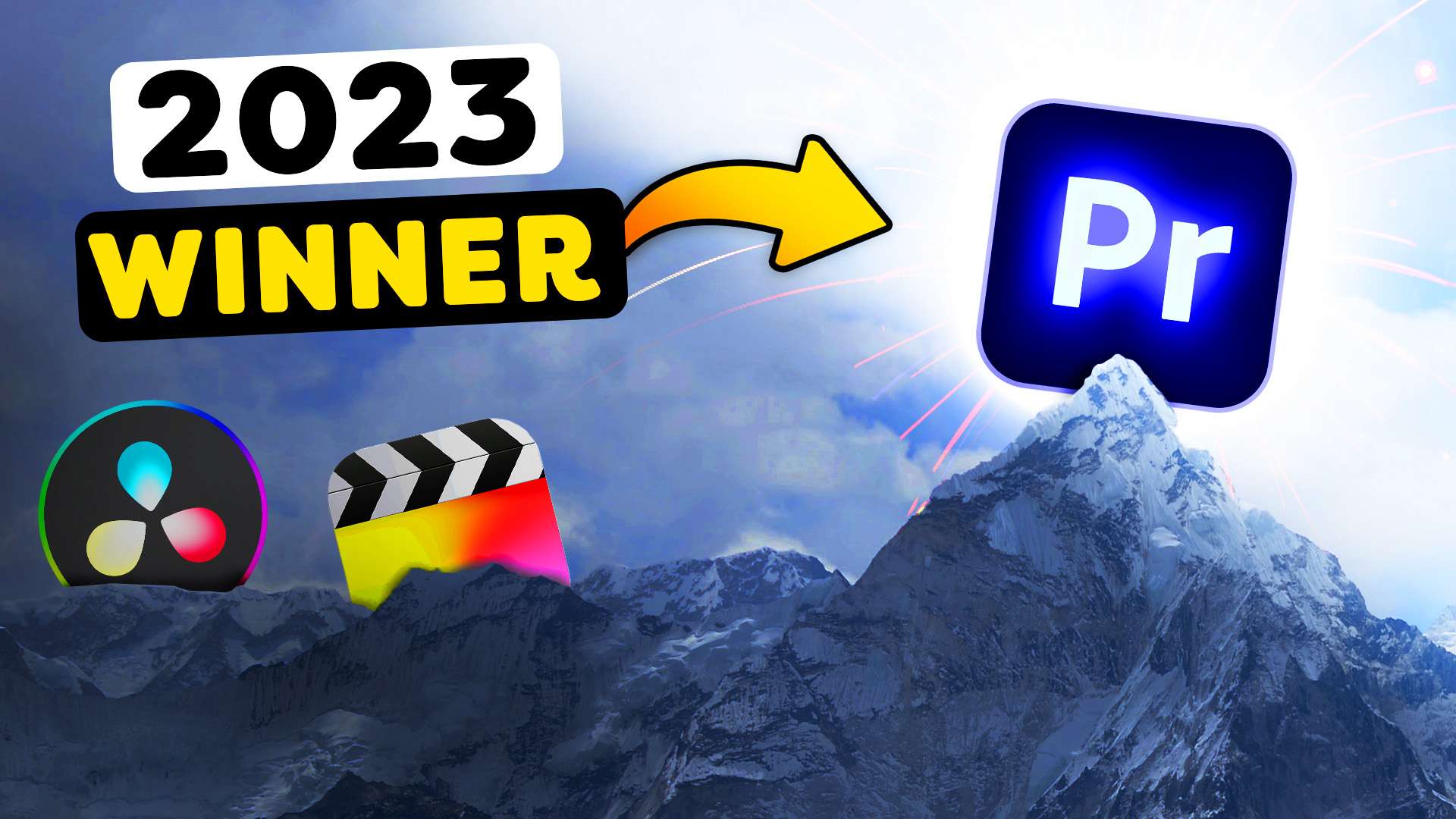
Learn how to use the new Premiere Beta A.I. editing features to become a better video editor in this Adobe Premiere Pro tutorial video.
The new features are INSANE!
Insane, but in a good way! These features are currently in beta ready to be tested out, so make sure you have Premiere Pro Beta installed from the creative cloud app. A.I. becomes more and more standard nowadays, which is a good thing! It makes daily tasks much easier and allows us to spend more time doing creative work, which is what we want of course! Let get to feature one!
Adobe Podcast INSIDE Premiere Pro
Yep, that's right! You no longer need to upload your audio to adobe podcast to get a studio quality audio clip. In the essentials sound panel, you can now find a button called 'Enhance Speech'. This will do the exact same as adobe podcast, but you don't need to leave premiere anymore! This feature also comes with a mix slider so that you can mix between the original and the enhanced sound. Very nice!
Cutting long clips automatically?
Premiere is not able to detect duplicate sentences YET, but I'm sure one day this will be a thing. However, Premiere can detect pauses, filler words, and breaths. With one click of a button you can remove all of these like it's nothing! This will save you at least an hour on every project! Thanks Premiere!
Premiere Pro's Timeline is now 5x fASTER!
Sounds insane, right? Of course, I tested this and I can say that they're right! When it comes to scrubbing the timeline, settings cuts, moving clips, trimming clips, the timeline is a lot faster than before! Previously, I had a lot of issues with graphic layers. Everytime I tried to move them or extend them, they would make the program lag and everything would freeze for a few seconds. Which is super annoying when editing on big projects.
Storyblocks
Thank you so much Storyblocks for sponsoring this video. Download unlimited 4K assets to level up your videos on Storyblocks!
Jordy Vandeput
Founder of Cinecom · 2.75M+ subscribers on YouTube
Jordy Vandeput is a Belgian filmmaker who has taught practical filmmaking to millions through Cinecom. He breaks professional techniques down into clear, repeatable steps you can use on your very next project.
Related tutorials
 49K
7:58

How to Make a Glowing Logo in Premiere Pro (With Light Rays)
Make a glowing logo in Premiere Pro with the Film Impact effects that now ship with Premiere: Volumetric Rays, Glint and Wonder Glow, animated with 3D Rotate. Plus the effect order trick that makes the light react to the movement, and two editing tricks I use every day.
 50K
8:17

4 Premiere Built-In Transitions That Replace Keyframes
Premiere built-in transitions can do the work of a stack of keyframes. I show four builds: a text reveal with Motion Camera, a Spin Motion logo animation, a TV turn on effect with TV Power, and lower thirds made from Fold Motion and Spring Motion.
 26K
6:11

How to Make a Superhero Landing in Premiere Pro
Learn how to make a superhero landing in Premiere Pro without After Effects. Cut yourself out with the Object Mask tool, drop in with the Transform effect, speed up the fall with a speed ramp and hit the ground with an earthquake from the Camera Shake effect.


0 comments