How to Create the POCKET LOOP Effect (Premiere Pro Tutorial)
 Jordy Vandeput
88K views
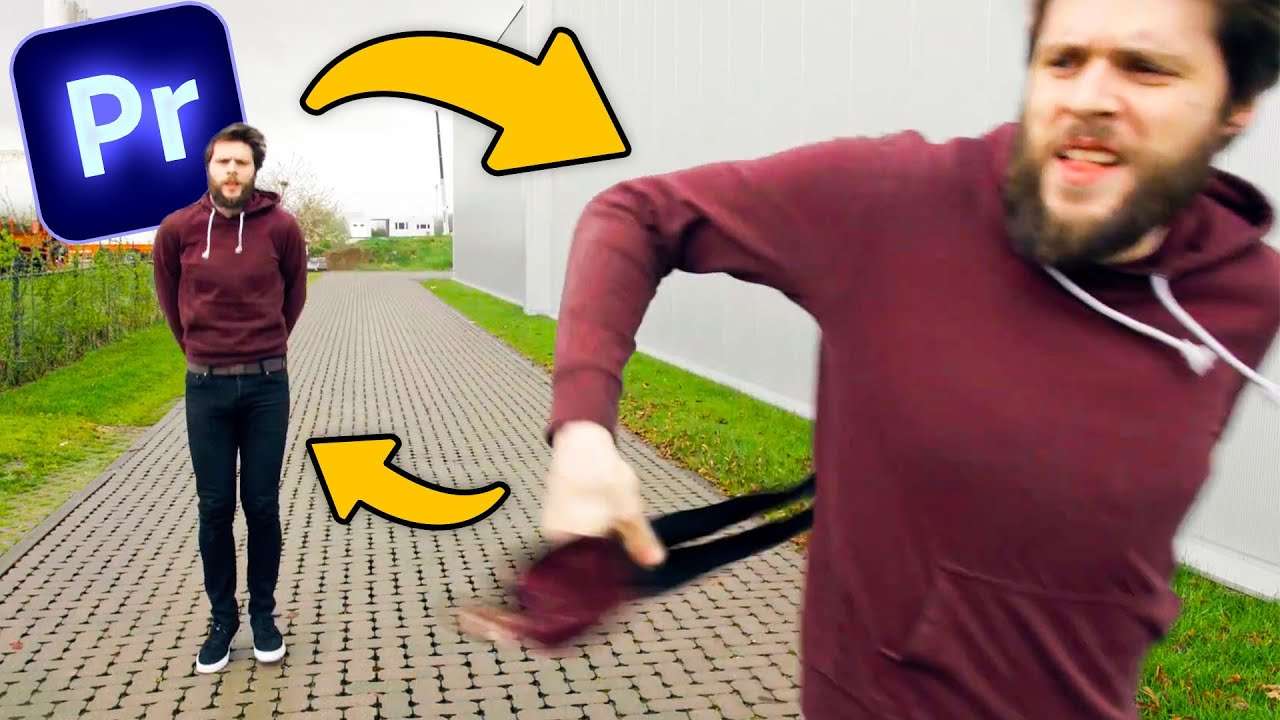
Learn how to create the infinite pocket loop effect as seen in the Netflix series 'Making Fun' in this Adobe Premiere Pro tutorial video.
Viral TikTok Effects
On TikTok we can find many creatives who make fun VFX videos. One of those effects is the Pocket Loop. I personally saw it for the first time on the Netflix series 'Making Fun', but apparently it has been around as a viral TikTok effect for a longer time.
VFX in Premiere Pro
Although Premiere Pro is not made for VFX, I still believe that making small effects is a great way to get to know the program better. The pocket loop effect is super easy, it just takes some time to make since you're dealing with masks.
But unfortunately that's with every video effect. In Hollywood movies, VFX artists often times spend days on a couple of frames of video. But it's that dedication and eye for details which sets their work apart.
So the next time that you're recreating an effect from one of our videos, take your time! Don't be satisfied with a couple of minutes of work. Look at the details and the small errors, can you fix them?
Skillshare
Big thanks to Skillshare for sponsoring this video. I'm a teacher myself at Skillshare and you can find all my classes here.
Jordy Vandeput
Founder of Cinecom · 2.75M+ subscribers on YouTube
Jordy Vandeput is a Belgian filmmaker who has taught practical filmmaking to millions through Cinecom. He breaks professional techniques down into clear, repeatable steps you can use on your very next project.
Related tutorials
 49K
7:58
How to Make a Glowing Logo in Premiere Pro (With Light Rays)
Make a glowing logo in Premiere Pro with the Film Impact effects that now ship with Premiere: Volumetric Rays, Glint and Wonder Glow, animated with 3D Rotate. Plus the effect order trick that makes the light react to the movement, and two editing tricks I use every day.
 50K
8:17
4 Premiere Built-In Transitions That Replace Keyframes
Premiere built-in transitions can do the work of a stack of keyframes. I show four builds: a text reveal with Motion Camera, a Spin Motion logo animation, a TV turn on effect with TV Power, and lower thirds made from Fold Motion and Spring Motion.
 26K
6:11
How to Make a Superhero Landing in Premiere Pro
Learn how to make a superhero landing in Premiere Pro without After Effects. Cut yourself out with the Object Mask tool, drop in with the Transform effect, speed up the fall with a speed ramp and hit the ground with an earthquake from the Camera Shake effect.


0 comments