I Stole MrBeast’s Secret Editing Trick (Premiere Pro)
 Jordy Vandeput
263K views
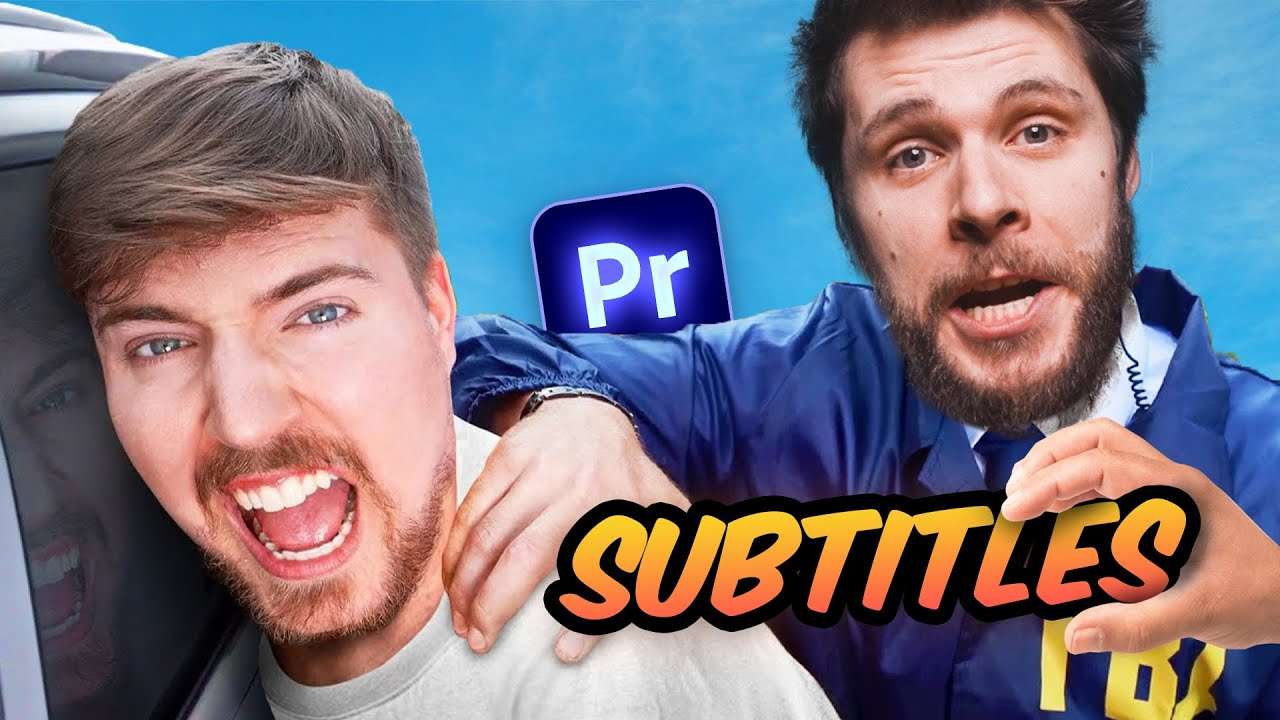
Learn how to make subtitles using MrBeast's secret editing trick in this easy Adobe Premiere Pro Tutorial Video.
Subtitles are not just for translating.
The reason why you just can't abandon a video of MrBeast is because of how he hooks the viewer. One of his strategies is using flashy and trendy subtitles. He uses them to emphasize something he's saying.
These come in really handy when you want the viewer to really get something. Use subtitles as power words to make sure something is as clear as possible.
Creating Subtitles in premiere.
Creating them yourself has never been easier in Adobe Premiere Pro. Since the latest update you can transform captions to a graphic layer. This gives you so much more control over the captions appearance.
Storyblocks
Thank you Storyblocks for the support. If you want to have more than a million stock assets ready to use right inside Premiere, check out Storyblocks!
Jordy Vandeput
Founder of Cinecom · 2.75M+ subscribers on YouTube
Jordy Vandeput is a Belgian filmmaker who has taught practical filmmaking to millions through Cinecom. He breaks professional techniques down into clear, repeatable steps you can use on your very next project.
Related tutorials
 49K
7:58
How to Make a Glowing Logo in Premiere Pro (With Light Rays)
Make a glowing logo in Premiere Pro with the Film Impact effects that now ship with Premiere: Volumetric Rays, Glint and Wonder Glow, animated with 3D Rotate. Plus the effect order trick that makes the light react to the movement, and two editing tricks I use every day.
 50K
8:17
4 Premiere Built-In Transitions That Replace Keyframes
Premiere built-in transitions can do the work of a stack of keyframes. I show four builds: a text reveal with Motion Camera, a Spin Motion logo animation, a TV turn on effect with TV Power, and lower thirds made from Fold Motion and Spring Motion.
 26K
6:11
How to Make a Superhero Landing in Premiere Pro
Learn how to make a superhero landing in Premiere Pro without After Effects. Cut yourself out with the Object Mask tool, drop in with the Transform effect, speed up the fall with a speed ramp and hit the ground with an earthquake from the Camera Shake effect.


0 comments