3 Horror Effects from Rich Brian in After Effects
 Jordy Vandeput
263K views
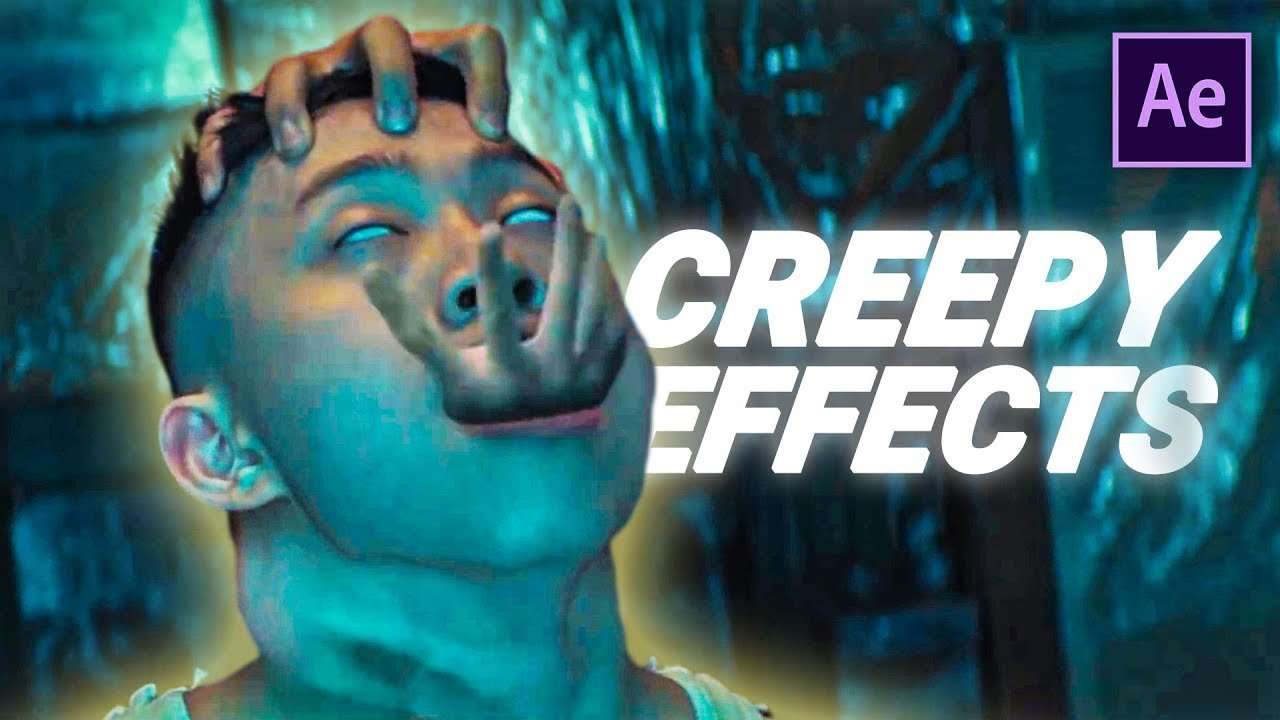
Create an in-body trapped effect from the Music Video 'Yellow' by Rich Brian ft. Bekon. An Adobe After Effects tutorial where we recreate 3 visual effect techniques for your next horror film project.
It's time for another Copy Cat Friday and boy are we pumped to entertain you again. But we have to warn you, it's going to get weird fast. Because today we are recreating the latest music video of Rich Brian. I don't know if you heard about him, I didn't before this week. But luckily we have Lorenzo to introduce us to the less mainstream artists. Not that he isn't popular, because he has quite some YouTube Fame. Now in his latest video, that was produced by Dave Meyers, you can see some creepy special effects where hands are moving under his skin. For this week's Copy Cat we are going to show exactly how you can recreate that in After Effects.
Personally I'm a big fan of this video as it's leaning towards the horror genre. Also the effects are insanely well done and provide quite a challenge to recreate. But you know us, we don't back down from a challenge. Heck, we embrace it and fly head first into it. Of course we first think about how it's done and test it out vigorously. And when recreating effects for the first time, this is something I definitely recommend. Think about your effect, test every possible way you can imagine and test it again. You can't test it enough, because when you filmed your final shots and then see that the effects don't work, you are going to hate yourself.
Believe me I know, I experienced it first hand. There is nothing more demotivating then filming all you final shots again, because you made a small mistake for the effect. So my tip for you is, test and be prepared.

StoryBlocks Video
This video was supported by Storyblocks Video, an easy to use site full of stock footage, After Effects templates, backgrounds, motion Graphics and much more.
Jordy Vandeput
Founder of Cinecom · 2.75M+ subscribers on YouTube
Jordy Vandeput is a Belgian filmmaker who has taught practical filmmaking to millions through Cinecom. He breaks professional techniques down into clear, repeatable steps you can use on your very next project.
Related tutorials
 46K
4:43

After Effects 27 New Features: AI Assistant, Contour Paint and More
The After Effects 27 new features, tested hands-on in the beta: the AI Assistant builds a wiggle with its own sliders and organizes your project, Contour Paint turns footage into a painting, and five smaller updates save you clicks every day.
 179K
6:18
This New After Effects Update is Insane!
Learn how to use the newest 3D Beta feature from Adobe After Effects in this tutorial. Creating realistic renders has never been easier.
 61K
10:14

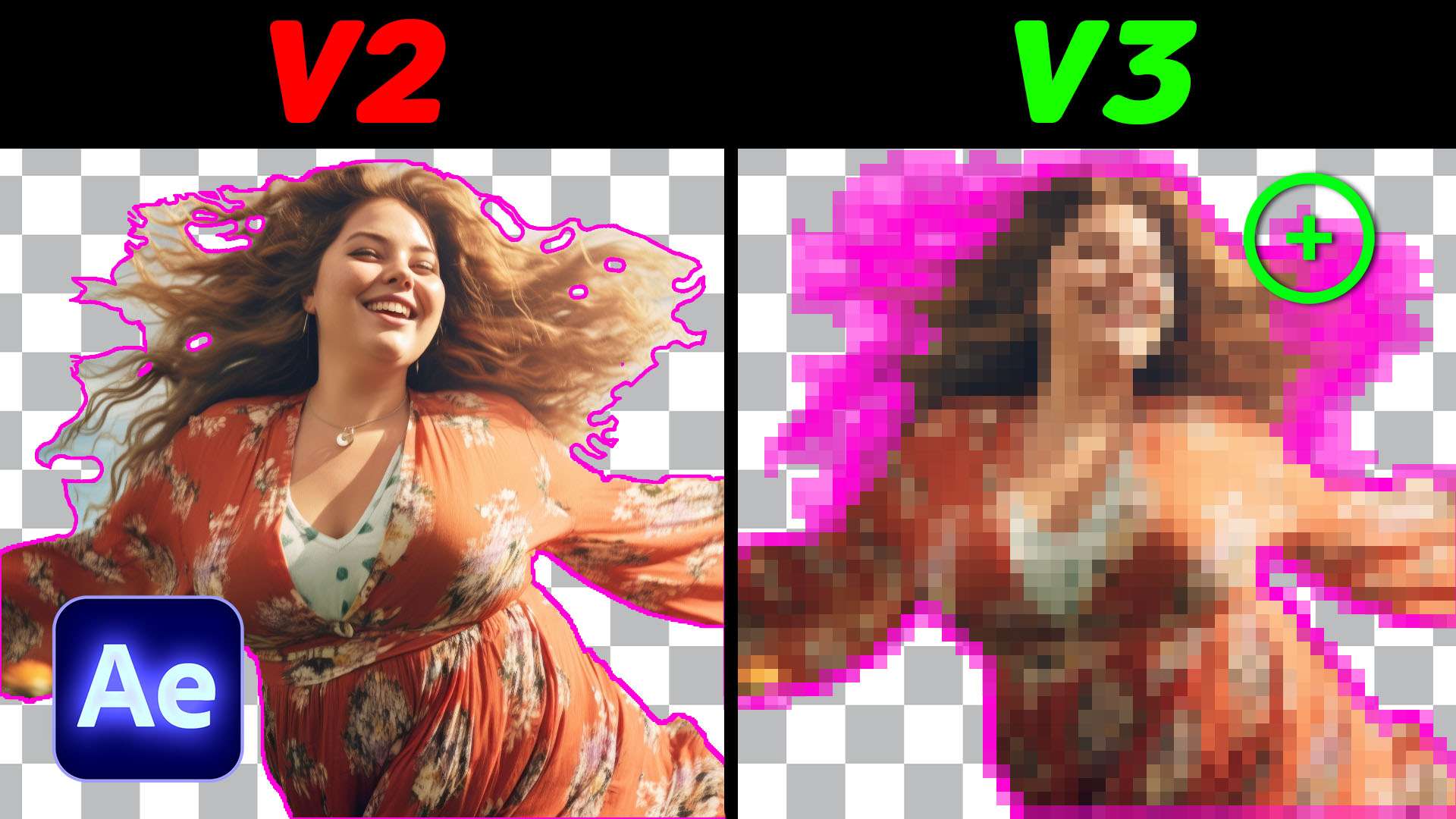
Is the NEW Rotobrush 3.0 Actually Better?
I tried out the new Rotobrush 3.0 In Adobe After Effects. Find out together with me if this new tool is worth it.


2 comments
Jordy and and Yannick I want to be your friend . I am a upcoming Editor I am watching your tutorials on YouTube. but now I don't have video camera I only use my phone you inspired me so much now I have so many knowledge of editing.I really need your help thank you .
loved it soo much i must try this one