Talking Hand from Demon Slayer (After Effects Tutorial)
 Jordy Vandeput
211K views
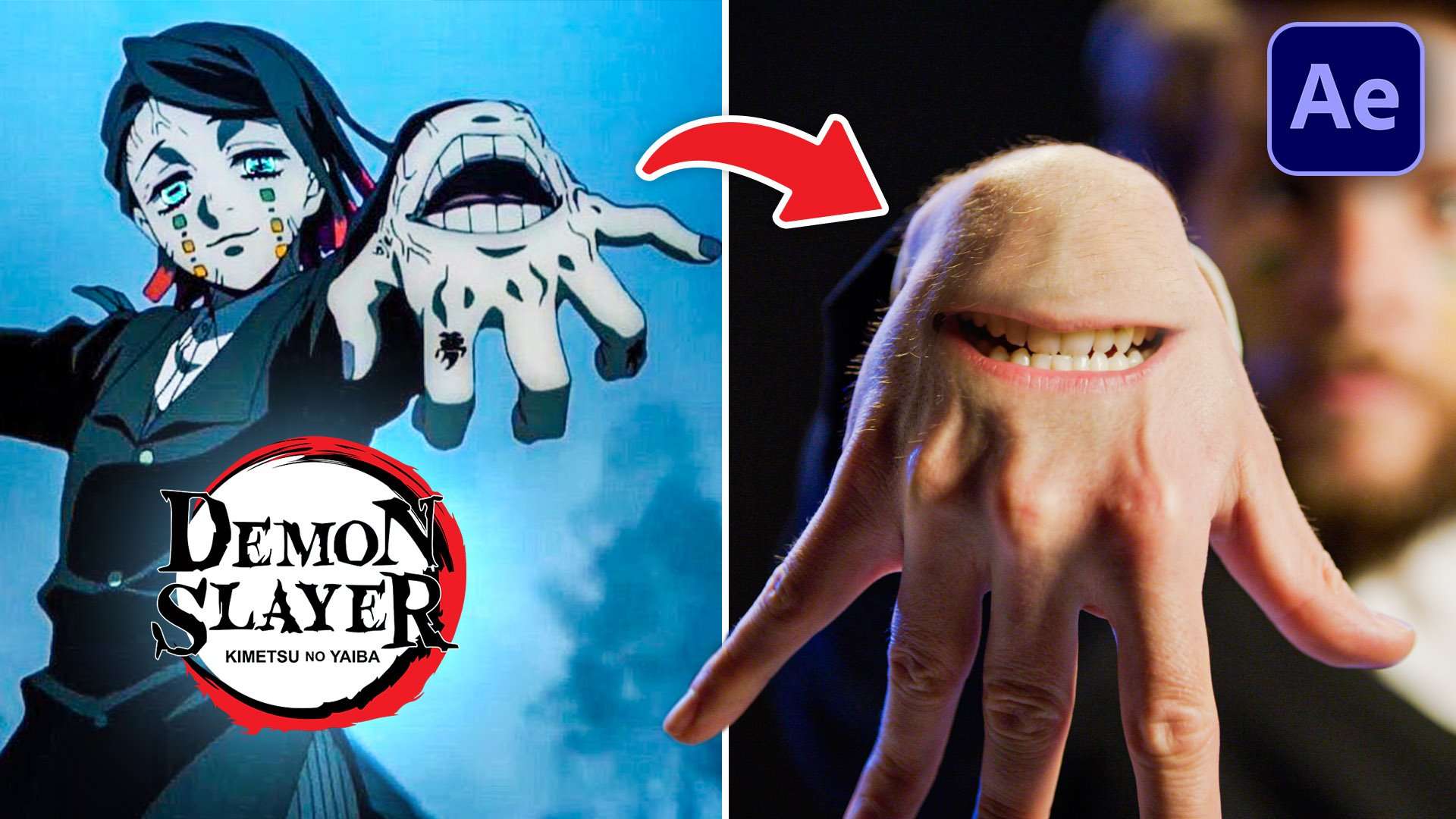
Learn how to motion track a mouth to your hand like Enmu from Anime 'Demon Slayer' in this Adobe After Effects tutorial video.
Motion Tracking
Adding a talking mouth to your hand comes basically down to motion tracking. And if you want to get it right, it's going to involve multiple types of tracking.
For starters there's the movement of your hand. This is easy, simply paint a dot on your hand and use the After Effects motion tracker. Next, you link the mouth to the tracking and that's it.
But now comes the tricky part. Even though the mouth is following the hand movement, it doesn't really stick to the hand. That's because the mouth moves around as well, definitely when talking.
Complex Movements
The easiest way to get the movement from the mouth is by simply stabilizing it. Or at least, make sure that the X and Y movements are stable.
Lip movement while laughing or talking is going to be more complex. You can't stabilize this. The idea is to make the skin from your hand stretch along with the lips.
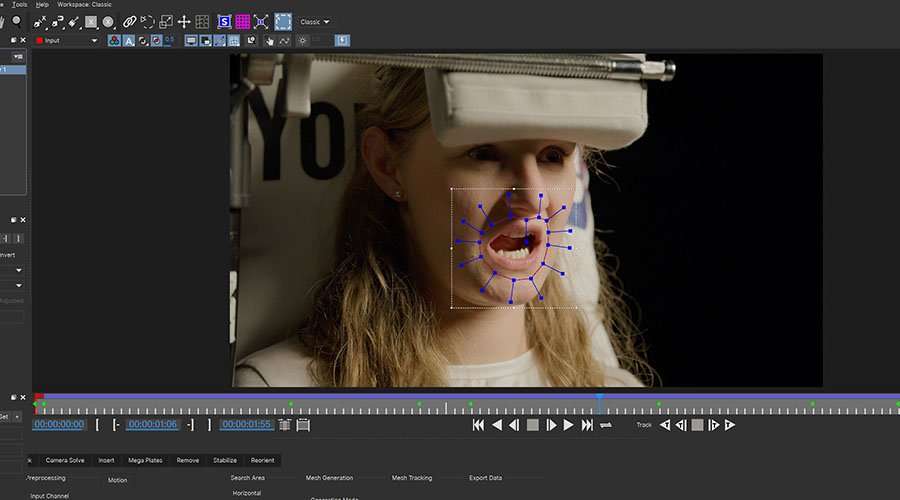
We found a great way of motion tracking different points on the lips. Then we would add pin points from the puppet tool onto the hand and link these to the tracking points. Voila, problem solved!
Yannick found another great way of using the CC smear effect. If you don't feel comfortable, you can manually animate that effect. Or you can again link it to some tracking points from the lips.
Learning Adobe After Effects
Performing such tasks in Adobe After Effects is always a learning path. Even we had to try out different methods to get the motion tracking right. Plus, there are even multiple ways of doing it.
So if something doesn't work, don't give up! Keep trying different techniques and tool. Eventually you'll get it to work :-)
Storyblocks
Want to support us and yourself? Then definitely check out our sponsor Storyblocks. With an annual subscription you have unlimited download from their ever growing stock library. From 4K stock clips to video effects and After Effects templates.
Jordy Vandeput
Founder of Cinecom · 2.75M+ subscribers on YouTube
Jordy Vandeput is a Belgian filmmaker who has taught practical filmmaking to millions through Cinecom. He breaks professional techniques down into clear, repeatable steps you can use on your very next project.
Related tutorials
 46K
4:43

After Effects 27 New Features: AI Assistant, Contour Paint and More
The After Effects 27 new features, tested hands-on in the beta: the AI Assistant builds a wiggle with its own sliders and organizes your project, Contour Paint turns footage into a painting, and five smaller updates save you clicks every day.
 179K
6:18
This New After Effects Update is Insane!
Learn how to use the newest 3D Beta feature from Adobe After Effects in this tutorial. Creating realistic renders has never been easier.
 61K
10:14

Is the NEW Rotobrush 3.0 Actually Better?
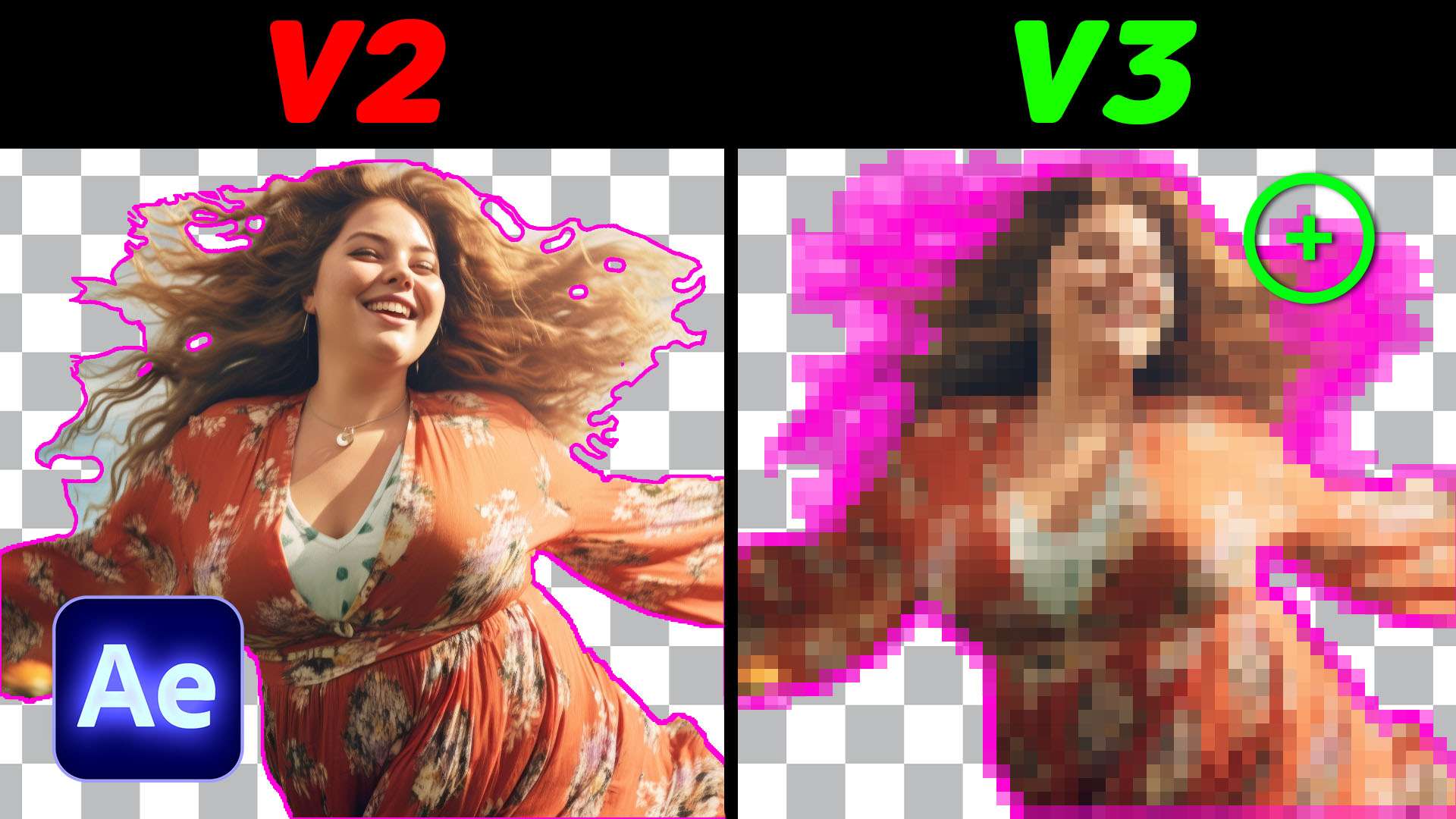
I tried out the new Rotobrush 3.0 In Adobe After Effects. Find out together with me if this new tool is worth it.


0 comments