Trippy Face Distortion in After Effects – Valentino Khan
 Jordy Vandeput
151K views
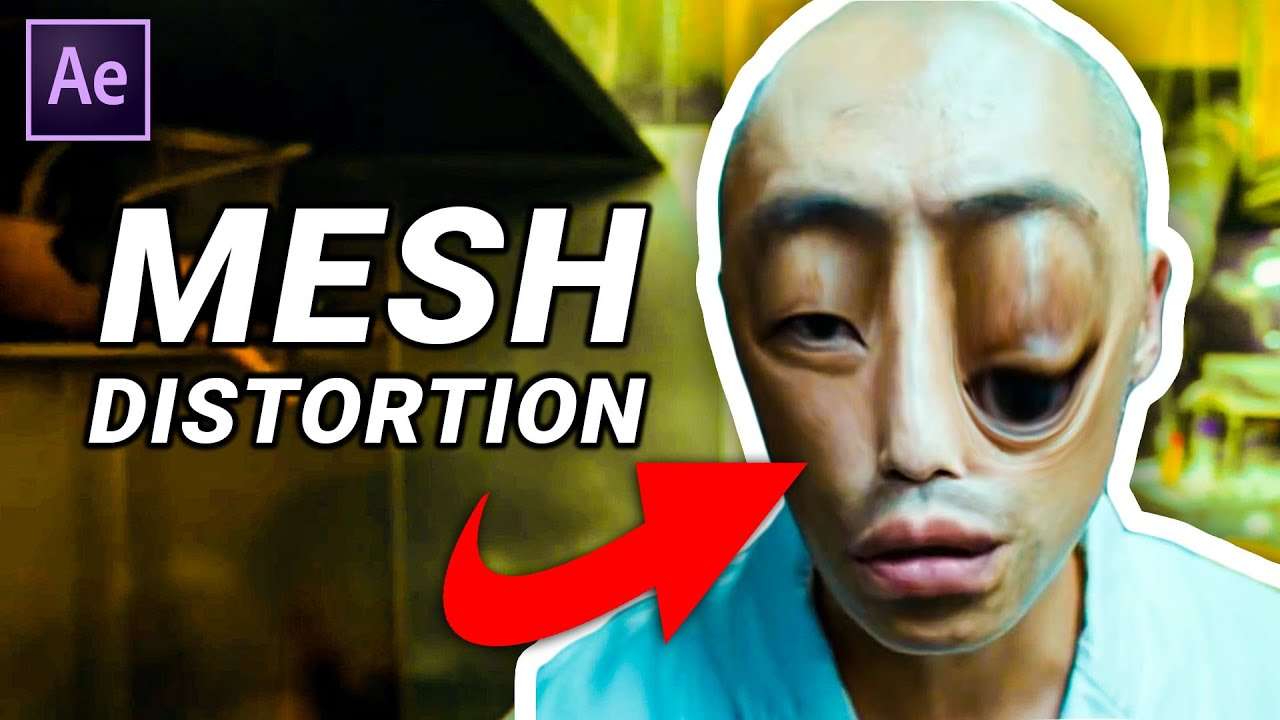
In this tutorial you learn how to create the Morphing face effect from the music video 'Deep Down Low' by Valentino Khan. In this Adobe After Effects tutorial you will learn how to use the Mesh distortion.
A little while ago we uploaded our first React video which was about weird music videos. You guys seemed to love this and even wanted to know how to make the effects from these music videos. So for todays Copy Cay friday we'll be taking a look at Deep Down Low from Valentino Khan. This video contains many different effect from eyes moving across the face to tentacles coming out of a girls eyesockets. We'll be creating the eyes moving effect because it was the most requested of all and also let's be honest, It looks really funny!
We'll be using masks buts also the mesh warp effect. This effect will create a grid of beziers over the clip you have selected. You can manipulate each point to move and distort a certain part of the image. This effect is really popular for transitions. In this example you can see the building morphing to another building.
You could also use this for face morphs. You move each part of the first face to align with the second face and use a crossfade to have a nice face morph transition.
StoryBlocks Video
This video was supported by Storyblocks Video, an easy to use site full of stock footage, After Effects templates, backgrounds, motion Graphics and much more.
Jordy Vandeput
Founder of Cinecom · 2.75M+ subscribers on YouTube
Jordy Vandeput is a Belgian filmmaker who has taught practical filmmaking to millions through Cinecom. He breaks professional techniques down into clear, repeatable steps you can use on your very next project.
Related tutorials
 46K
4:43
After Effects 27 New Features: AI Assistant, Contour Paint and More
The After Effects 27 new features, tested hands-on in the beta: the AI Assistant builds a wiggle with its own sliders and organizes your project, Contour Paint turns footage into a painting, and five smaller updates save you clicks every day.
 179K
6:18
This New After Effects Update is Insane!
Learn how to use the newest 3D Beta feature from Adobe After Effects in this tutorial. Creating realistic renders has never been easier.
 61K
10:14
Is the NEW Rotobrush 3.0 Actually Better?
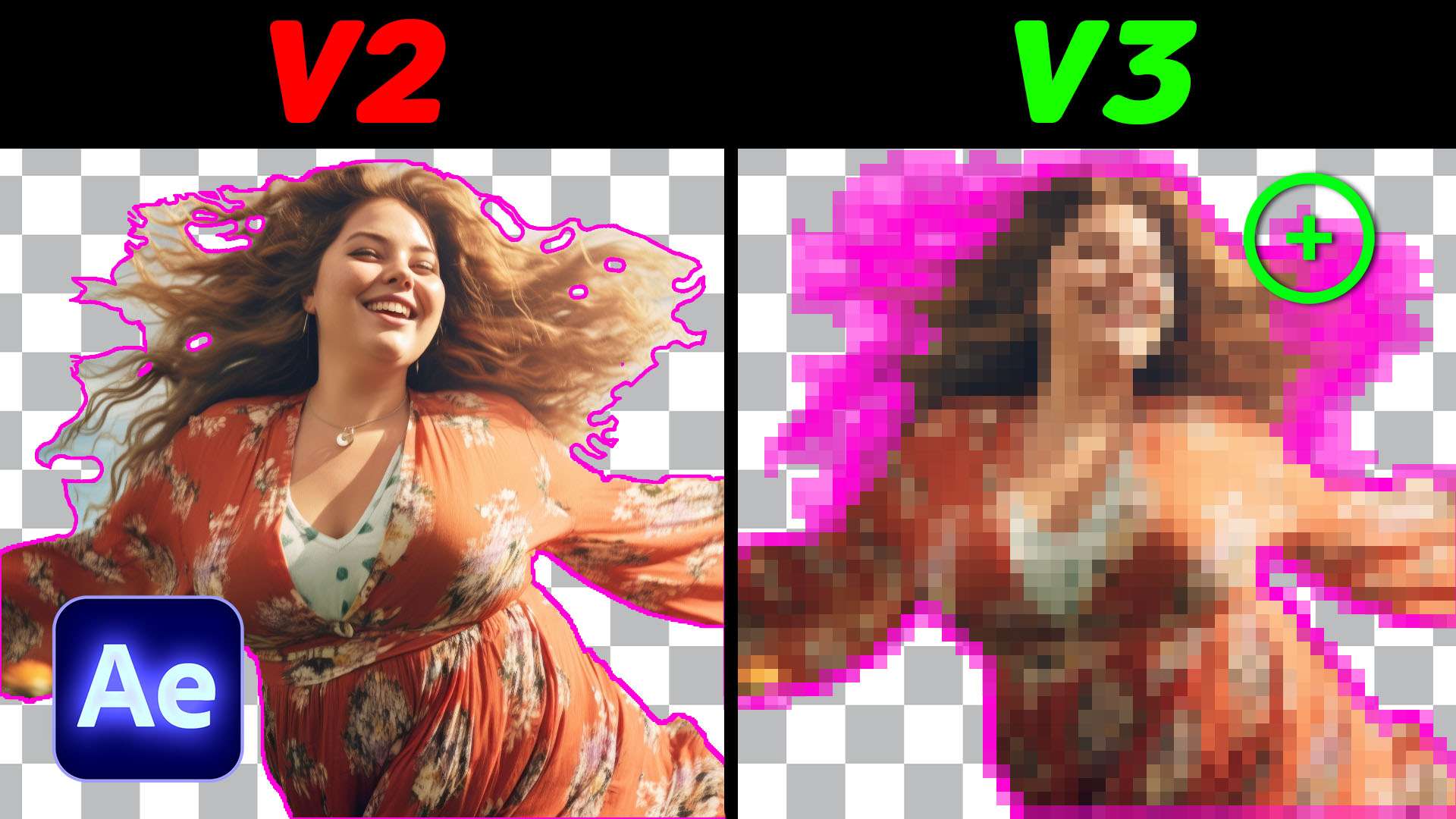
I tried out the new Rotobrush 3.0 In Adobe After Effects. Find out together with me if this new tool is worth it.


0 comments