Tutorials
Free filmmaking and editing tutorials.
 170K
7:42
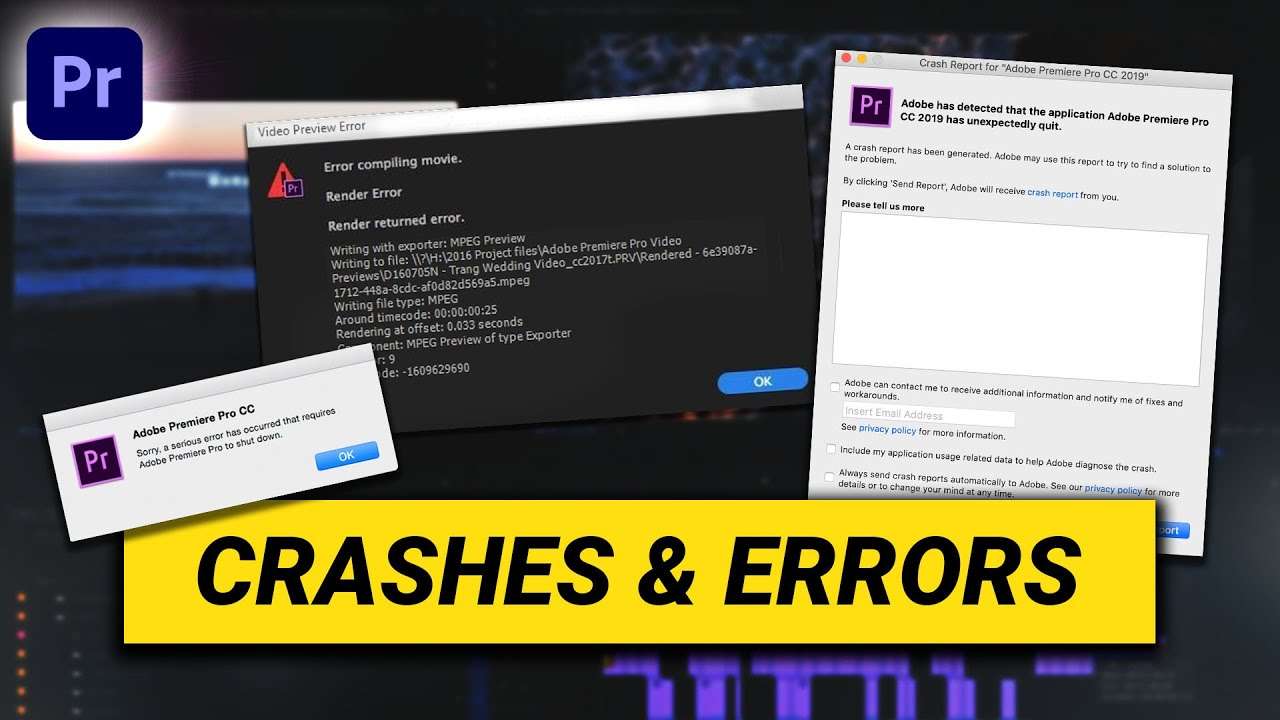
How to Fix Crashes and Errors (Premiere Pro Tutorial)
Learn how to fix the most common crashes and errors in this Adobe Premiere Pro tutorial for beginners.
 30K
5:14

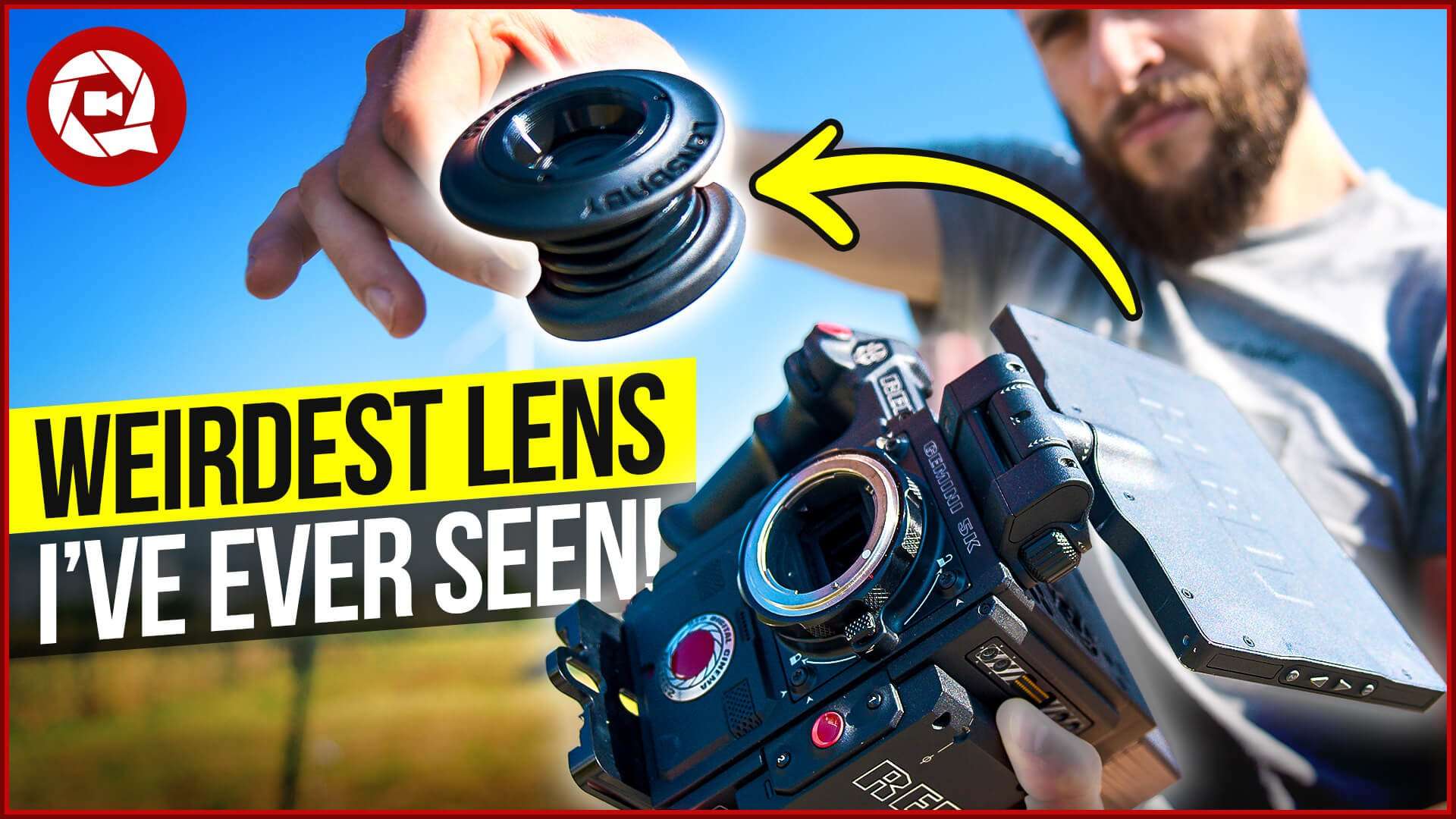
The Weirdest Lens I’ve ever Seen
The Lensbaby Shark is the weirdest lens I've ever seen. But it makes some very creative video shots. In this review we test this tilt-shift lens.
 136K
7:54

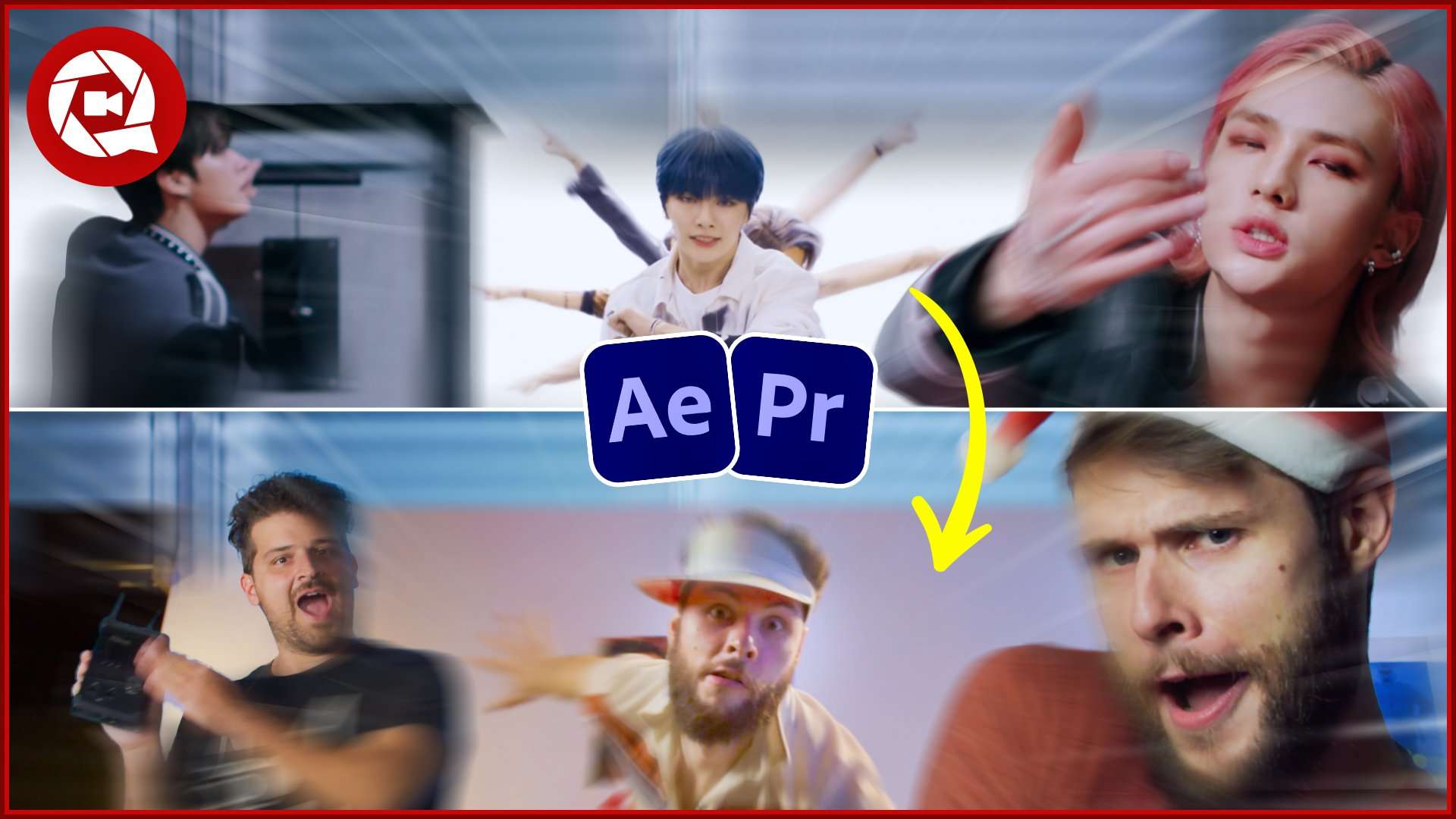
4 Fast & Easy Kpop Transitions from Stray Kids
Recreate 4 music video transitions from Stray Kids in Adobe Premiere Pro & Adobe After Effects. Learn how to use Tracking and other easy tricks to achieve these transitions.
 121K
3:17
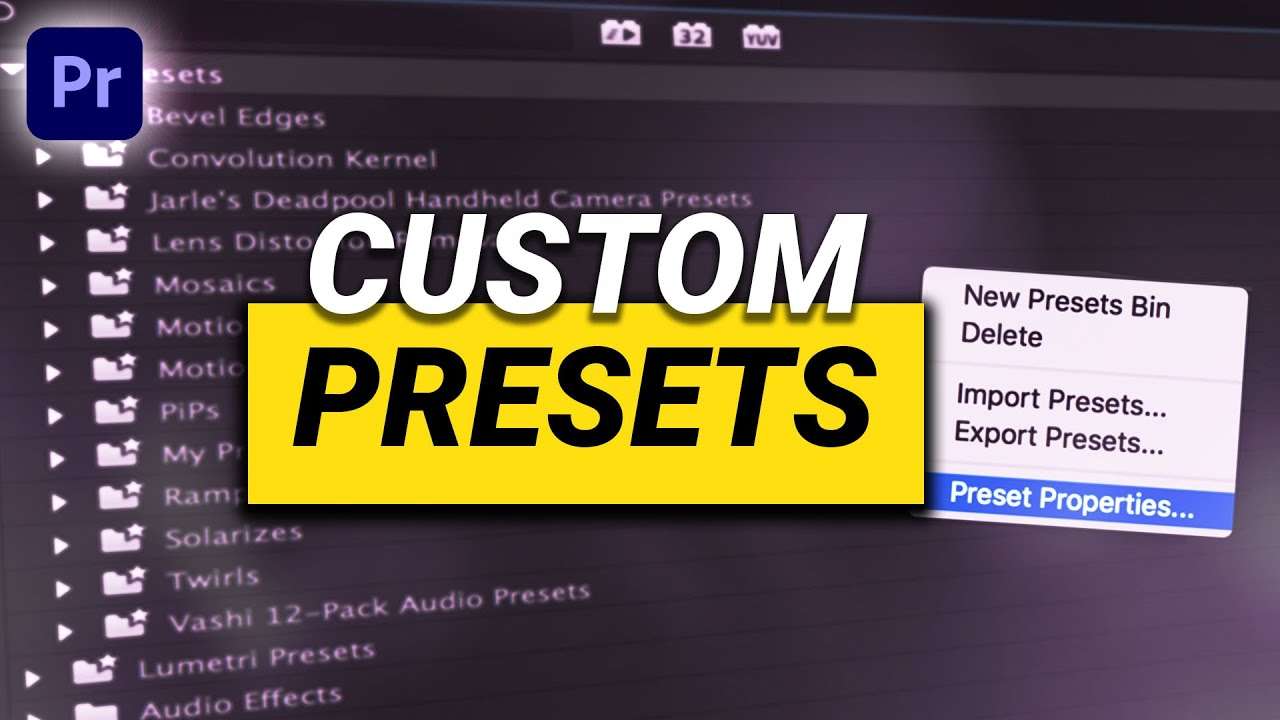
How to Create Custom Presets in Premiere Pro
Learn how to create custom (bundle) effects presets and create sequence & export presets in this beginner Adobe Premiere Pro tutorial.
 42K
8:35

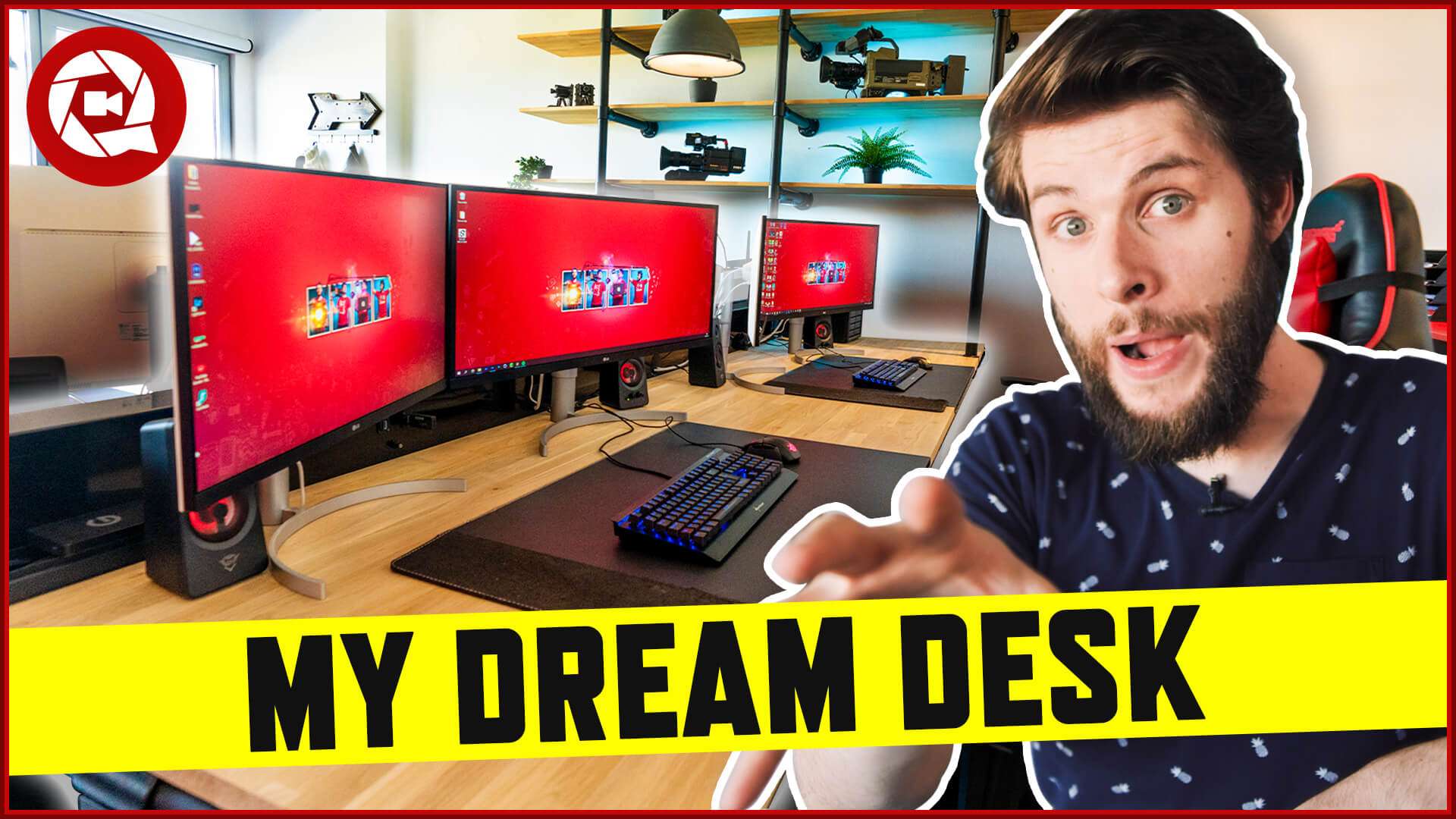
My Ultimate (massive) Dream Desk
Office Tour of our new ultimate Dream Desk. This massive DIY office desk fits 4 people for video editing. A custom industrial design with wood.
 334K
6:33

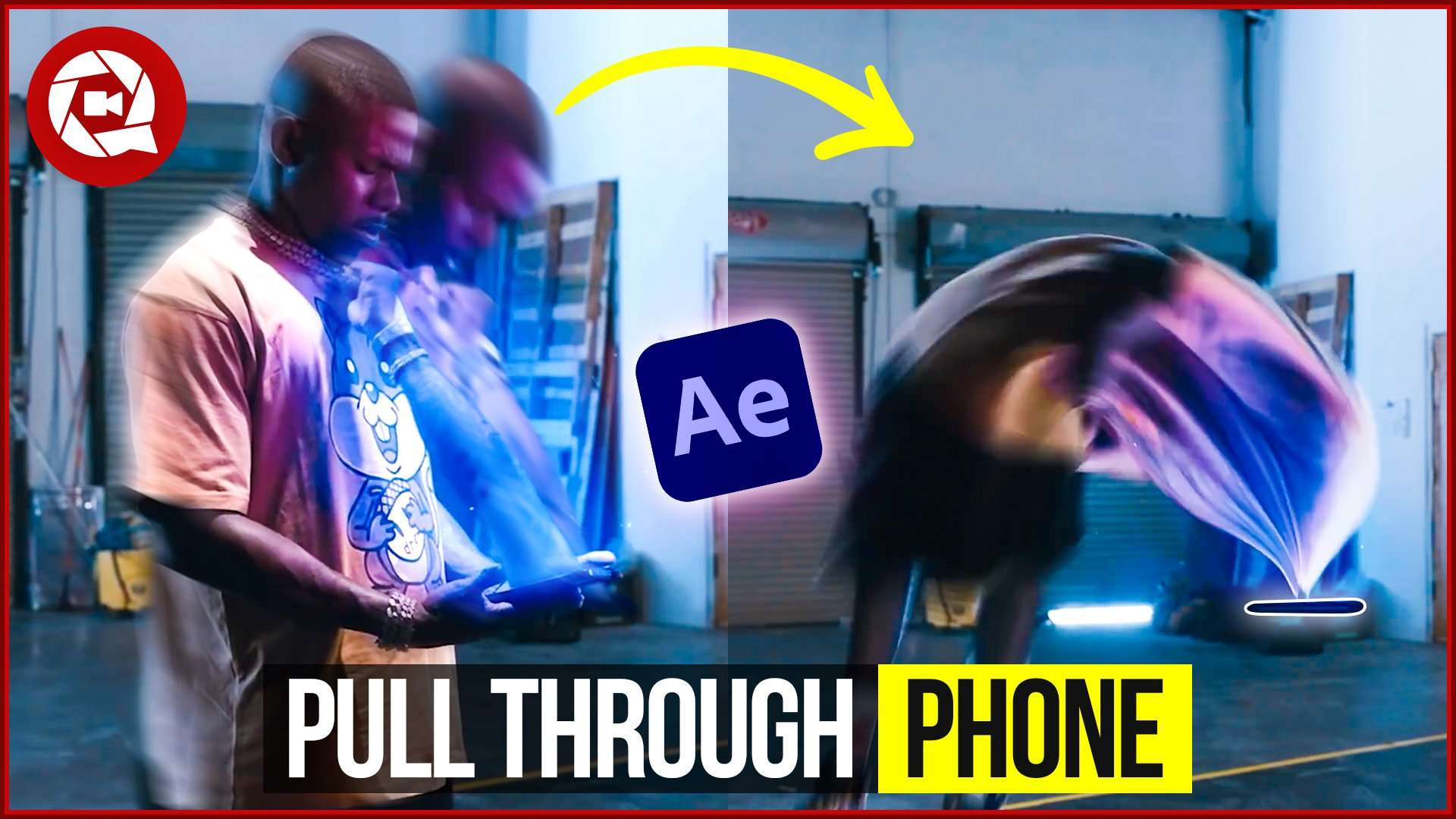
How To Get sucked Into Your Phone Like DaBaby (Adobe After Effects)
Learn how to get pulled through your phone inside Adobe After Effects. In this tutorial you'll learn how to use the Puppet Pin tool, Mesh warp and much more.
 97K
5:24
How to Create a Freeze Frame Introduction in Premiere Pro
Learn how to create an awesome character introduction with the use of freeze frames in this beginner Adobe Premiere Pro tutorial.
 127K
5:00

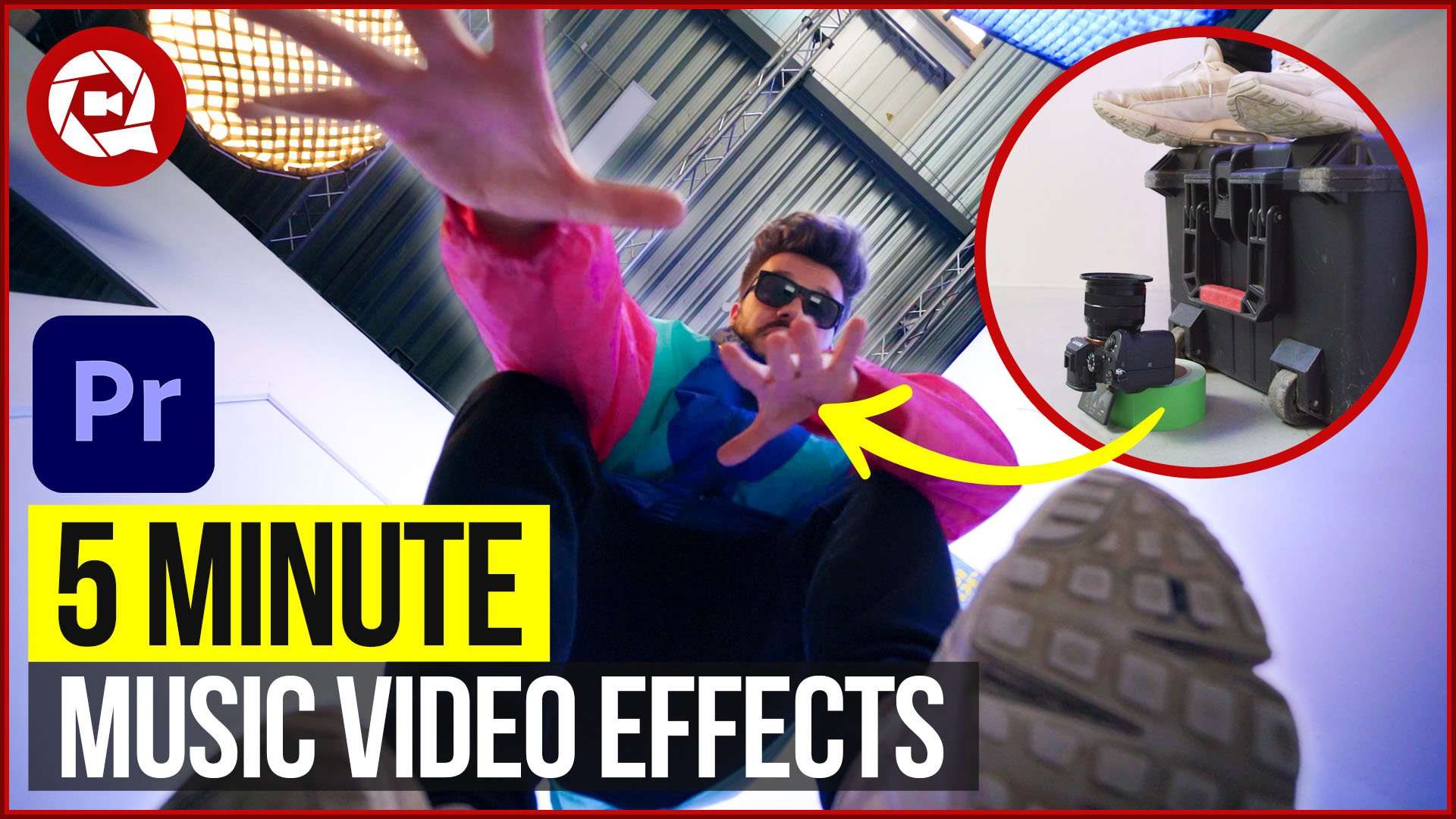
5 Music Video Effects in 5 Minutes (Premiere Pro Tutorial)
Learn how to create these 5 super simple and easy music video effects in this Adobe Premiere Pro tutorial.
 193K
4:59

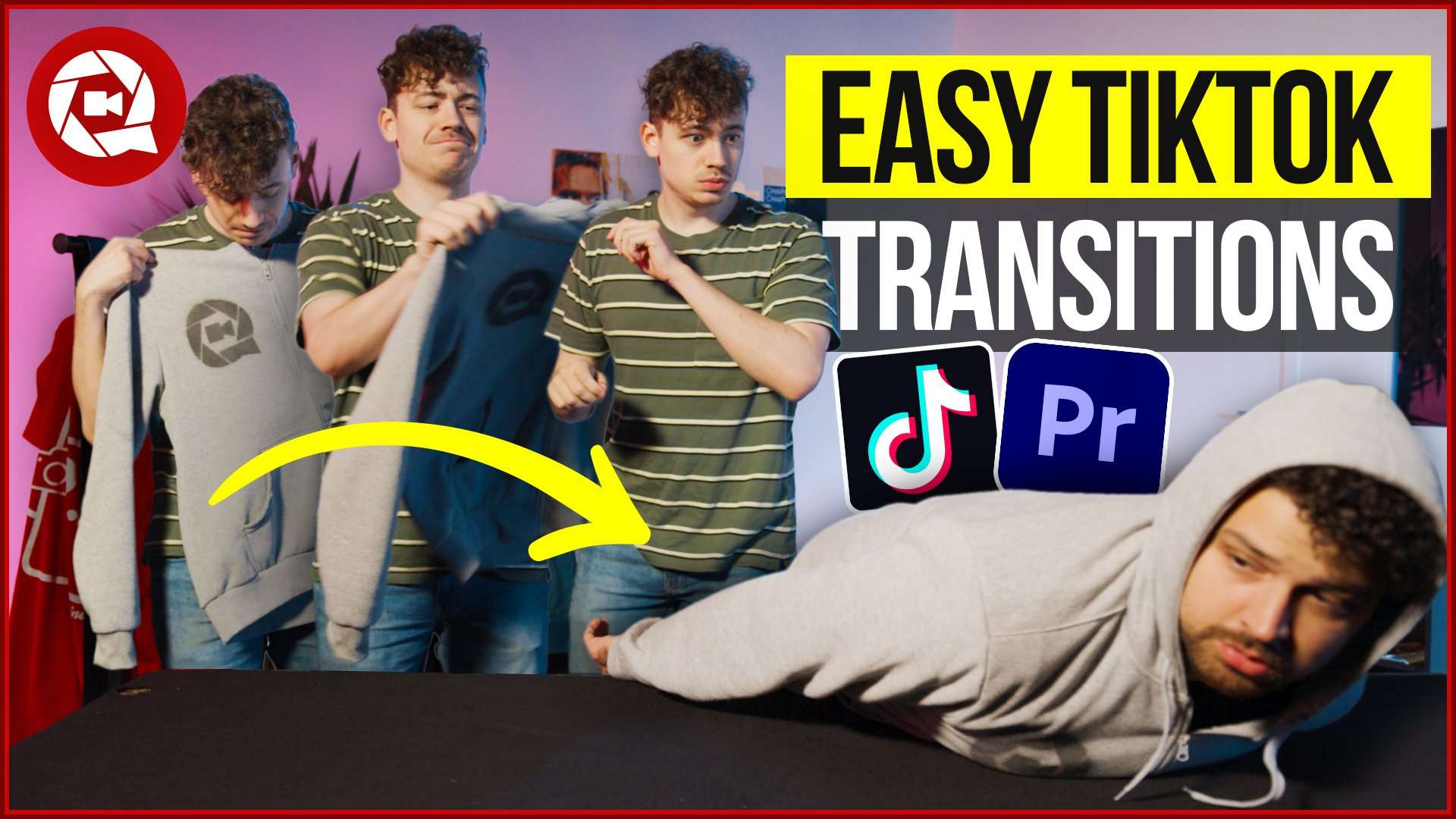
4 Crazy Transitions From TikTok in Premiere Pro
Learn how to create 4 Seamless TikTok Transitions in Adobe Premiere Pro. In this tutorial we recreate popular TikTok VFX.
 32K
5:29
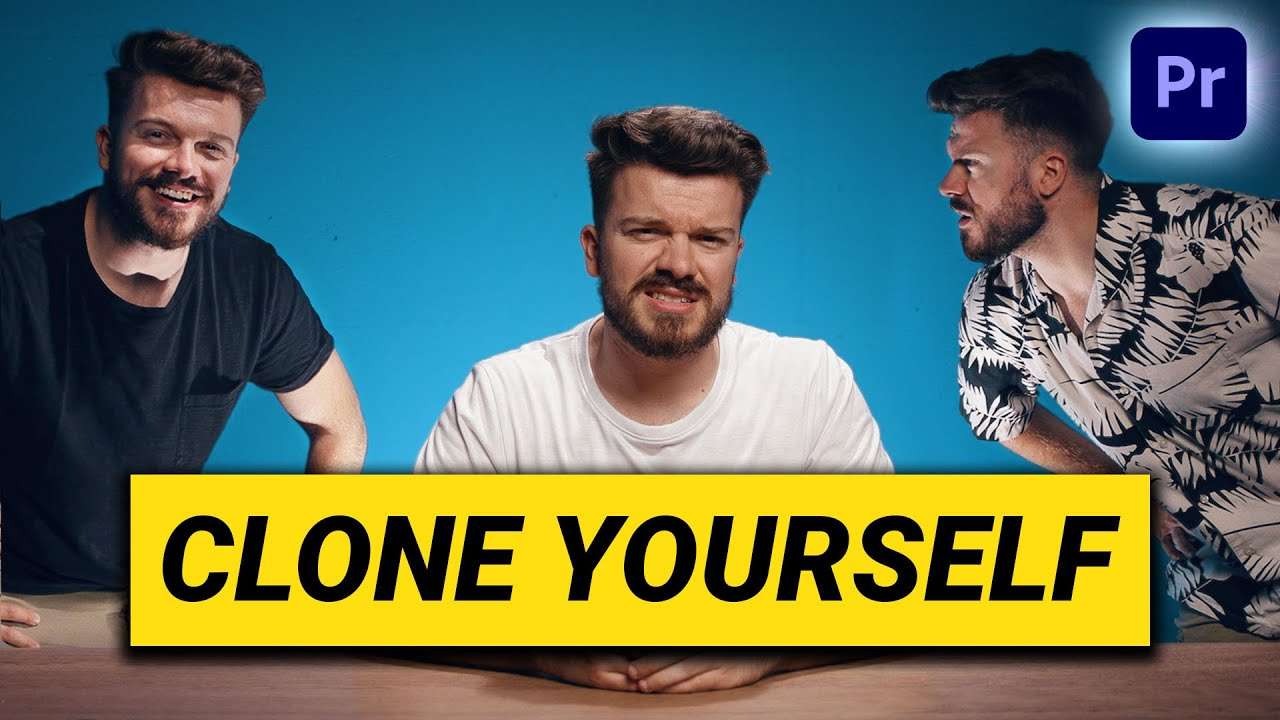
Multiple Ways To Clone Yourself in Premiere Pro
Learn how to clone yourself using a simple mask and greenscreen with this beginner Adobe Premiere Pro tutorial.
 57K
8:48

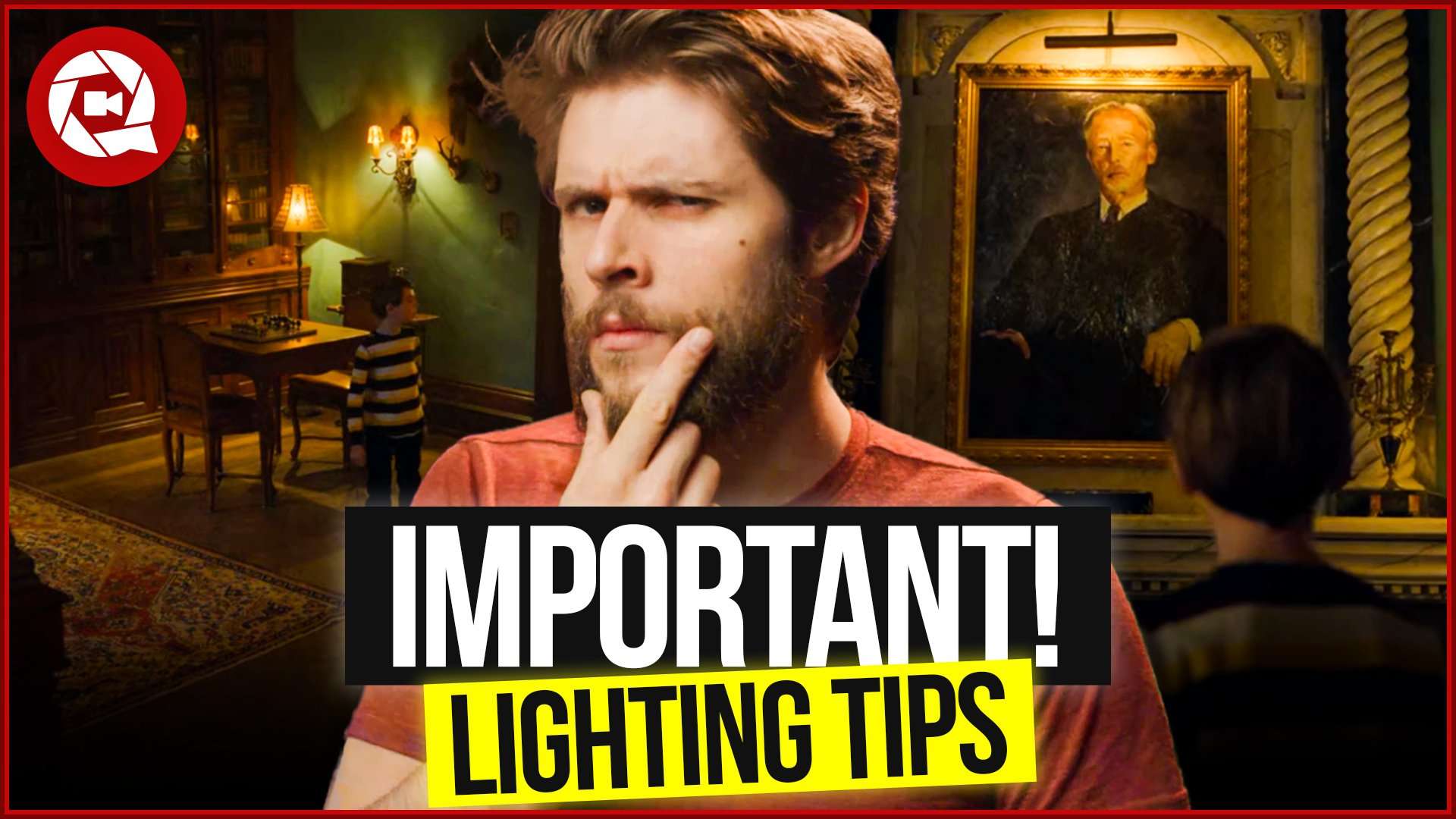
Why you Need to use Practical Lights in your videos!
Learn how to use practical lights in your films to get the cinematic look and get a next level cinematography.
 105K
6:51

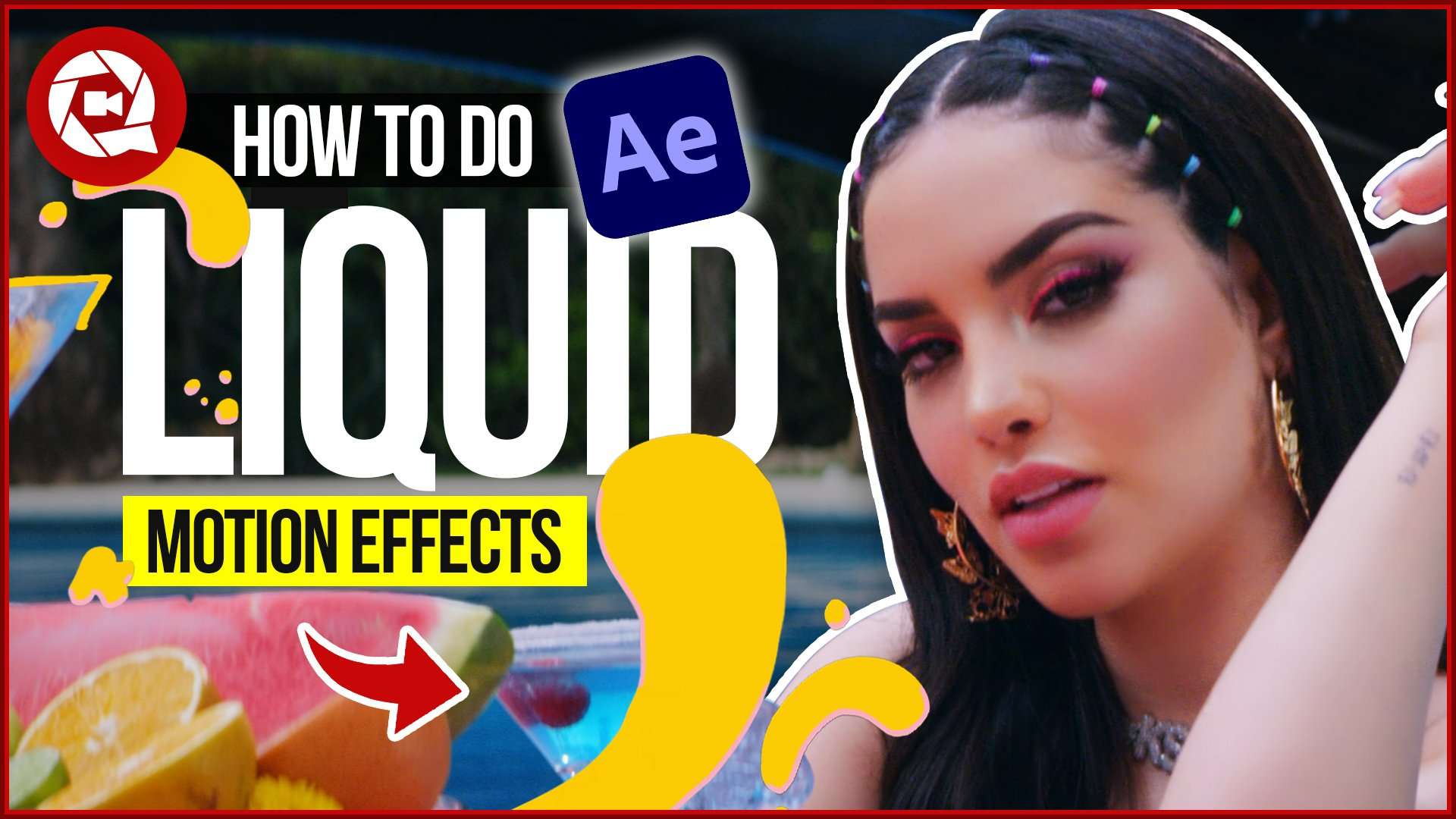
Create your own Liquid Scribble Animations in After Effects
Learn how to create liquid animations inside Adobe After Effects. In this tutorial you'll learn how to use the Trim Paths, Gradient Stroke, Auto Trace and much more.
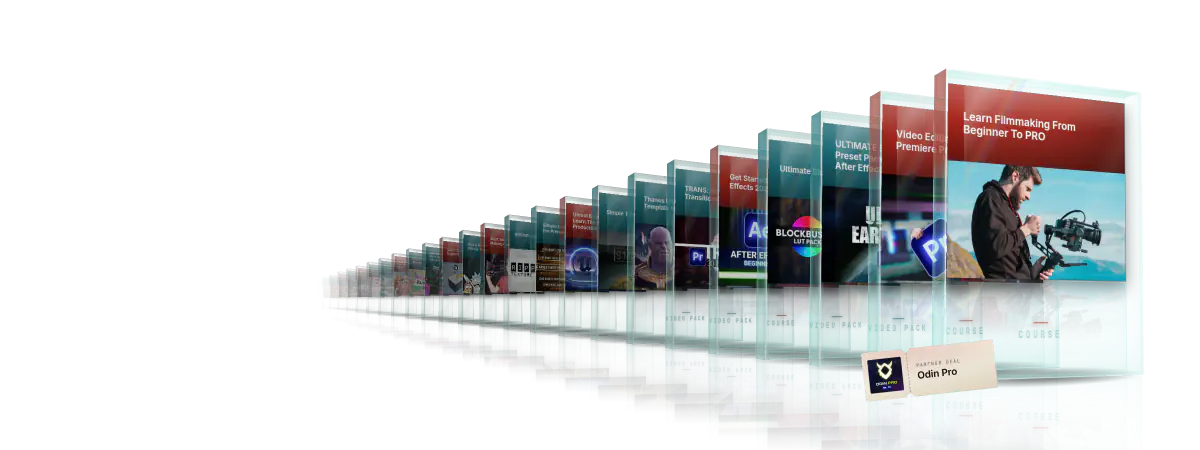
Every course. Every pack. One price.
- 15 courses
- 24 video packs
- 1 partner deal
- Every future release