Tutorials
Free filmmaking and editing tutorials.
 12K
5:57
How to Remove Objects in Premiere Pro with Generative Remove
Remove objects in Premiere Pro with the new Generative Remove beta: mask the object, track it and click Remove. I tested it on a mic, a phone, a photo studio and two people behind a reporter, so you see what works, what fails and what it costs in credits.
 46K
4:43
After Effects 27 New Features: AI Assistant, Contour Paint and More
The After Effects 27 new features, tested hands-on in the beta: the AI Assistant builds a wiggle with its own sliders and organizes your project, Contour Paint turns footage into a painting, and five smaller updates save you clicks every day.
 49K
7:58
How to Make a Glowing Logo in Premiere Pro (With Light Rays)
Make a glowing logo in Premiere Pro with the Film Impact effects that now ship with Premiere: Volumetric Rays, Glint and Wonder Glow, animated with 3D Rotate. Plus the effect order trick that makes the light react to the movement, and two editing tricks I use every day.
 18K
6:27
12 Premiere Pro Tips for Beginners You'll Actually Use
Twelve Premiere Pro tips for beginners that save time on every edit: transform and crop clips right in the Program Monitor, round off corners, fix pale skin with HSL Secondary, close gaps in one click and stop choppy playback.
 213K
6:08
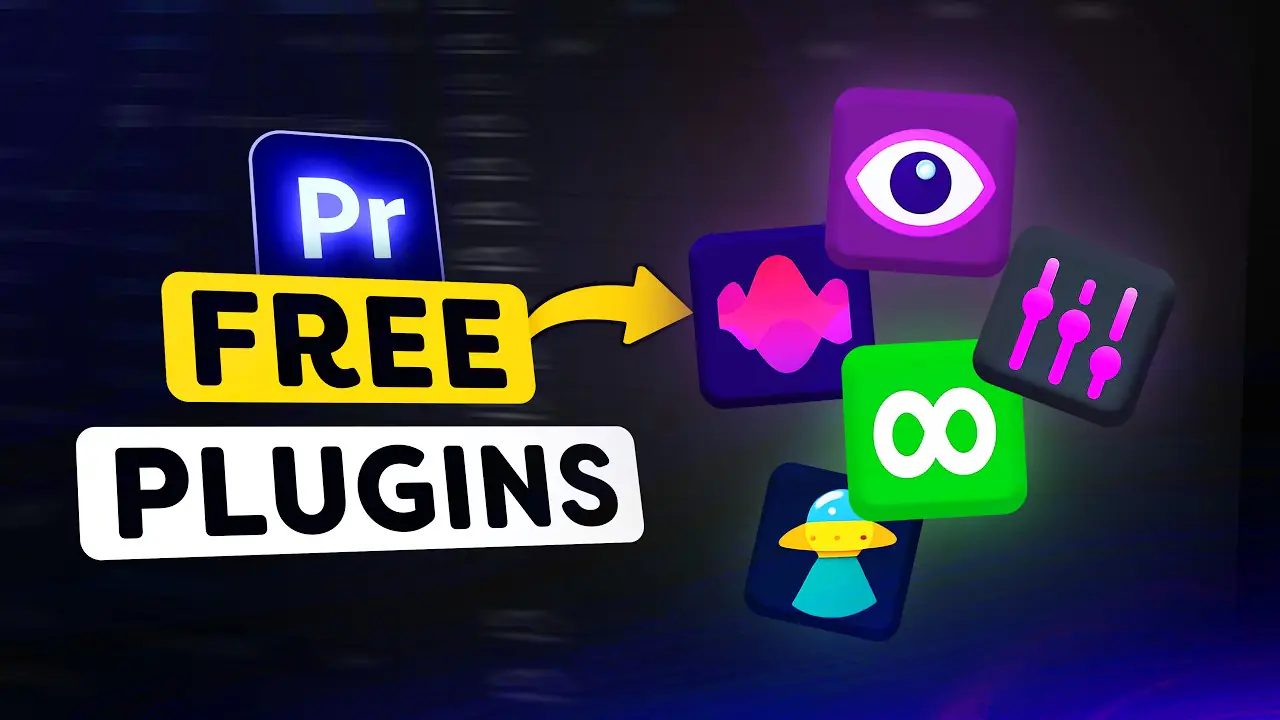
Vintage Audio Effect in Premiere Pro with Free Plugins
Get a vintage audio effect in Premiere Pro with two free Cymatics plugins: Origin for old tape and radio sound, Memory for a soft analog chorus. Plus three more free plugins worth installing: Smoothify, Premiere Composer and Film Impact.
 50K
8:17
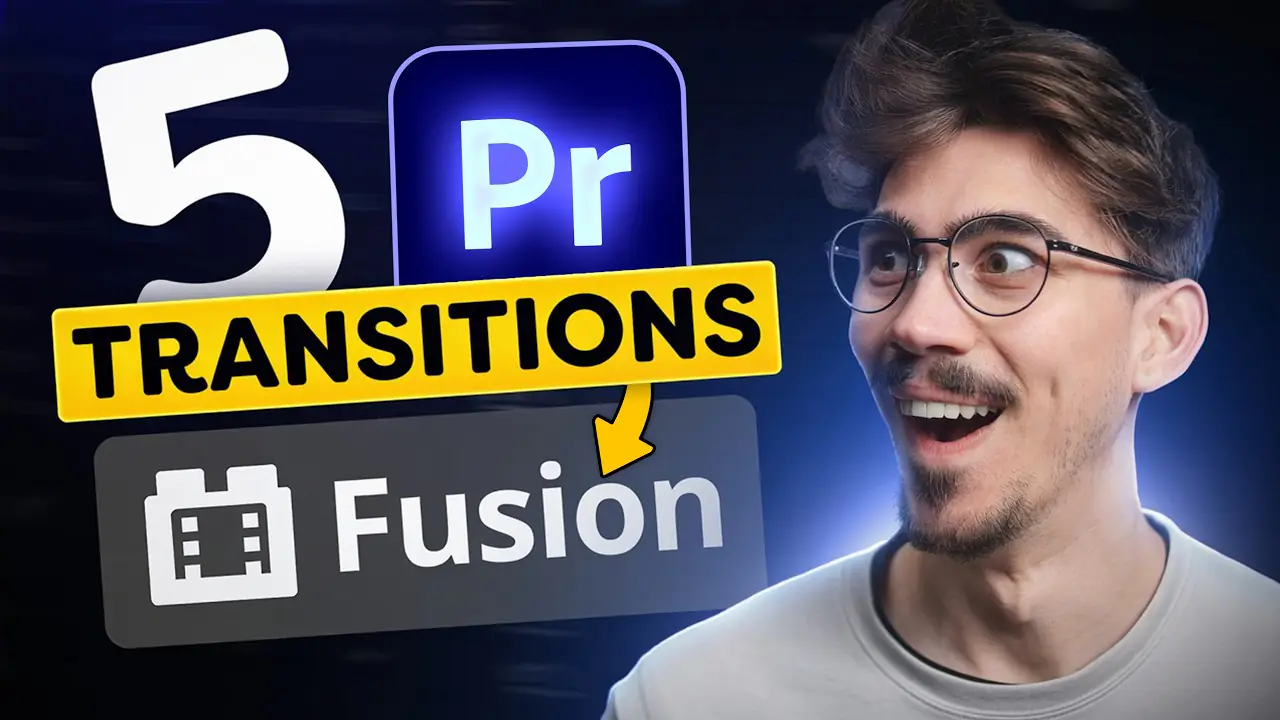
4 Premiere Built-In Transitions That Replace Keyframes
Premiere built-in transitions can do the work of a stack of keyframes. I show four builds: a text reveal with Motion Camera, a Spin Motion logo animation, a TV turn on effect with TV Power, and lower thirds made from Fold Motion and Spring Motion.
 26K
5:49
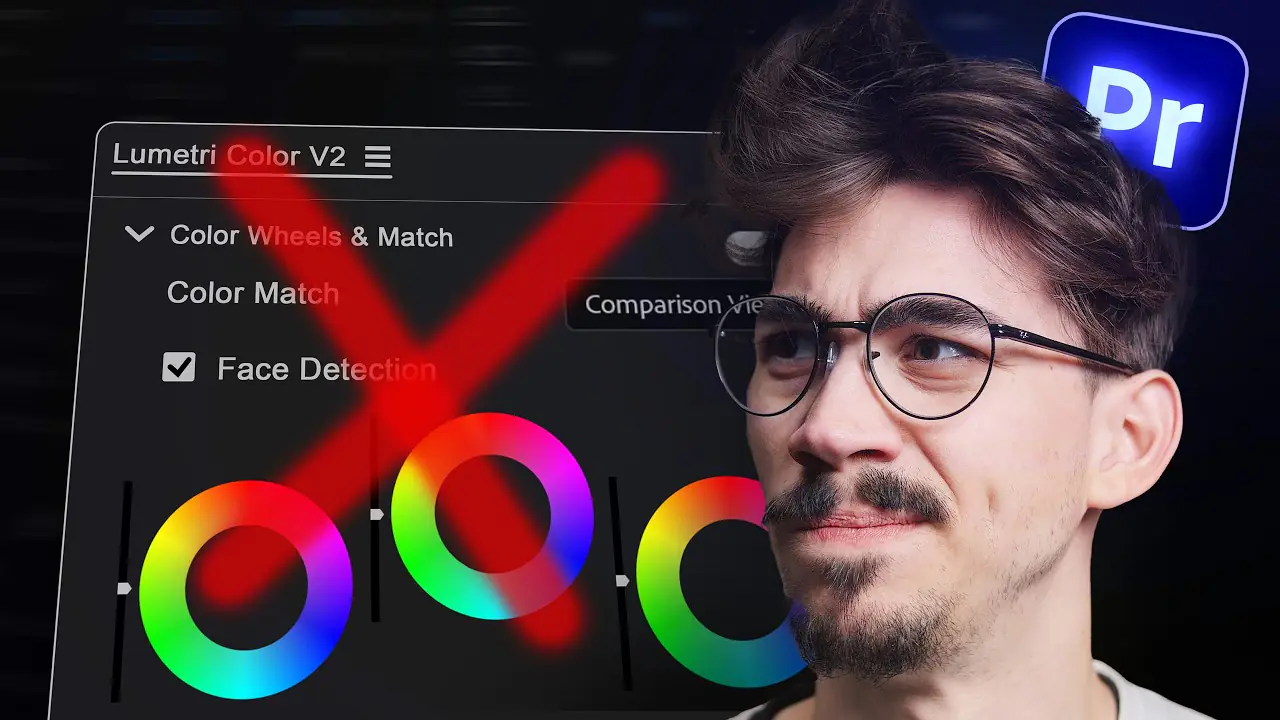
Lumetri Color Panel Removed: 5 Premiere Pro Grading Tricks
Is the Lumetri Color panel removed in Premiere 27.0? The panel retires, but the effect stays. Here are five grading tricks to learn now: two ways to make one color pop, a film look with FilmConvert Nitrate, a skin tone fix with HSL Secondary and a dreamy glow.
 26K
6:11
How to Make a Superhero Landing in Premiere Pro
Learn how to make a superhero landing in Premiere Pro without After Effects. Cut yourself out with the Object Mask tool, drop in with the Transform effect, speed up the fall with a speed ramp and hit the ground with an earthquake from the Camera Shake effect.
 15K
5:28
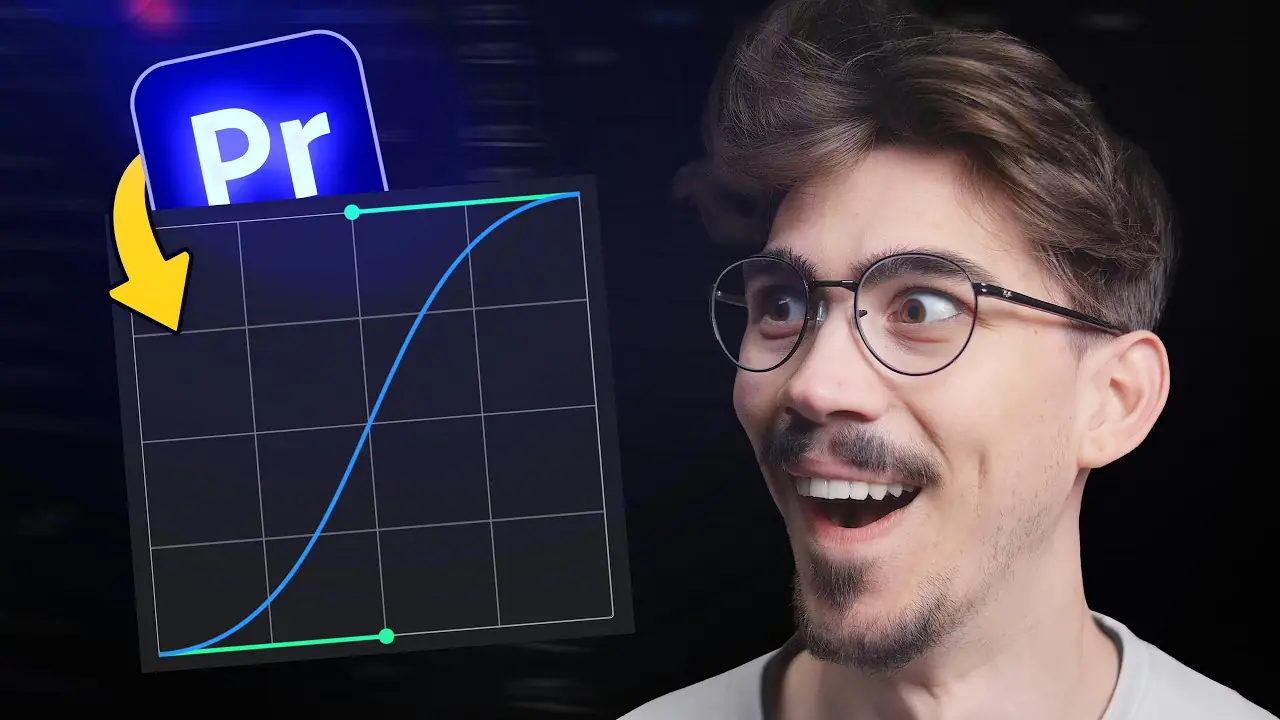
Premiere Pro Easing Curves and 3 More Blinkl Tools
Premiere Pro easing curves cannot be saved and reused, so simple animations end up in After Effects. The Blinkl ring menu adds a curve editor, beat markers, clipboard pasting and text animation presets, all from Ctrl + right-click. Here is what each tool does and what it costs.
 48K
8:04
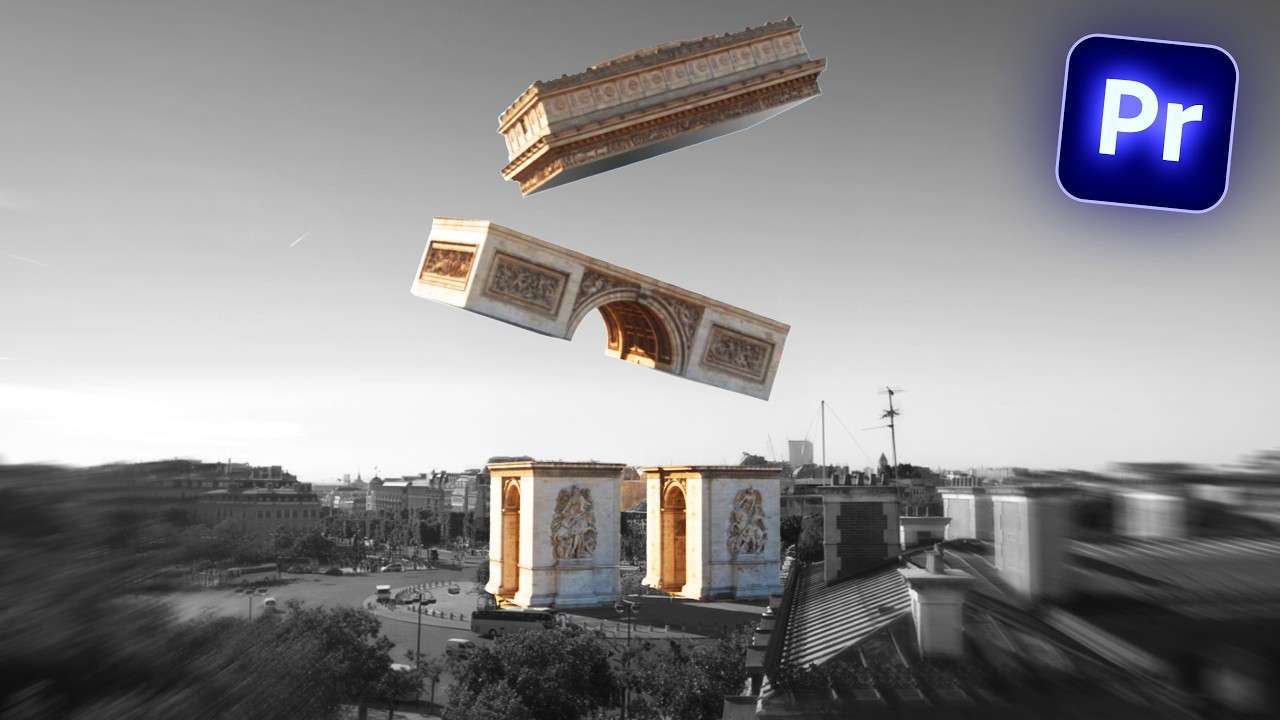
FAST And EASY Effects You MUST KNOW! (Premiere Pro Tutorial)
Learn a fast Premiere Pro workflow: remove a building with Photoshop generative fill, mask precisely, animate with Transform, and bend it in After Effects.
 18K
6:42
Create SMOOTH LOGO Animations! (Premiere Pro Tutorial)
Step-by-step Premiere Pro logo animation: build squares, use Transform and Basic 3D, add motion blur (180°) and polish with velocity curves for smooth results.
 75K
6:11
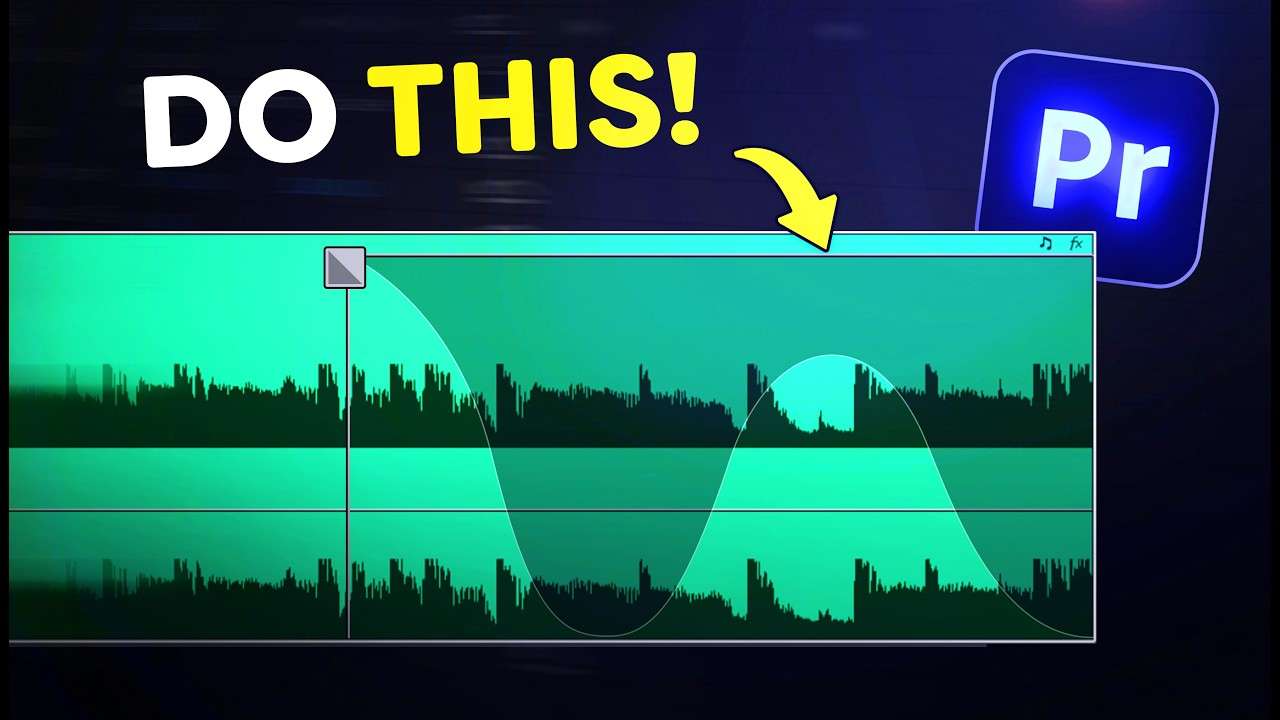
5 Editing Tricks You Should Learn IMMEDIATELY!
Learn 5 audio editing tricks for Premiere Pro: beat-syncing, low-pass EQ, AI music search, Automate to Sequence, and EQ for clear dialogue. Practical steps incl


Every course. Every pack. One price.
- 15 courses
- 24 video packs
- 1 partner deal
- Every future release