Tutorials
Free filmmaking and editing tutorials.
 148K
5:51
Laptop Transition in Premiere Pro (From Casey Neistat Mega Vlog)
Learn how to make the laptop transition from Casey Neistat's mega vlog. Sync multiple clips in Premiere Pro to transition during your edit.
 37K
13:05

Sekonic Light Meter introduction with Cinematography Database
An introduction on how to use a light meter for filmmaking. We're using the very sensitive Sekonic L-858D-U Speedmaster in a real test.
 78K
5:08

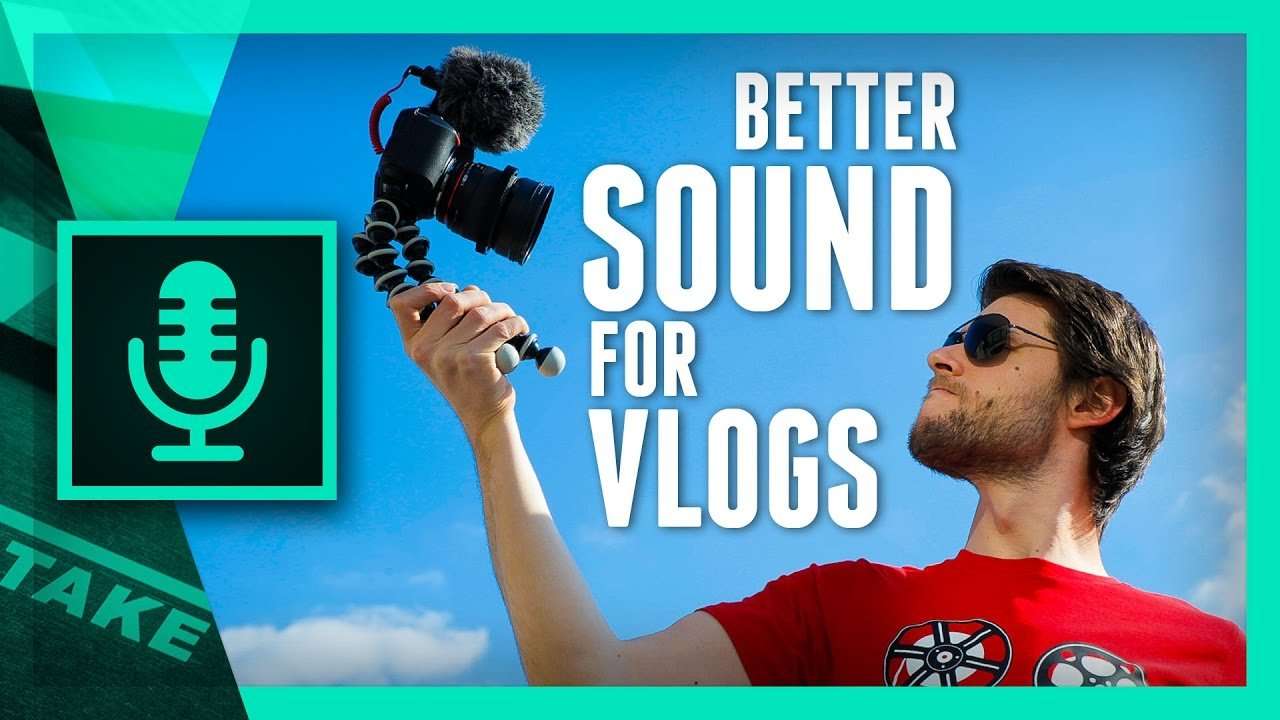
5 Tips to Improve the SOUND of your VLOGS
Sound is very important for a VLOG video. That's why we're sharing 5 simple tips to get better sound on the cheap and improve your audio.
 153K
14:00
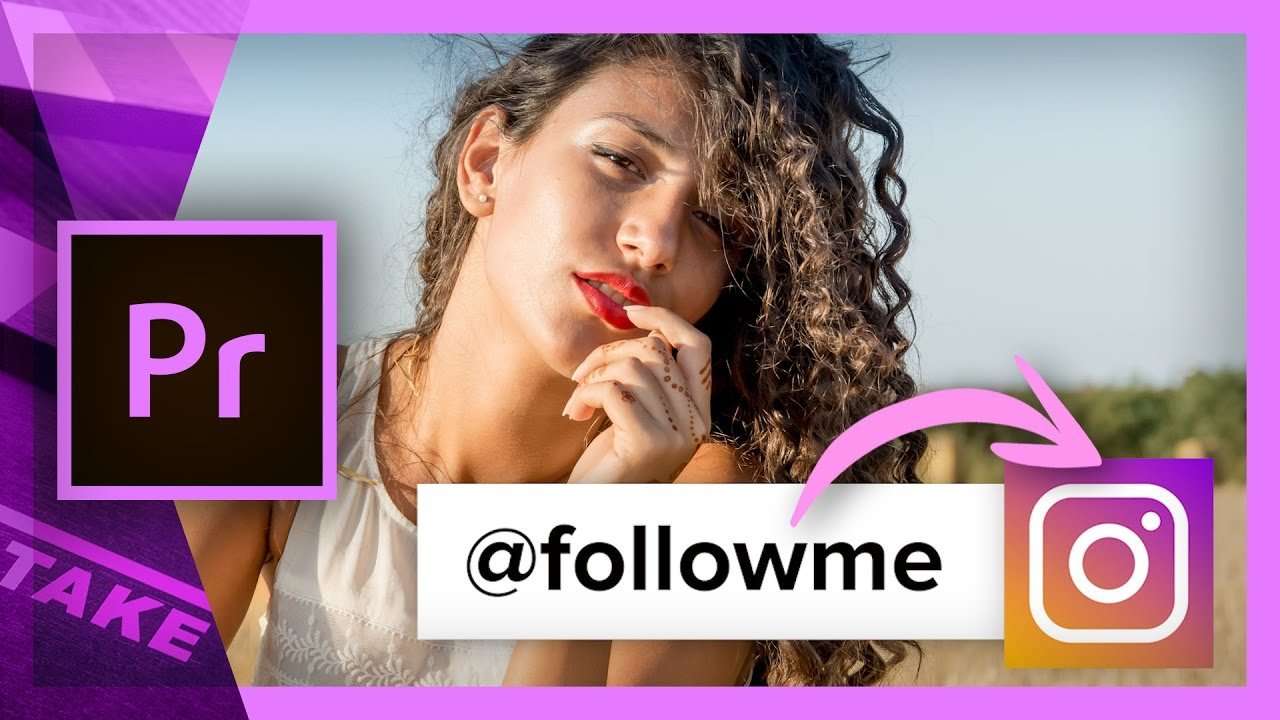
Animate a Social Card with the New Essential Graphics in Premiere Pro
Animate a social card with the new Essential Graphics in Premiere Pro, save it as a template and integrate Social Media in your videos.
 79K
6:07

My Custom GH5 Rig + 8Sinn Cage Review
How I've built my custom DSLR rig for the Panasonic GH5 with the 8Sinn cage as the heart, which we'll review in this video.
 380K
3:37

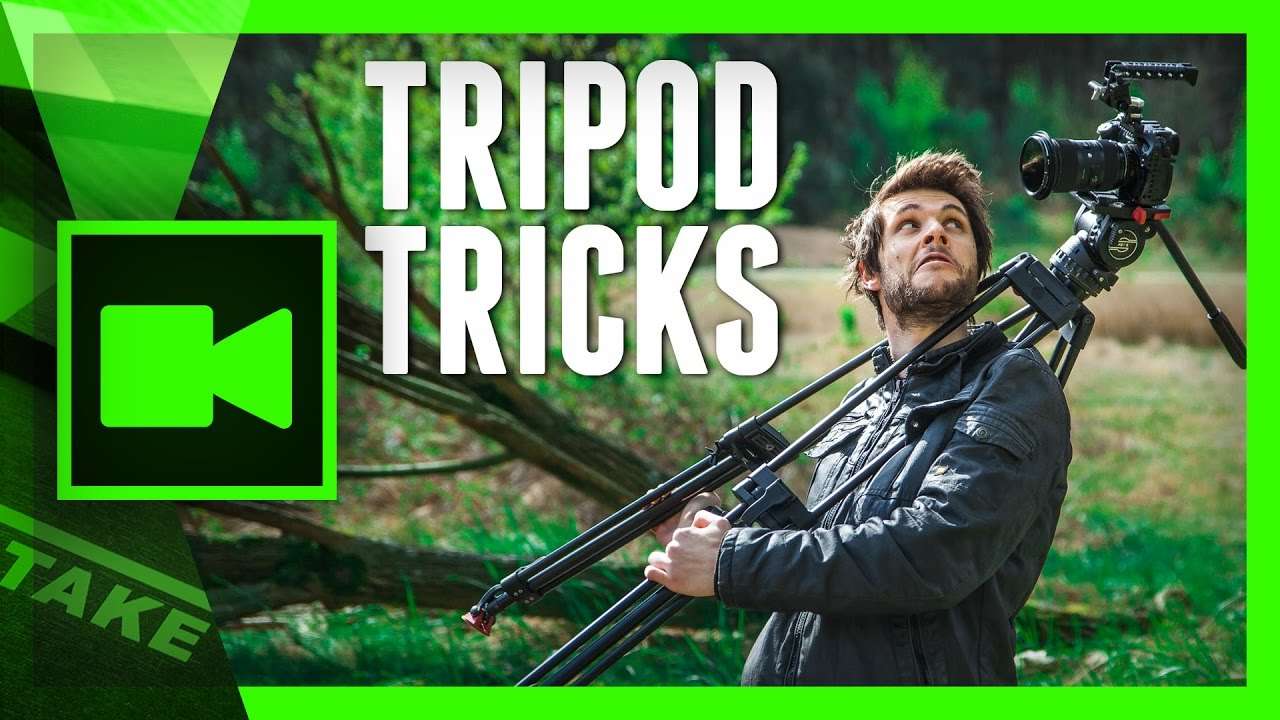
5 (more) Creative Tripod Tricks for Video
Tripod tricks to take your camera movement to the next level. In this tutorial you'll see different creative ways to use your tripod.
 25K
3:41

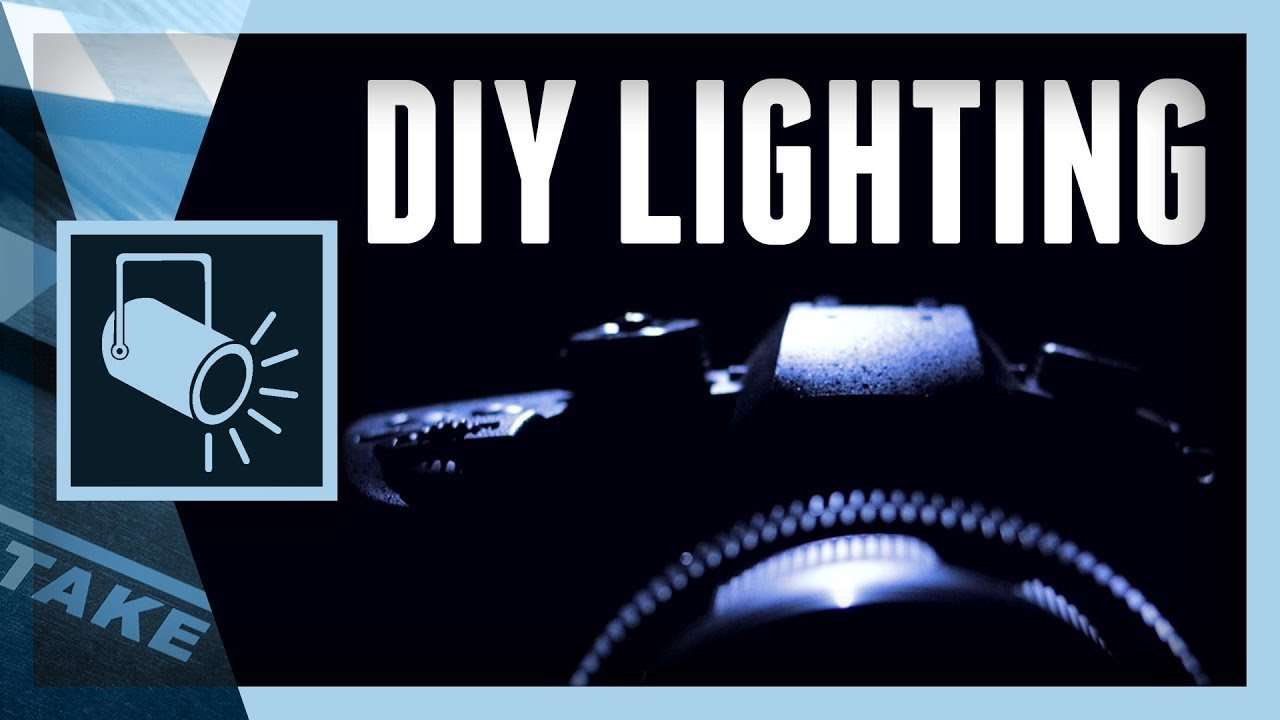
DIY Lighting: Product Reveal in Dark Studio
Create an epic product reveal video with these simple DIY lighting hacks. Learn new tips on lighting black objects in a dark studio scene.
 28K
17:58
Star wars title Animation in premiere pro tutorial
Create the 3D Title Animation from the latest Star Wars movies in Adobe Premiere Pro and become The Last Jedi yourself!
 139K
6:39
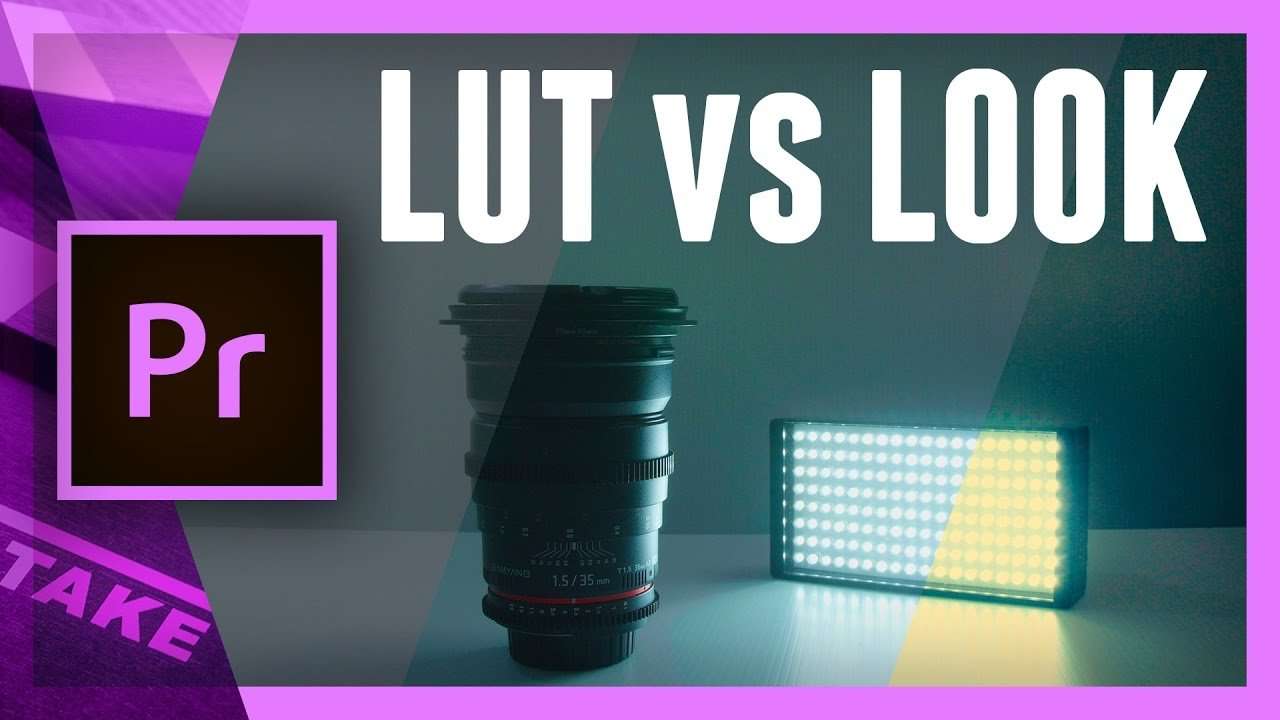
Luts vs Look: Difference explained in Premiere Pro
Learn the difference between input LUTS and a Look and how to use them in color grading and correcting your footage in Premiere Pro Lumetri.
 9K
5:31

Panasonic GH5 – 5 Community Questions Answered
Most common questions about the Panasonic Lumix GH5 answered in this 5 tips and tricks tutorial video where we shared our own findings.
 462K
16:46

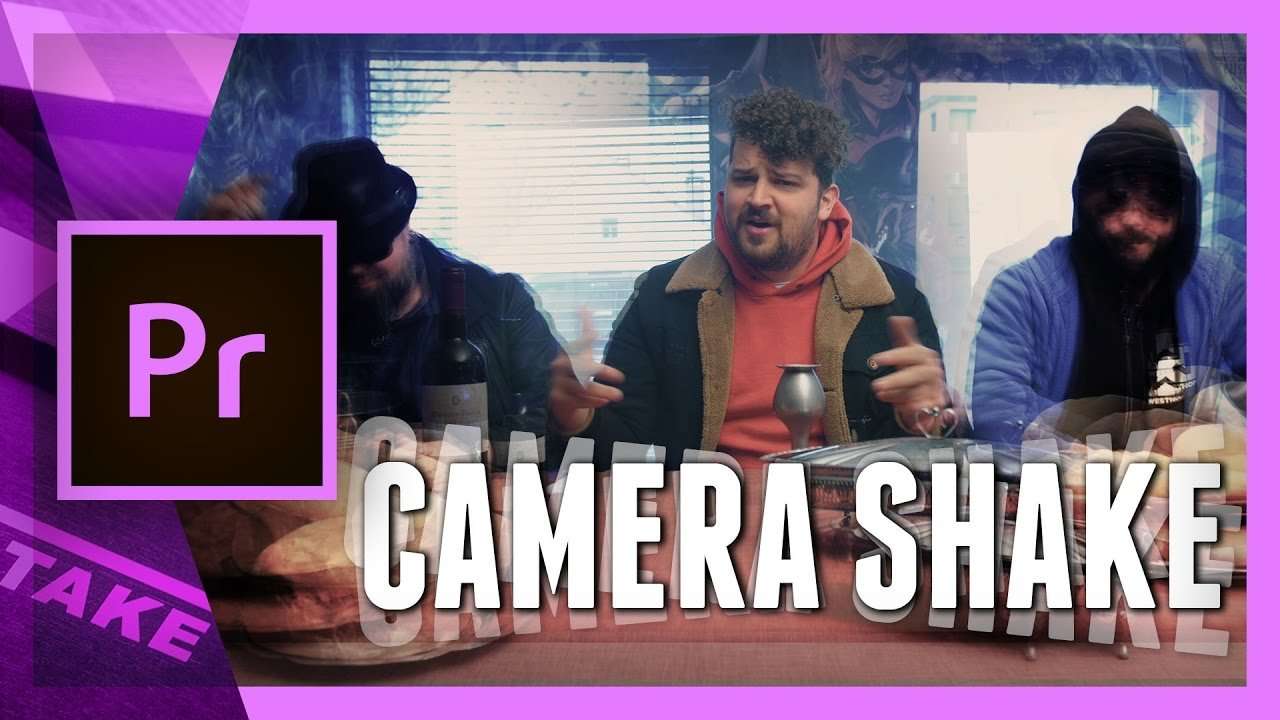
Camera Shake from Kendrick Lamar Humble in Premiere Pro
Recreate the camera shake effect from the music video Humble with Kendrick Lamar in Premiere Pro. Learn how to edit a multi camera setup.
 26K
4:16

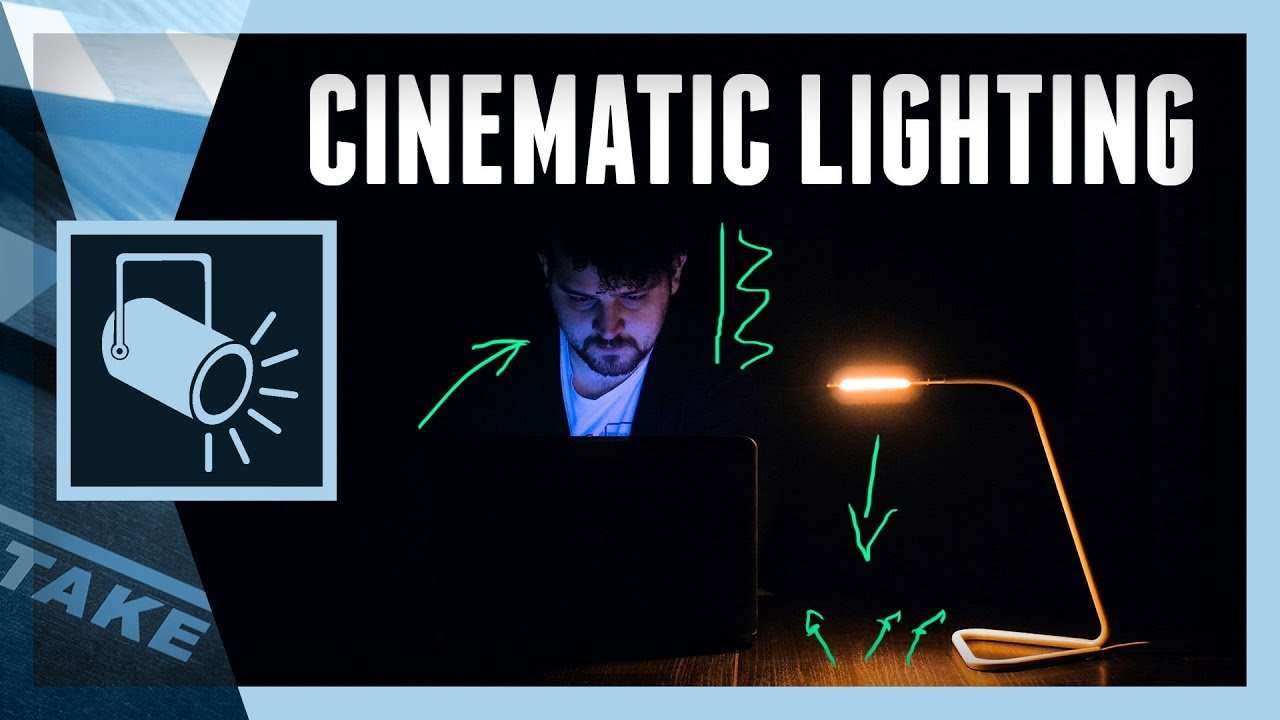
Cinematic Teal and Orange Look: Lighting Tutorial
How to create a teal and orange look with a simple lighting setup. We'll cover indoor and outdoor techniques to achieve that cinematic look.

Every course. Every pack. One price.
- 15 courses
- 24 video packs
- 1 partner deal
- Every future release