Tutorials
Free filmmaking and editing tutorials.
 55K
4:14
5 Tips for Filming an After Movie / Event Video
A professional after movie contains the right shots and scenes so that the viewer stays interested. These 5 tips will help you shoot a better after movie.
 999K
10:00
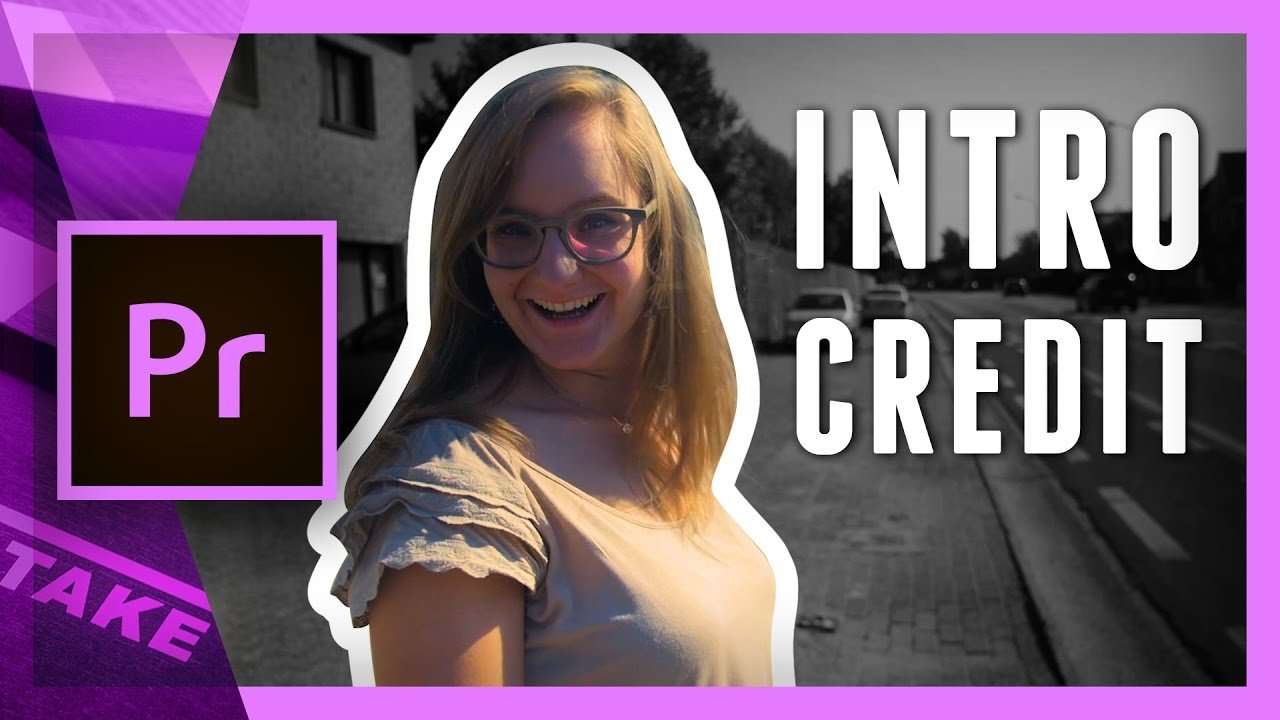
Create an intro sequence in Premiere Pro
Learn how to mask a subject and animate a still frame as an opening credit or intro sequence used in soaps. Watch the Adobe Premiere Pro tutorial video.
 3K
4:49
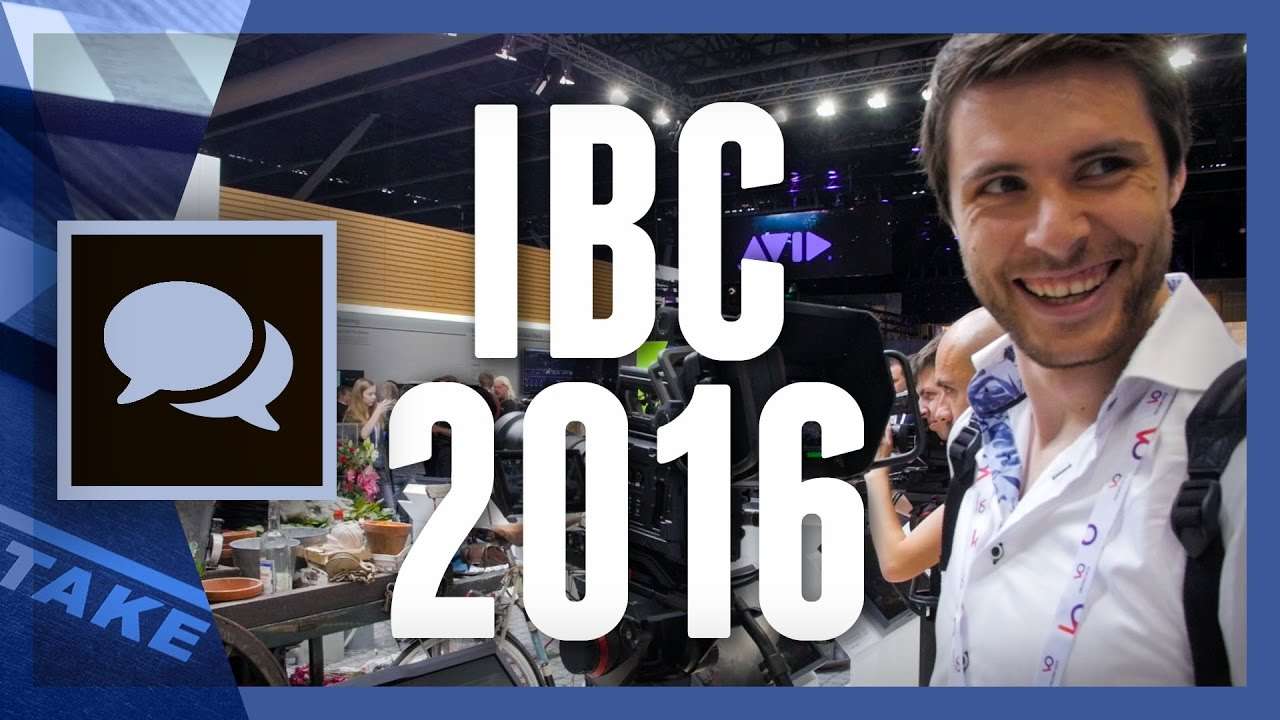
What I’ve learned at IBC 2016
IBC 2016 was a great experience again. I talked to amazing people and saw innovative film gear all around me. But this year's visit taught me one lesson.
 116K
7:56
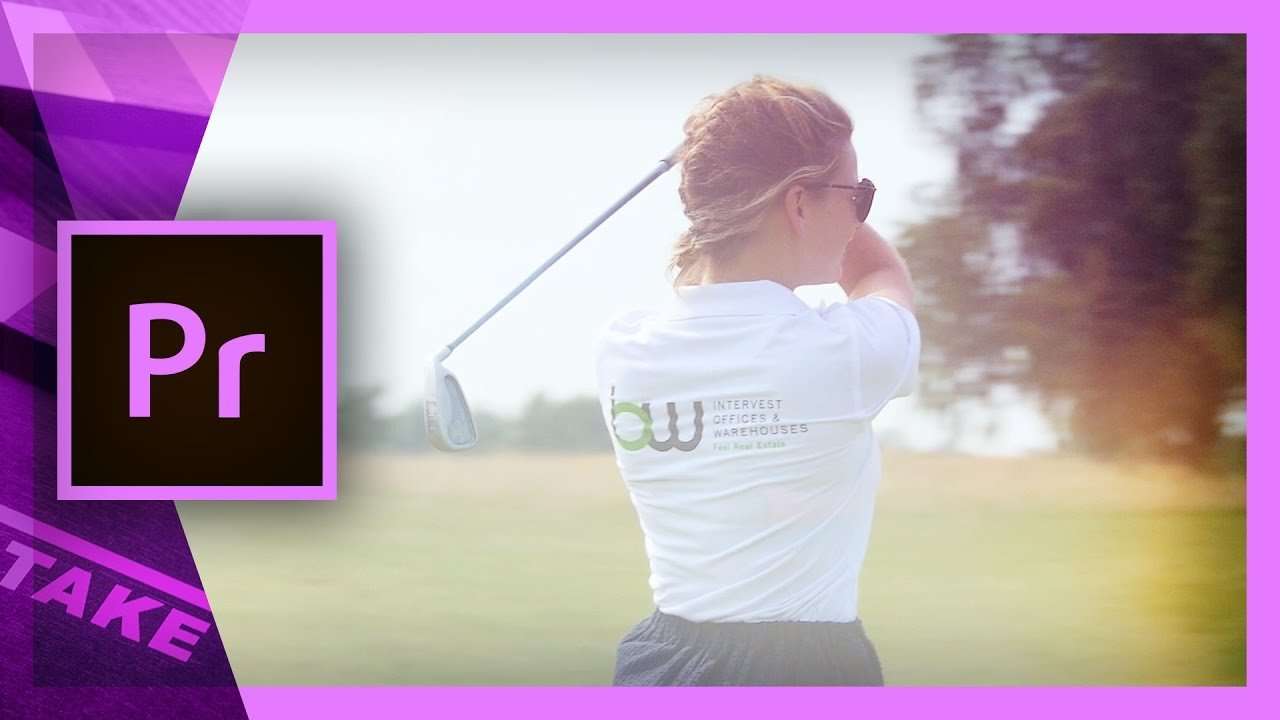
Light Leaks Effects Tutorial in Premiere Pro
Light leaks are abstract flares that blend with your shots to add a nostalgic look to your video. Learn how to use it in Premiere Pro in this tutorial.
 28K
5:37
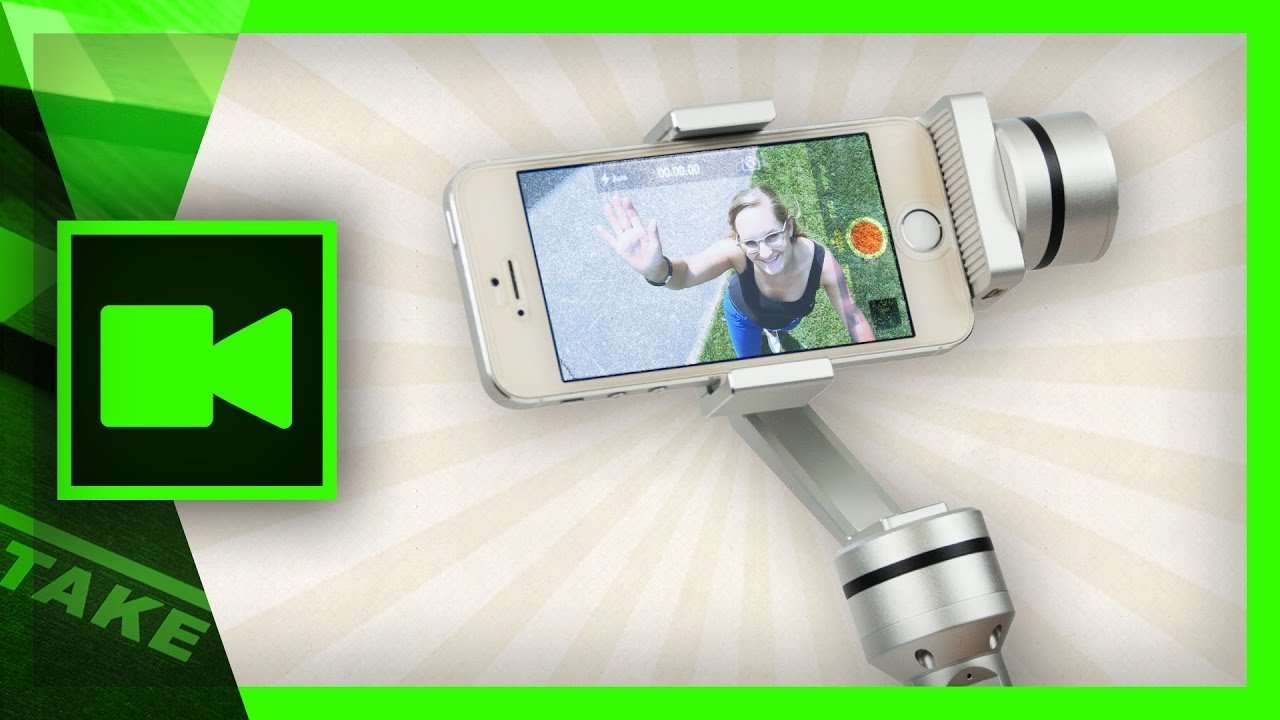
Creative shots with a Mobile Gimbal (AIBird UoPlay)
Mobile gimbals are hot with the new announcement of the DJI Osmo Mobile Gimbal. We on the other hand are looking at the less popular UoPlay from AIBird.
 9K
6:54
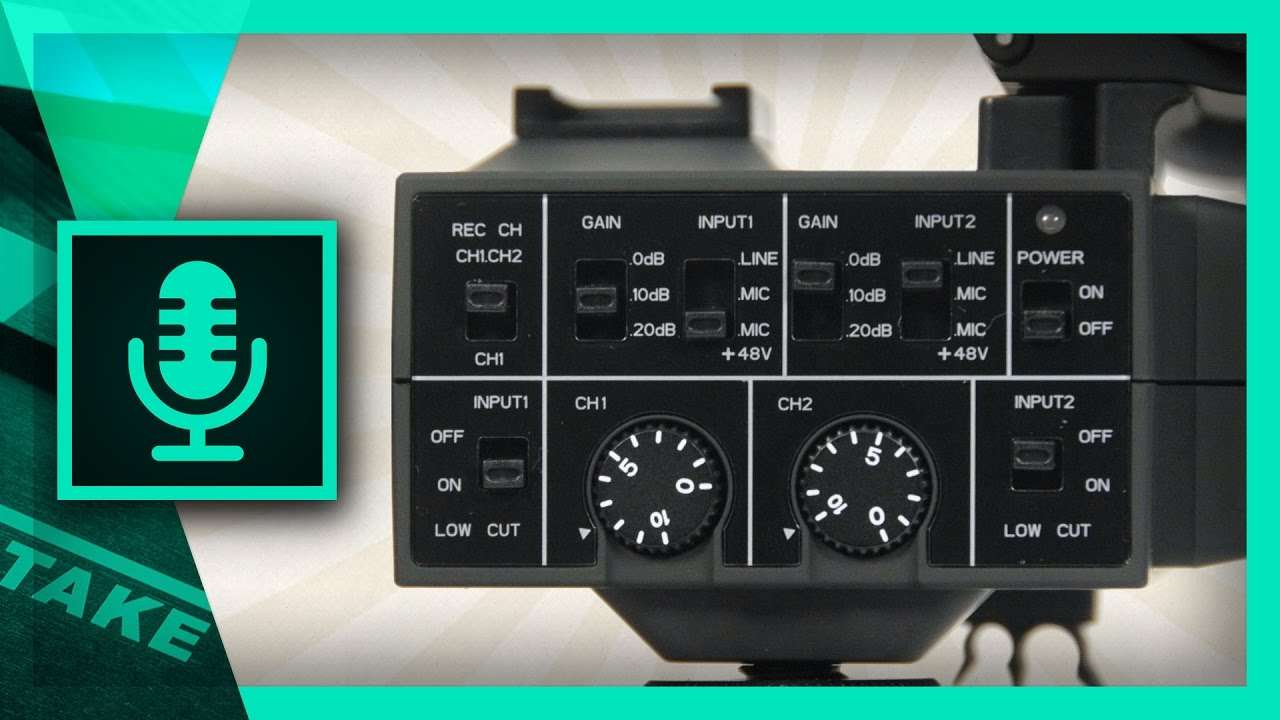
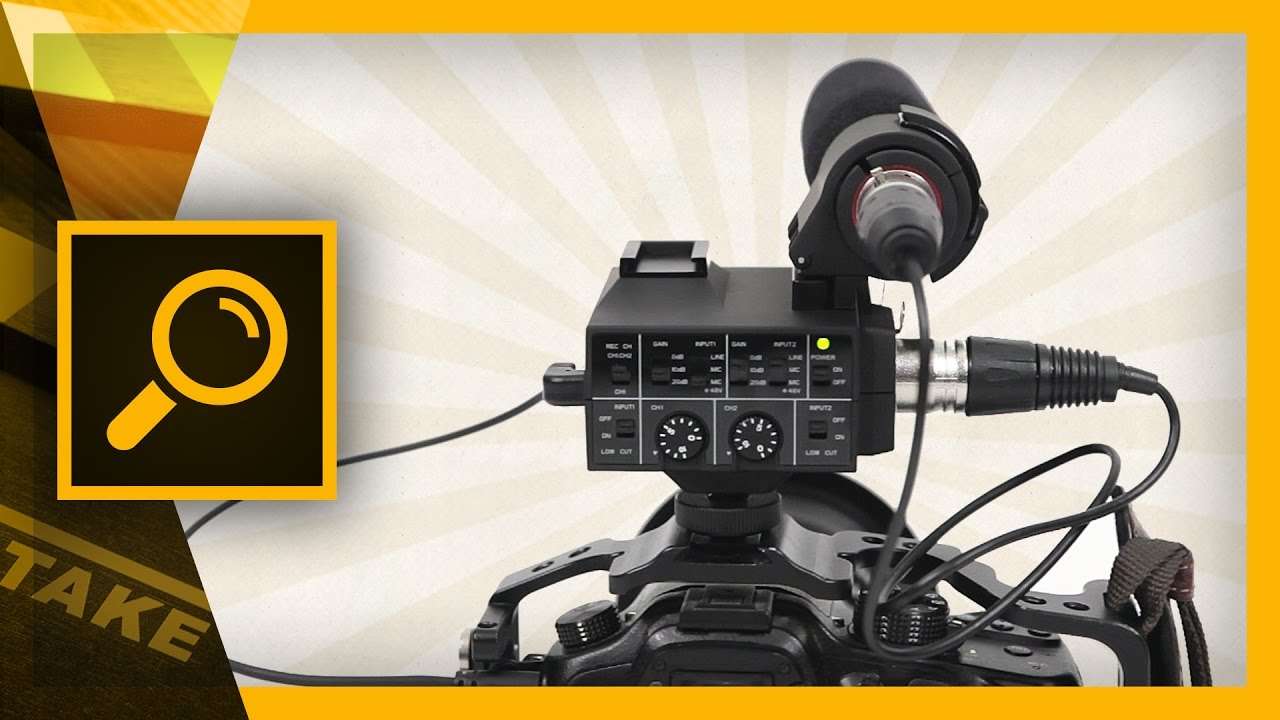
An introduction to using an audio mixer
Learn the basics of a professional audio mixer and amplify your audio for the best quality possible. We are using the Saramonic MixMic which has 2 inputs.
 13K
7:28
Saramonic MixMic – Audio Mixer and Microphone Review
The Saramonic MixMic is a two channel audio mixer plus shotgun microphone. It connects to your DSLR or camcorder for professional sound. Let's do a review!
 333K
2:51
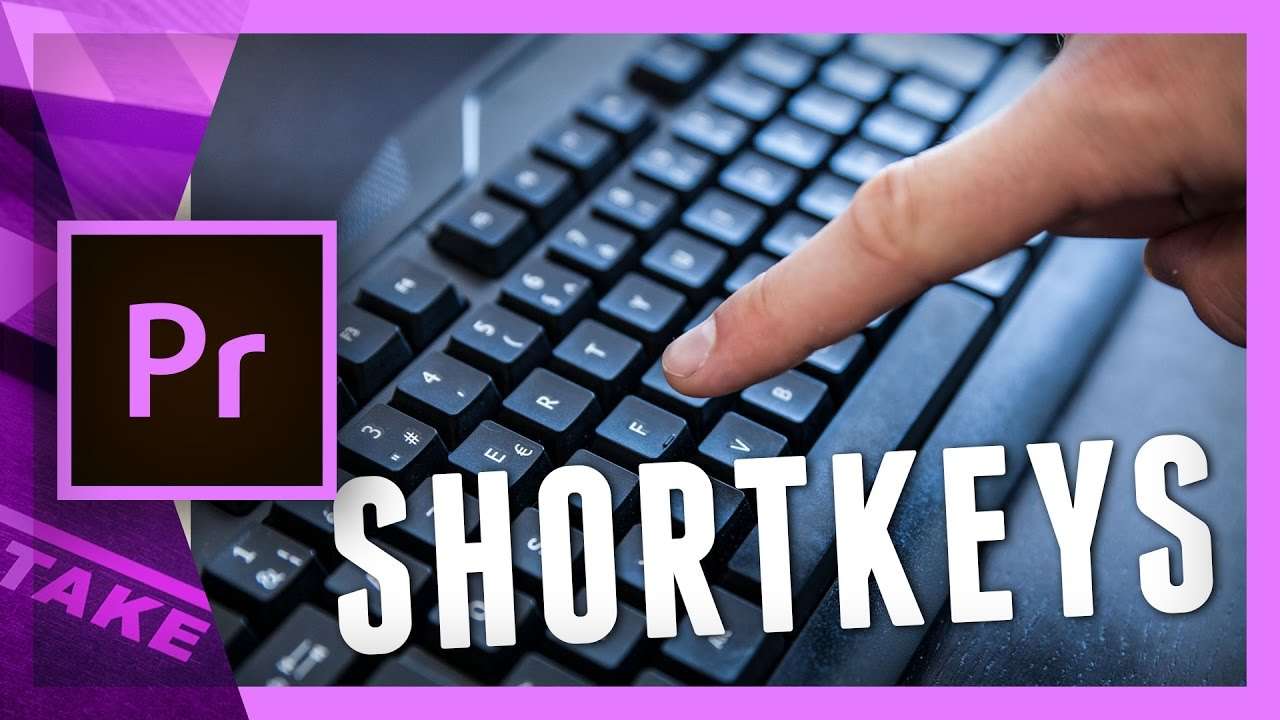
5 shortcuts in Adobe Premiere Pro you must use
Learn how to use some more unpopular shortcuts in Adobe Premiere Pro that will enhance your video editing workflow a lot better.
 148K
3:54
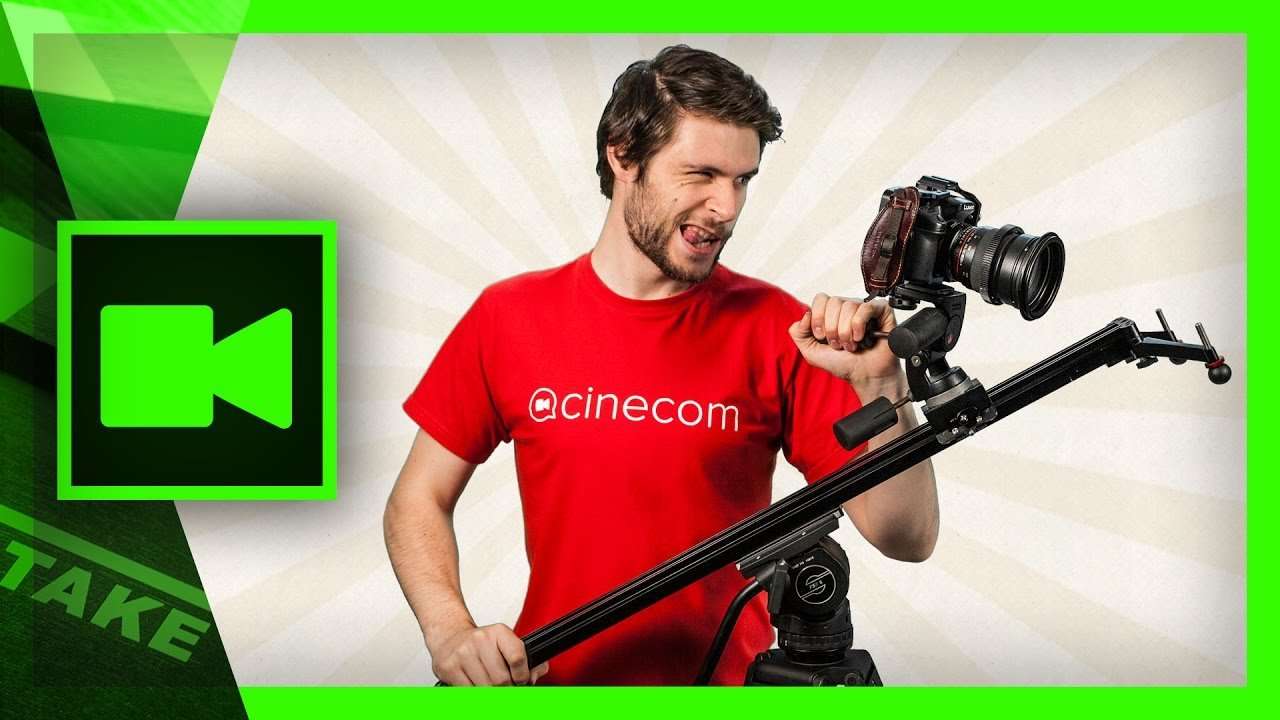
5 (more) creative camera slider tricks
A camera slider is a wonderful tool to add cinematic movement to your shots. In this video you'll learn 5 creative tricks with your DSLR camera slider.
 80K
9:44
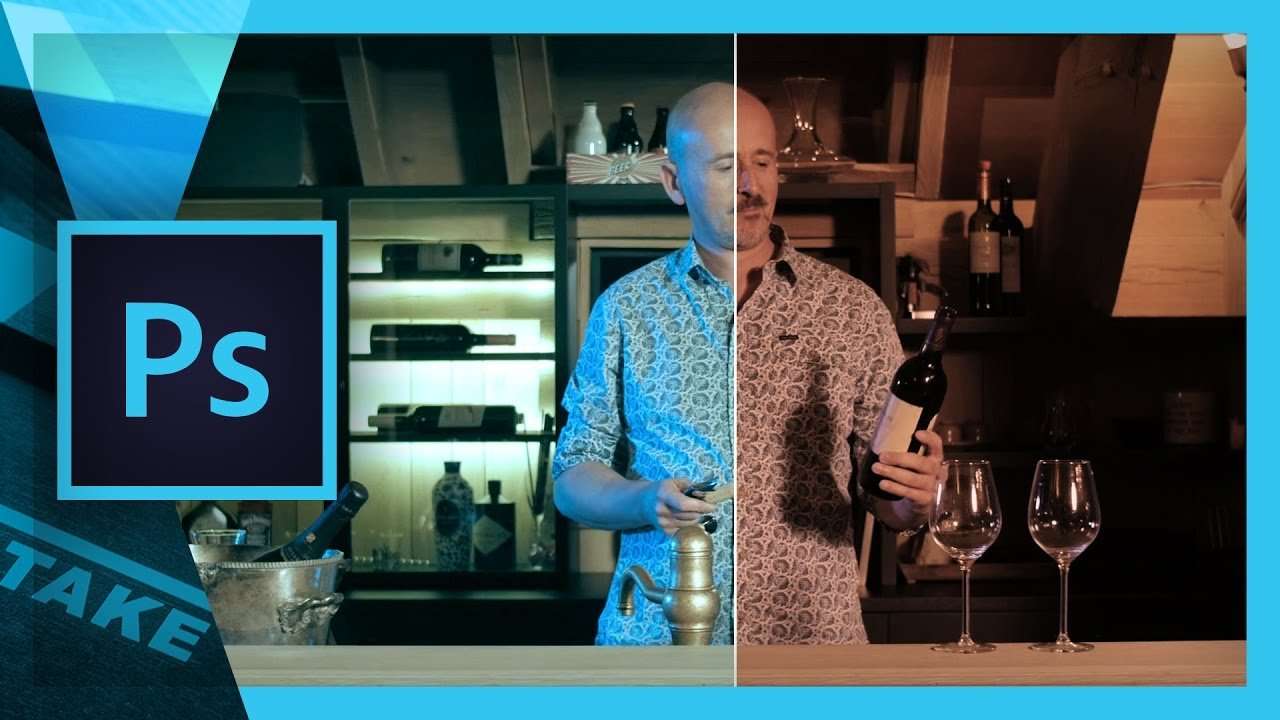
Create a custom LUT with Photoshop for Premiere Pro
Premiere Pro Lumetri allows us to import a custom LUT as a look for our videos. But have you ever wondered how to create your own?
 96K
9:38
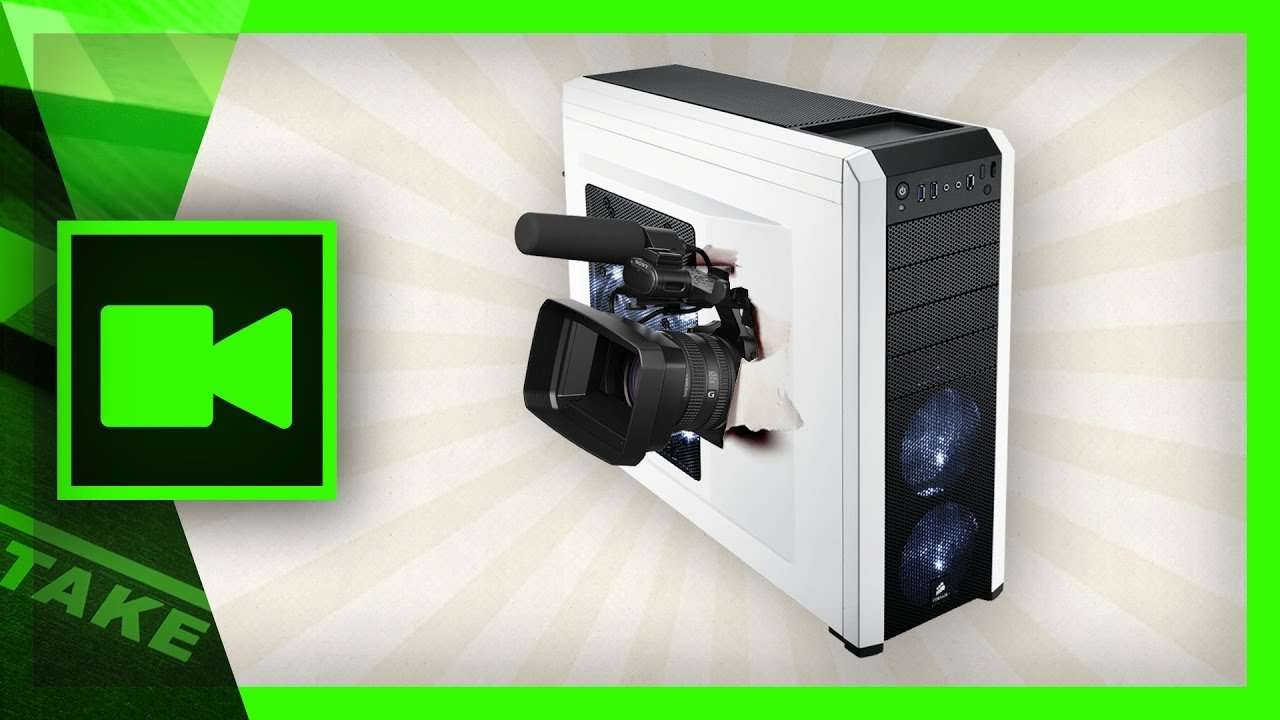
How to build a computer for 4K Video Editing
Learn how to build a computer for video editing. Select the right components to get the maximum performance for 4K video editing within your budget.
 150K
10:18
Closed Captions Subtitles in Premiere Pro Tutorial
Create closed captions subtitles in Adobe Premiere Pro that allow multiple languages for Youtube or DVD. Enable or disable the subtitle track.
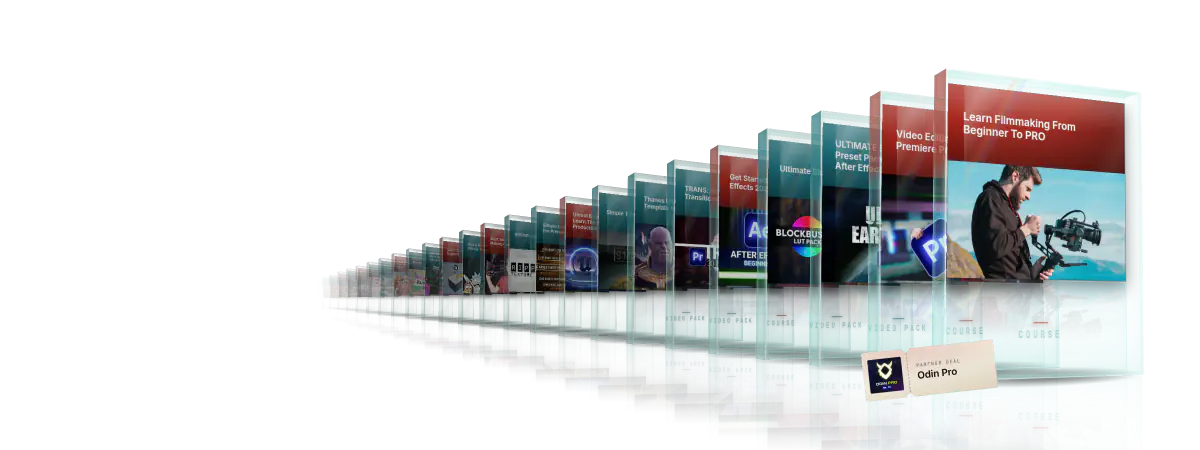
Every course. Every pack. One price.
- 15 courses
- 24 video packs
- 1 partner deal
- Every future release