Tutorials
Free filmmaking and editing tutorials.
 200K
5:03
Create Motion Blur (no plugins) in Premiere Pro
Give natural motion blur to your (text) animations in Adobe Premiere Pro. Learn how to do it without any third party plugins in this quick tutorial video.
 154K
10:28
Color Selection (Secondary) in Premiere Pro
Select a specific color with Lumetri secondary color correction in Premiere Pro. This tutorial shows a new feature of Adobe Premiere Pro CC2015.3
 17K
7:41
Proaim Smart Camera Slider Review
The Proaim Smart is a portable camera slider which has a friction to allow very smooth movements. But let's take it to the test in this review video.
 186K
4:40
5 Montage Techniques to Improve your Videos
Montage techniques are certain rules and ways to arrange your video clips or where to cut. In this video tutorial you'll learn 5 popular montage techniques.
 71K
2:56
5 Pro Tips for Video Editing
Video editing is the last but very important stage of a video production. In this tutorial we share 5 PRO tips for faster editing and better results.
 87K
9:04
Custom transition in Premiere Pro
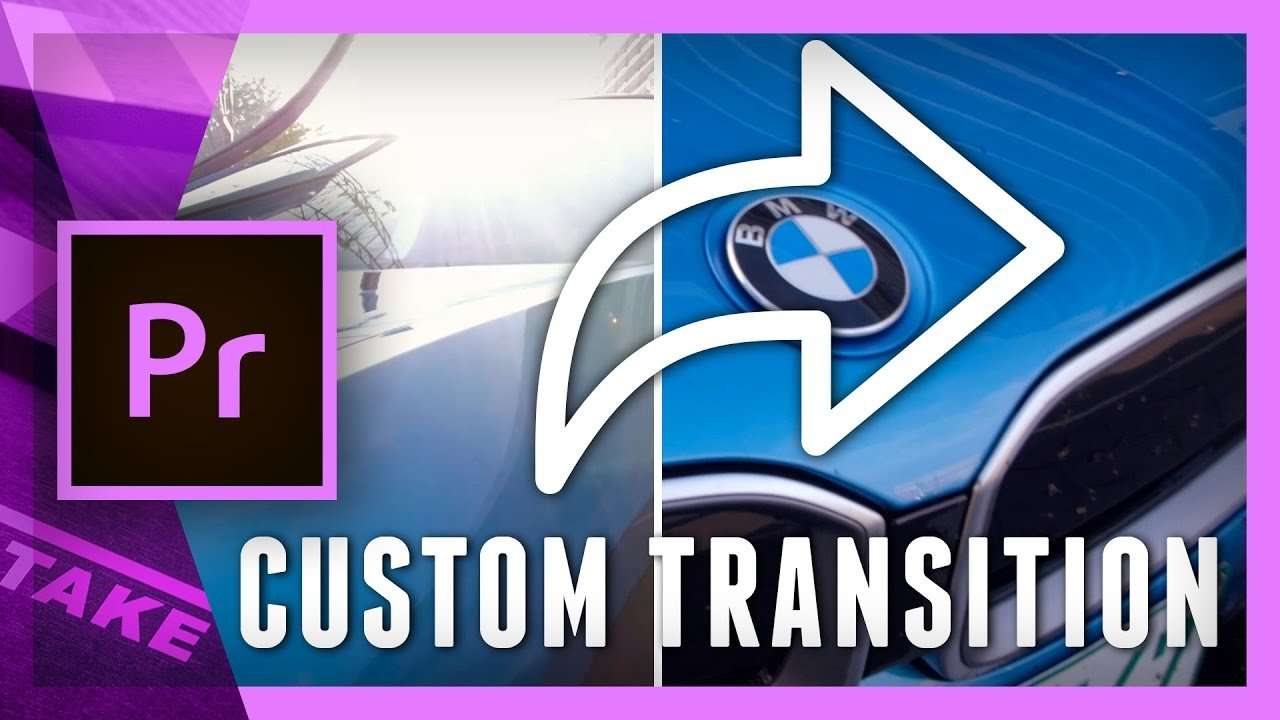
Design and animate a custom transition in Adobe Premiere Pro. Learn how to use the Track Matte effect to map two video clips to one custom animation.
 141K
6:46
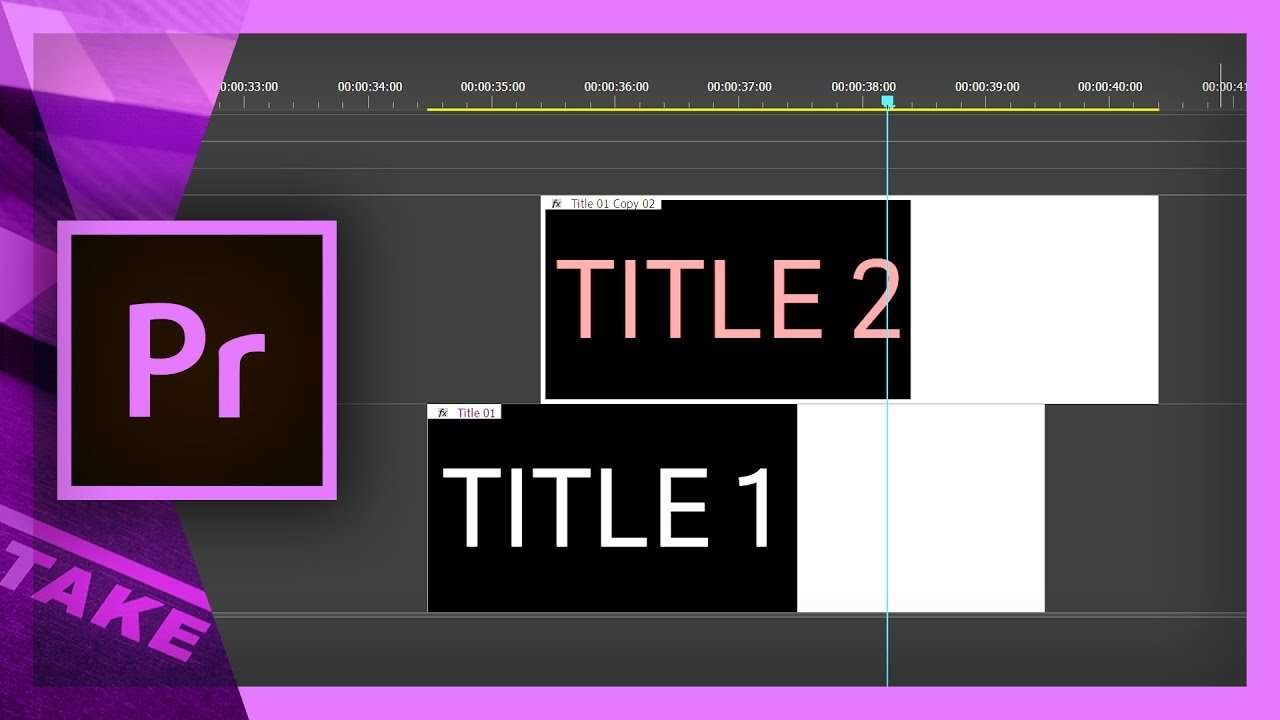
How to Duplicate Text in Premiere Pro
Learn how to duplicate text or a title in Premiere Pro. Create a template or use our Simple Titles templates multiple times in the same project.
 2K
2:42
The most amazing deal of the year
5 DAY DEAL is a collection of training courses, LUTs, stock footage and more. For the next 5 days you'll get 96% off the entire bundle.
 10K
3:32
How music affects your camerawork
Music creates a mood, a certain emotion. That's why we often seek hours for the right song. But why limit a music song only to video editing?
 283K
16:54
Make an Epic Logo Animation in Premiere Pro
In this Adobe Premiere Pro tutorial video you will learn how to create an epic logo animation in a 3D space with realistic lighting effects.
 33K
0:40
Designer Pack: Painted Titles
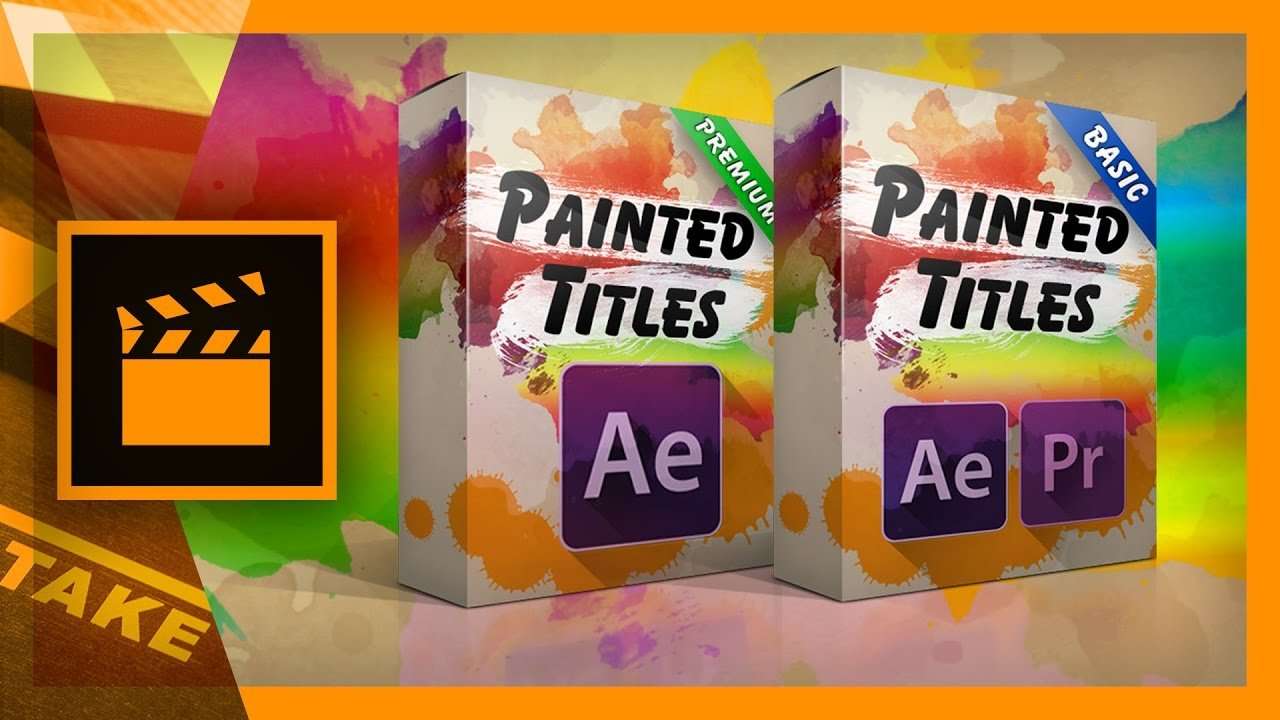
Painted Titles is a collection of 10 title templates for Adobe Premiere Pro and After Effects. There's a free basic version and a cheap premium pack.
 55K
3:33

Color Correction vs Color Grading Explained
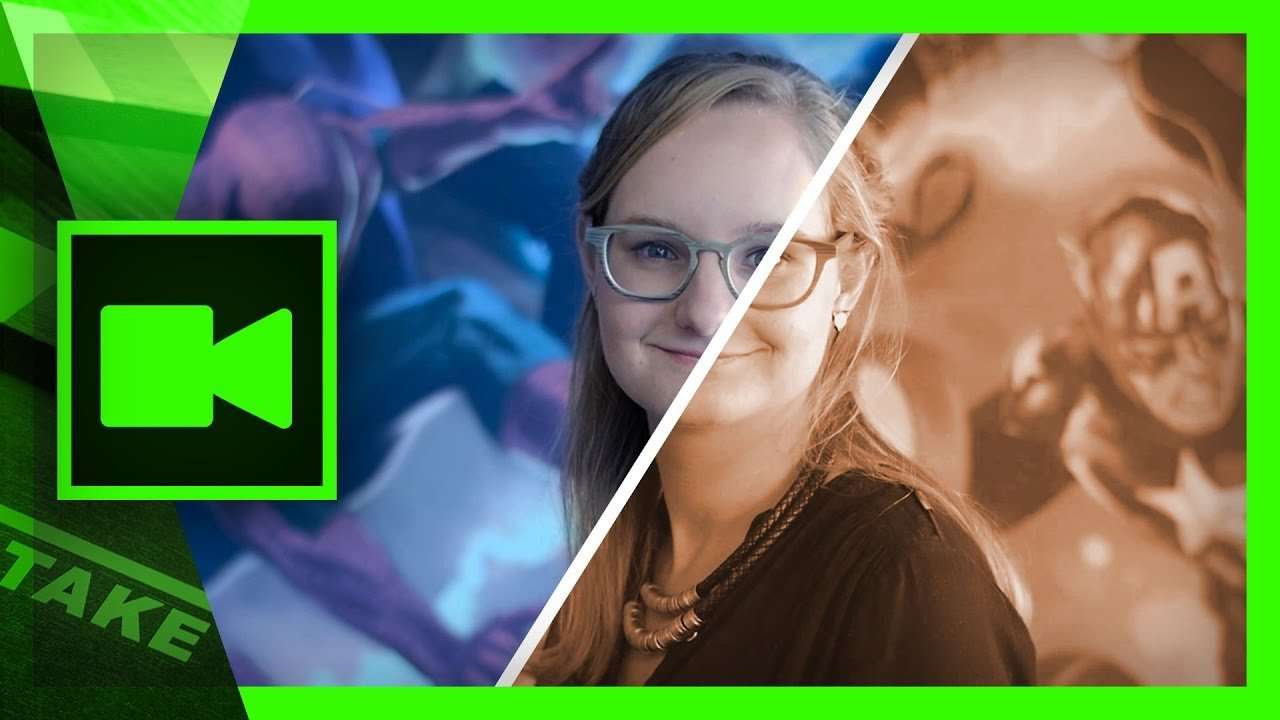
Color Correction and Color Grading are two different techniques. We use Adobe Premiere Pro Lumetri for that. But what is the difference between the two?
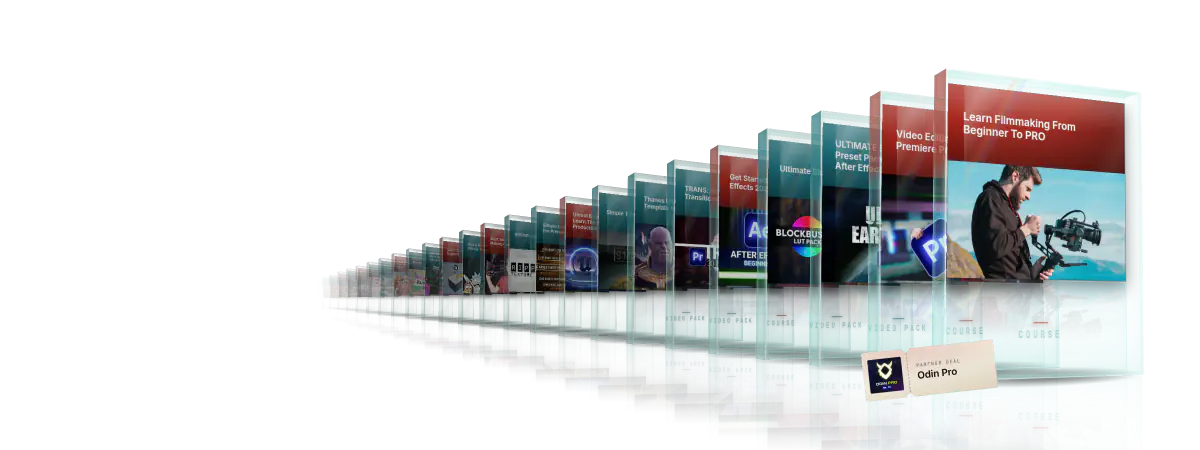
Every course. Every pack. One price.
- 15 courses
- 24 video packs
- 1 partner deal
- Every future release