Tutorials
Free filmmaking and editing tutorials.
 27K
11:44
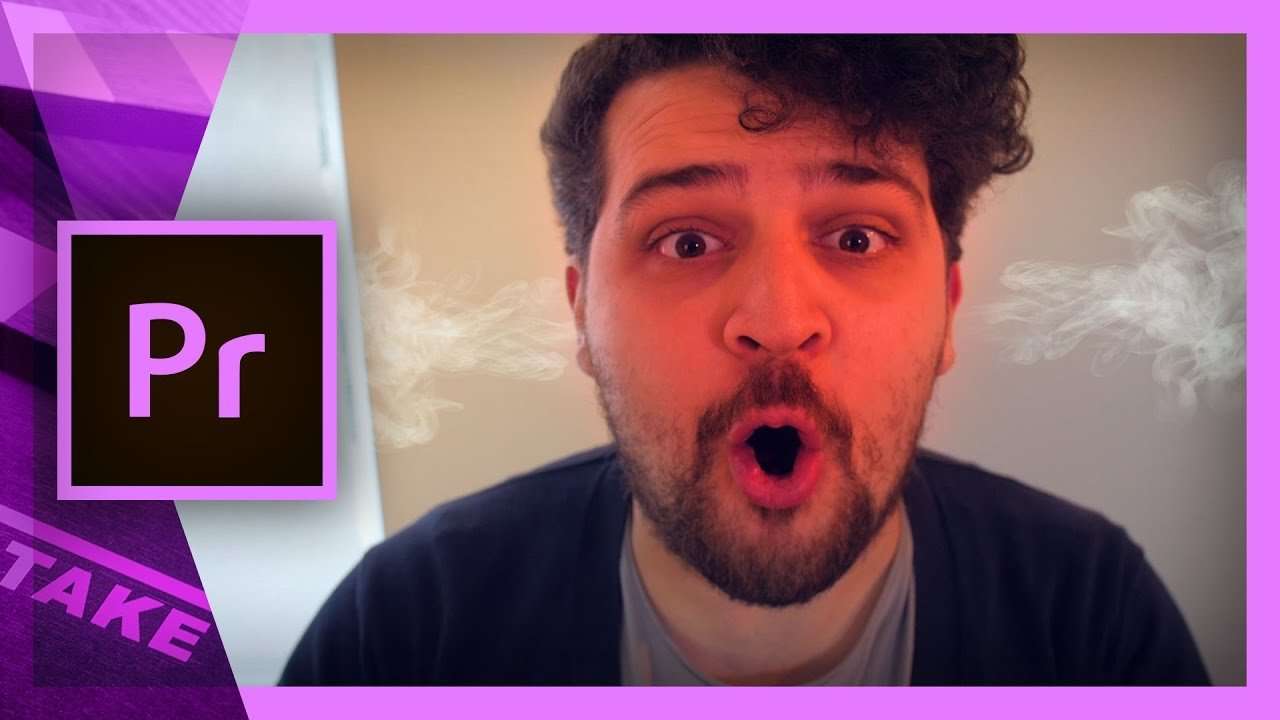
Create a Spicy Face look in Premiere Pro
Learn to use the masking and blending tool in this Adobe Premiere Pro tutorial to create a spicy face expression, full of emotions.
 4K
1:13
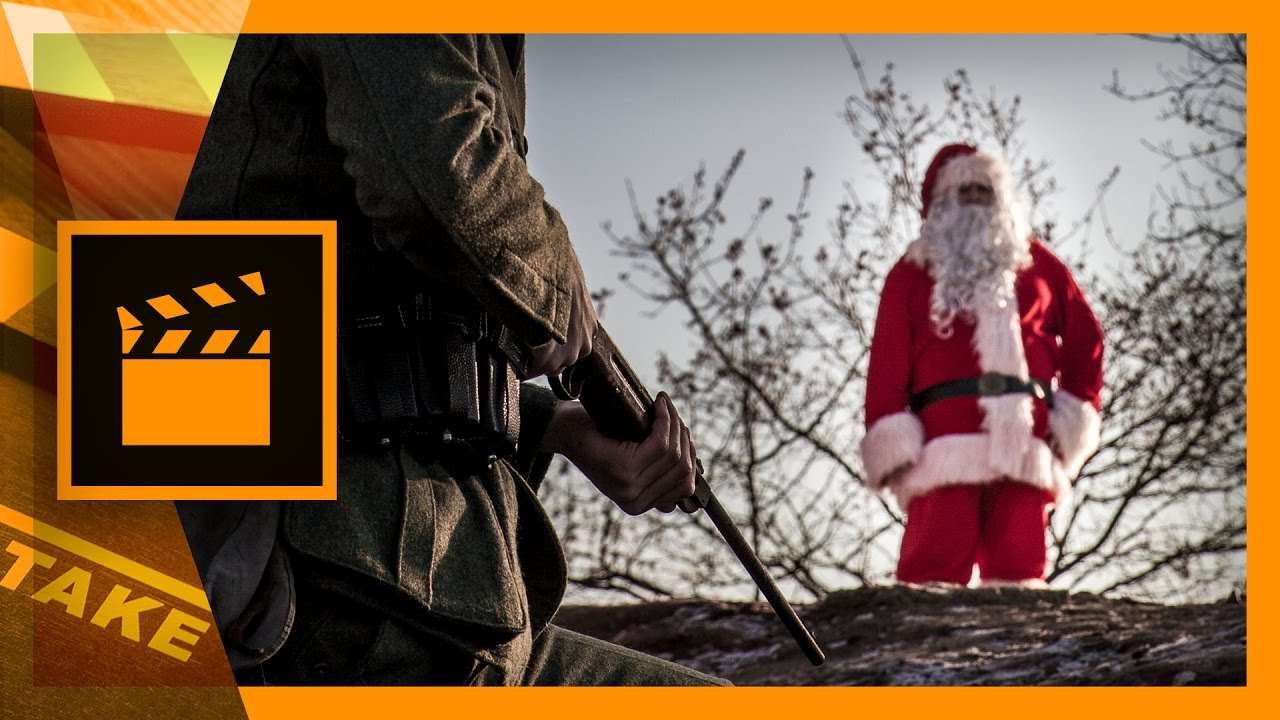
What if Santa had to work during the World War
What would happen if Santa had to work during the World War? It's a question that we, at Cinecom, were wondering about. Enjoy this short film
 30K
2:50
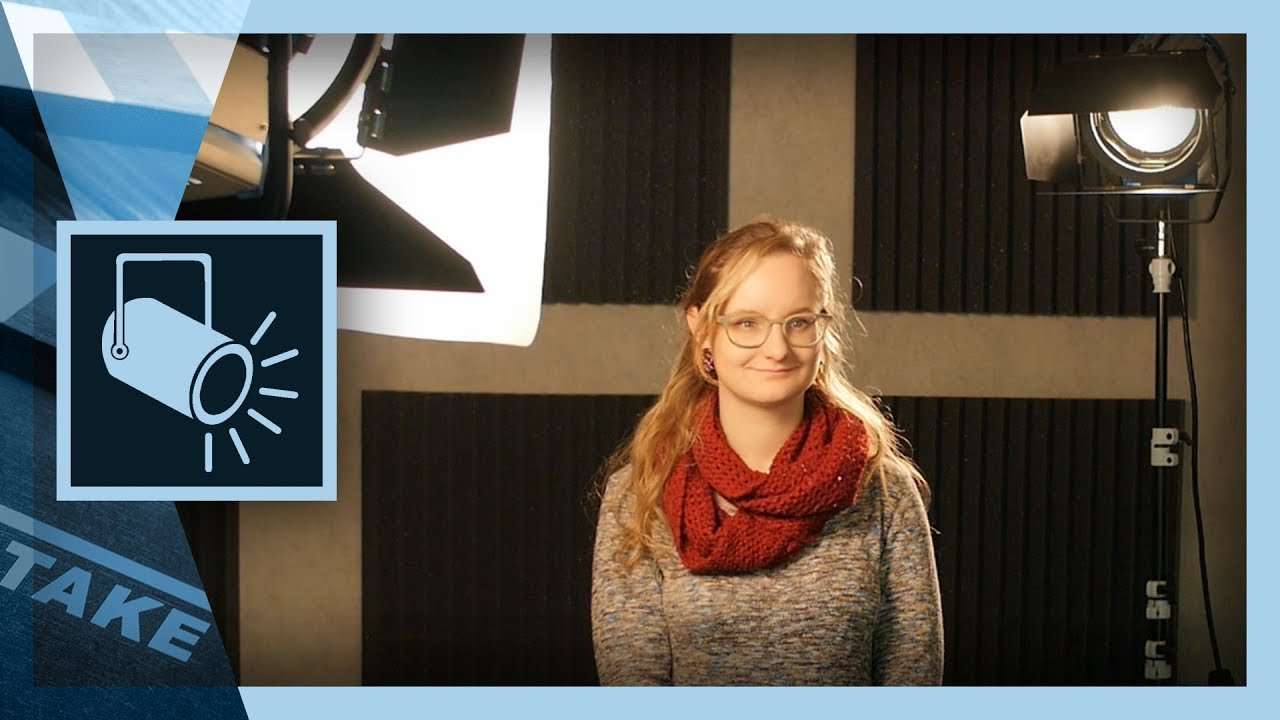
3 Point Lighting Tutorial: The Basics of Light for Video
The 3 point lighting is the basic principle for using light in video. A setup used to light your model more dynamic. Enjoy the tutorial video!
 287K
12:07
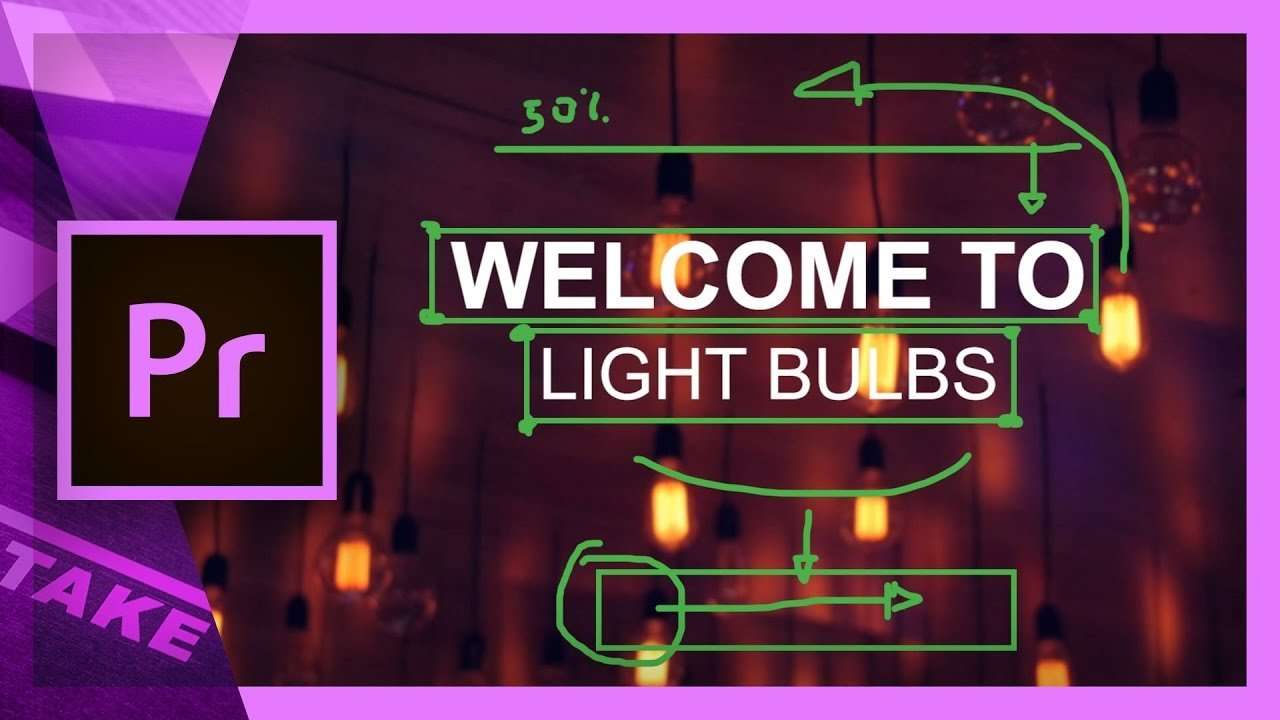
Animate a simple intro title in Premiere Pro
Learn how to use basic techniques in Adobe Premiere Pro to animate a simple intro title. Use the crop effect and animate the position of your titles.
 45K
4:03
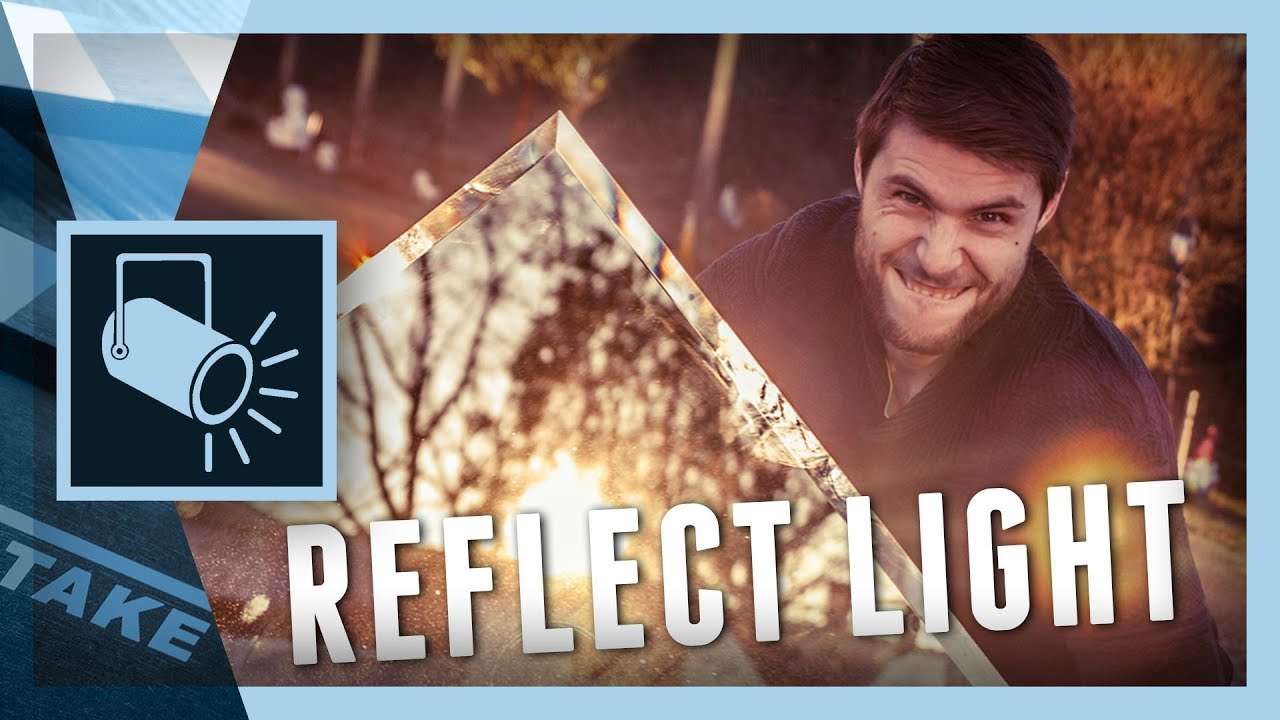
5 Tricks to Light a Scene with Mirrors
This tutorial video covers 5 simple ways to light a scene/subject by using sunlight and a mirror. Great techniques if you're low on budget.
 10K
3:27
5 Tips for Designing a Youtube thumbnail
In this tutorial we share 5 simple tips to design a Youtube thumbnail that stands out and attracts more views plus more subscribers.
 152K
3:29
5 Easy Tips to Stabilize your Camera
Shaky camera shots are not always wanted. We can try to fix it in post, but it's better to get it right from the start. See 5 tips to stabilize your camera.
 163K
11:49
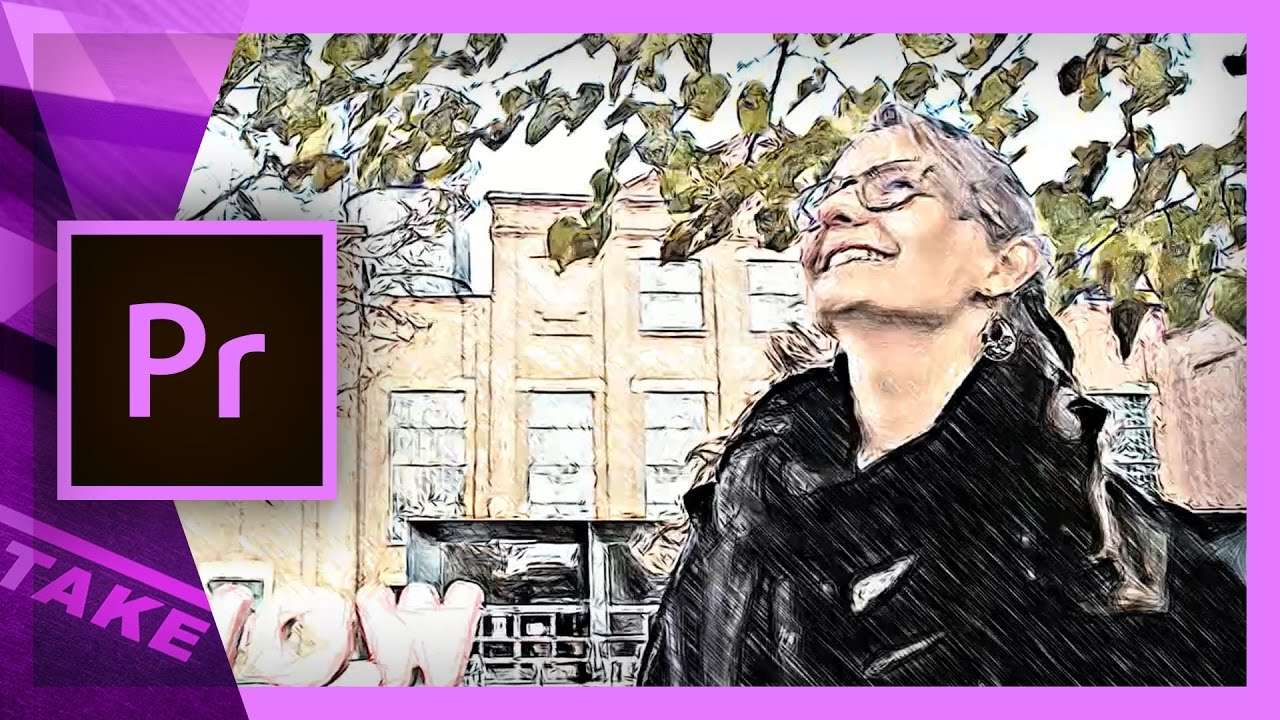
Create a Sketch Video look in Premiere Pro
Create a realistic Sketch look in Adobe Premiere Pro with a plugin from AKVIS. We'll go over the effect options and see how to use it with a mask.
 705K
9:35
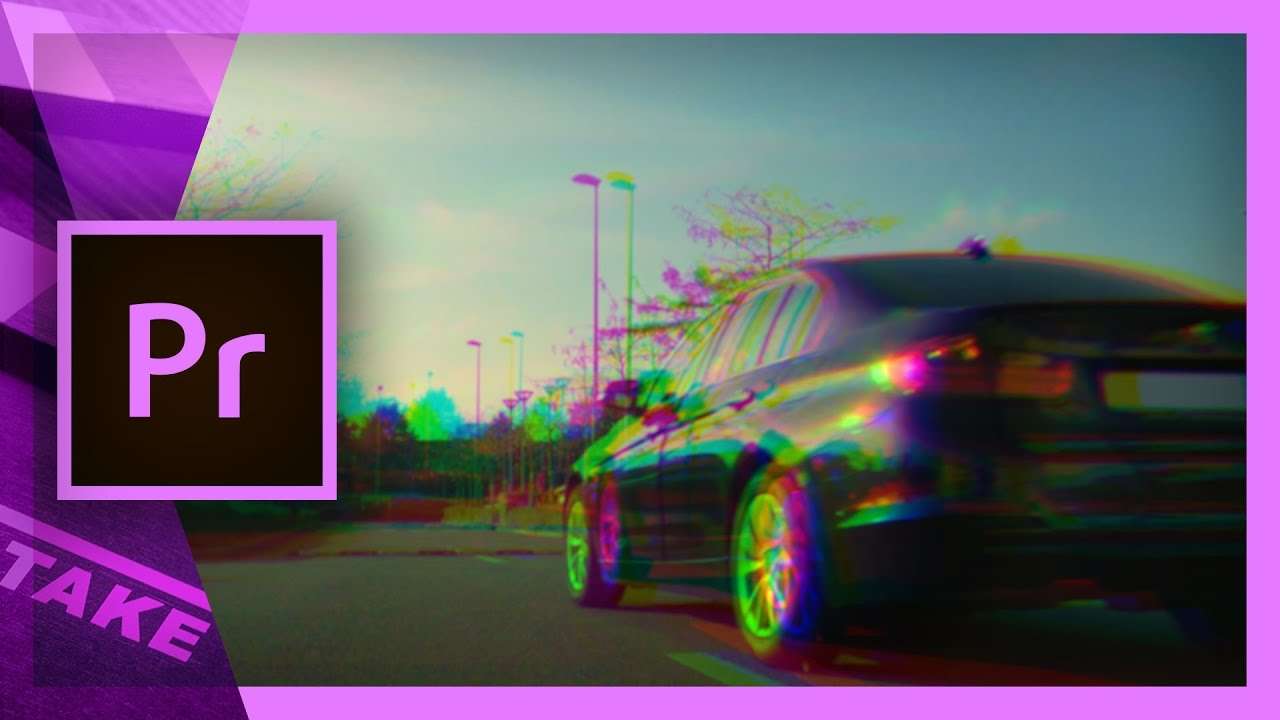
Create a glitch (distortion) effect in Premiere Pro
Offset the RGB channels in Adobe Premiere Pro and create an epic glitch effect. Download the preset from the tutorial to drag and drop the effect.
 3K
2:51
Celebrating 50K Youtube Subscribers + Giveaway
Time for a little party as we're very proud to have 50K Youtube subscribers. And because we celebrate, we also give away our premium courses.
 14K
3:53
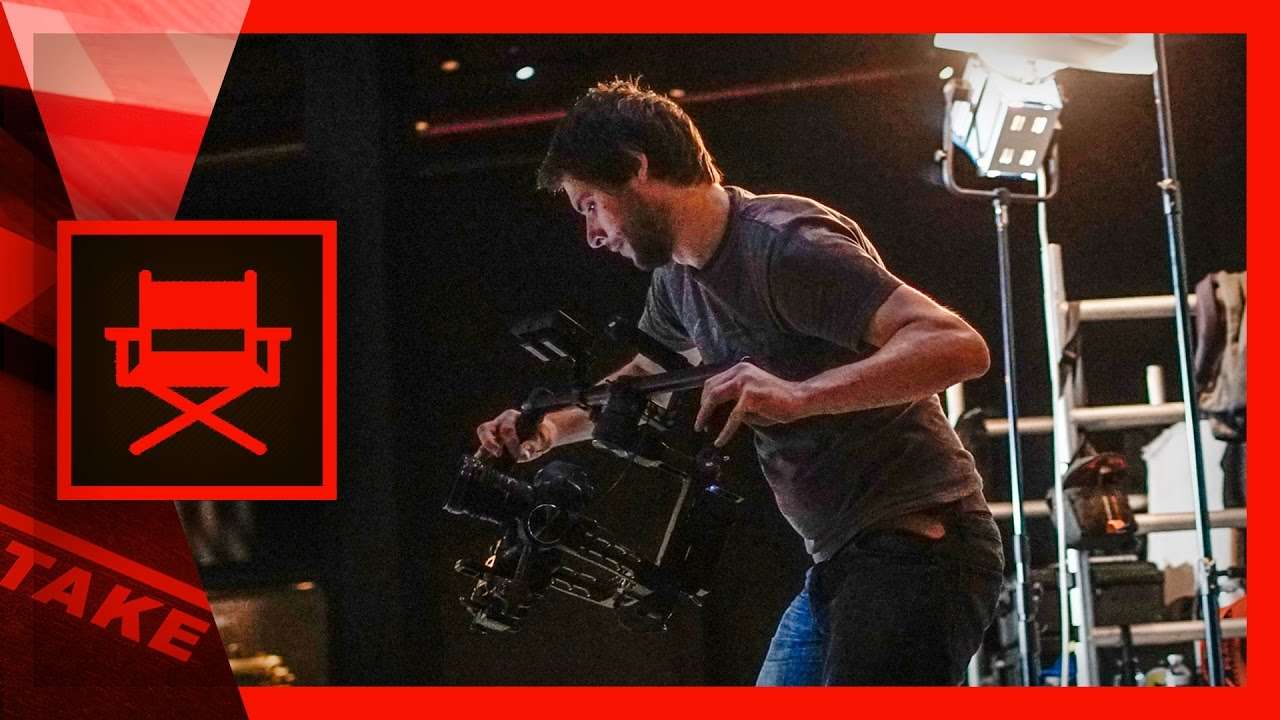
How I did camera and lighting (cinematography)
I was asked to run as DOP for a promotional video and take care of the cinematography. We share some behind the scenes tips on camera and lighting.
 204K
5:58
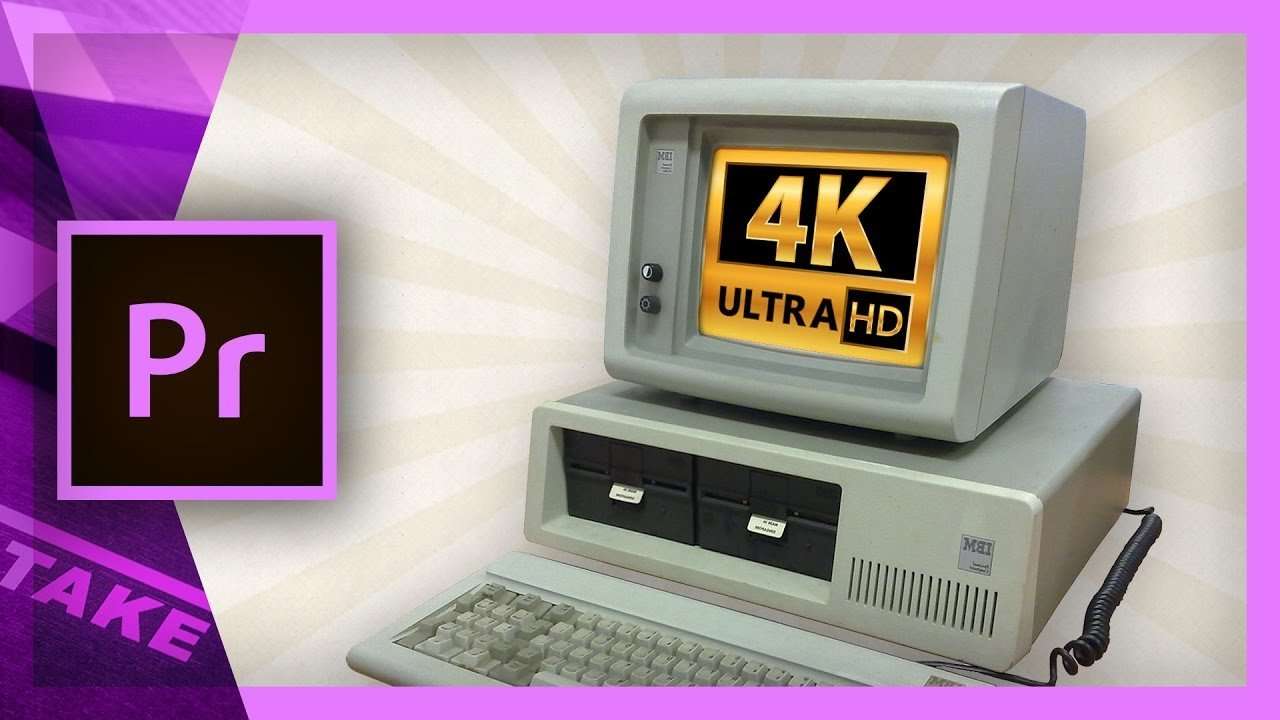
Editing 4K on a slow computer in Premiere Pro
Slow computers and 4K video editing don't go together. But there's an option in Premiere Pro that creates low resolution proxies in a very fast workflow.
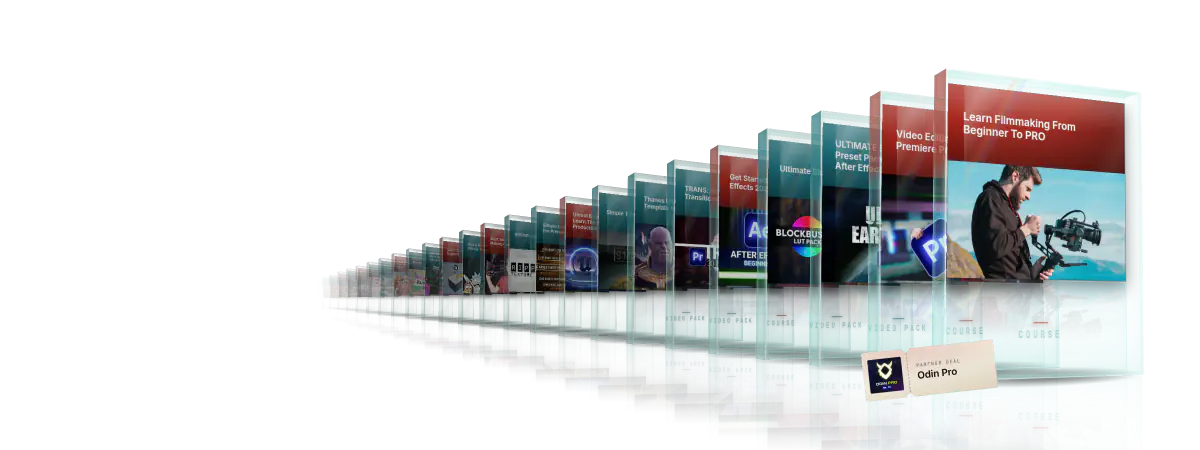
Every course. Every pack. One price.
- 15 courses
- 24 video packs
- 1 partner deal
- Every future release